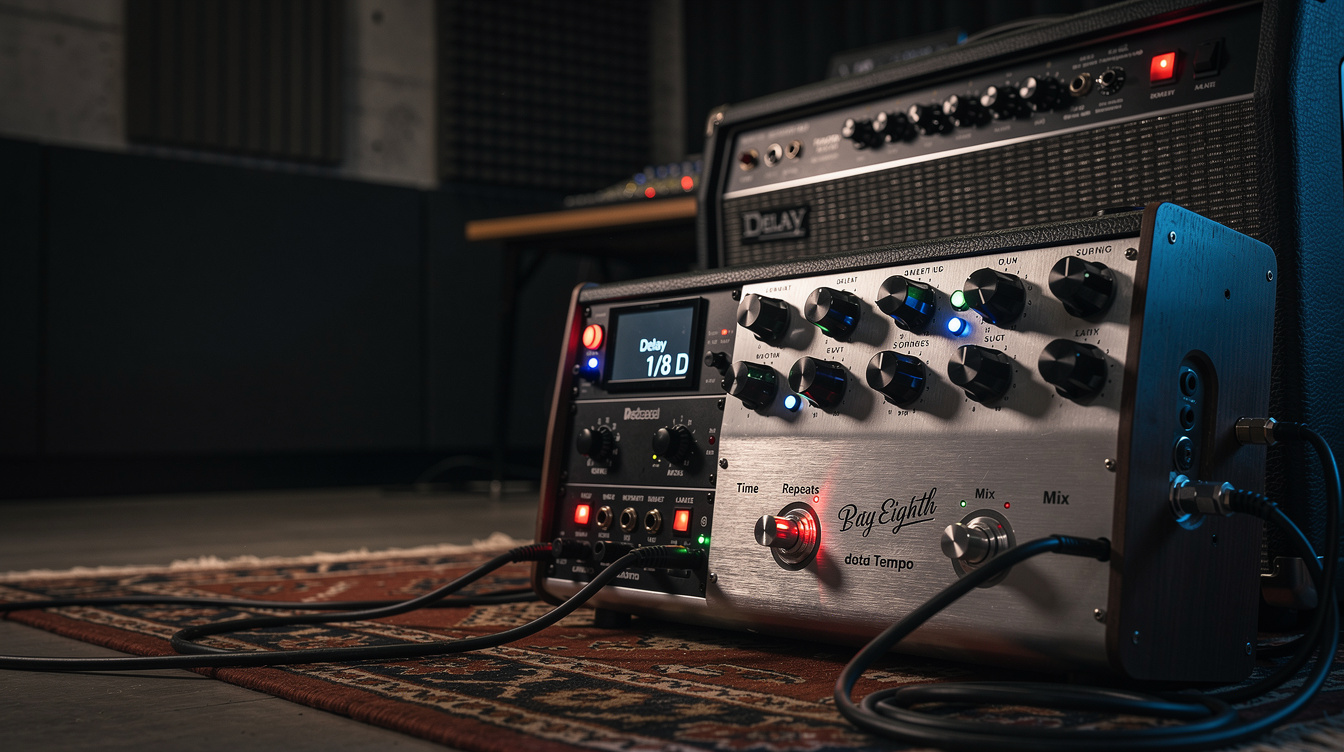
The dotted eighth delay formula is 60,000 ÷ BPM × 0.75 = delay time in milliseconds. Knowing that and being able to set your delay during a twenty-second soundcheck window are two different things.
This post covers what you need when you're playing through a Boss DD-3, a vintage analog delay, or any other unit without a tap tempo button — and for anyone who finds setting delay by ear more reliable than punching in numbers under pressure.
Dotted Eighth Delay Reference Table
Find your song's BPM, read the dotted eighth column.
| BPM | Quarter Note (ms) | Dotted Eighth (ms) | Eighth Note (ms) |
|---|---|---|---|
| 60 | 1000 | 750 | 500 |
| 65 | 923 | 692 | 462 |
| 70 | 857 | 643 | 429 |
| 75 | 800 | 600 | 400 |
| 80 | 750 | 563 | 375 |
| 85 | 706 | 529 | 353 |
| 90 | 667 | 500 | 333 |
| 95 | 632 | 474 | 316 |
| 100 | 600 | 450 | 300 |
| 105 | 571 | 429 | 286 |
| 110 | 545 | 409 | 273 |
| 115 | 522 | 391 | 261 |
| 120 | 500 | 375 | 250 |
| 125 | 480 | 360 | 240 |
| 130 | 462 | 346 | 231 |
| 135 | 444 | 333 | 222 |
| 140 | 429 | 321 | 214 |
| 150 | 400 | 300 | 200 |
| 160 | 375 | 281 | 188 |
| 170 | 353 | 265 | 176 |
| 180 | 333 | 250 | 167 |
Most worship and ambient guitar falls between 65–120 BPM. The three most common dotted eighth settings in practice: 375ms (120 BPM), 450ms (100 BPM), 500ms (90 BPM).
Why the Dotted Eighth Works
A dotted eighth note equals three sixteenth notes — three-quarters of a quarter note. When you play a quarter-note pulse and the delay repeat falls on the dotted eighth, the repeat lands on the "and" of the following beat. Your single pick stroke becomes two rhythmic events offset by an eighth-plus-sixteenth, and those two events create continuous forward motion from minimal playing.
It works rhythmically because the repeat and the original stroke don't compete — they interlock. The delay isn't doubling your part; it's completing it.
The Edge didn't stumble on this pattern accidentally. According to interviews, he identified that dotted eighth repeats against a straight-quarter pulse created the momentum he needed without demanding that he play more notes. Where the Streets Have No Name runs at approximately 126 BPM, putting his delay around 357ms. The exact value matters less than landing in the window — within ±10ms of the target, most listeners (and most ears mid-service) can't detect the difference.
How to Set Dotted Eighth by Ear
Method 1: Listen for the Interlock
Play one note per beat on a steady pulse. Listen to where the delay repeat falls:
- Repeat lands on the beat with your stroke → delay time is too long (at or beyond a quarter note)
- Repeat lands past the "and" into the next beat → delay time is too short (below dotted eighth)
- Repeat lands in the gap between your strokes, on the "and" → you're in the dotted eighth window
Adjust until the repeats and your strokes feel like they're weaving rather than colliding. This takes about thirty seconds once you know what you're listening for.
Method 2: Count the Pulse
Tap the beat four times and estimate the duration. At 120 BPM, four beats take two seconds. At 90 BPM, four beats take 2.7 seconds. From there:
- Estimate the quarter note time in seconds (divide 60 by BPM)
- Multiply by 1,000 for milliseconds
- Multiply by 0.75 for dotted eighth
Most players who do this regularly can estimate 100–120 BPM settings to within ±15ms without a calculator after a few rehearsals.
Method 3: Anchor to One Song
Set the delay so it sounds right on one song you know extremely well — ideally the one in your set where the dotted eighth matters most. Use that setting as your anchor. The dotted eighth relationship is more forgiving of minor tempo variation than a straight quarter note repeat, so a setting dialed for 120 BPM will sound passable at 115 or 125 BPM.
The one caveat: if your set spans tempos from 70 to 140 BPM, this method breaks down. At that range, a fixed delay time will be rhythmically wrong at the extremes. Use the reference table above and set by song, or get a tap tempo.
Practical Starting Settings
If you're setting up fresh with no reference:
| Parameter | Starting Value | Direction |
|---|---|---|
| Delay time | 375ms | Shorter for faster songs, longer for slower |
| Feedback | 2–3 repeats | More for ambient build, fewer for rhythmic clarity |
| Mix (wet level) | 25–35% | Lower if repeats compete with the dry signal |
| Modulation depth (if present) | 0 or very low | Add carefully for analog warmth |
Feedback above 40% causes repeats to accumulate into a wash — useful for ambient guitar, but it erases the rhythmic interlock that makes the dotted eighth useful in the first place. If that wash is actually what you're after — the blooming, reverb-like texture of dream pop rather than a rhythmic pulse — you've crossed into different territory, and stacking a second delay does it far better than one pedal at runaway feedback. See cascading two delay lines for that recipe.
For Modeler Users
If you're on a Helix, Quad Cortex, or HX Stomp, tap tempo solves this entirely — tap the switch to the pulse and set the note value to a dotted eighth (♩·). The modeler handles the math.
For everything else, the table above is the tool. A laminated printout of the 65–130 BPM section taped to the inside of a case lid or the underside of a board has saved more sets than any firmware update.
Internal Links
For the full formula breakdown and an interactive calculator, see our delay time BPM calculator.
For context on how the Edge builds the full delay architecture — not just the dotted eighth value but feedback, mix, and the multiple delay layers — see The Edge's delay settings.