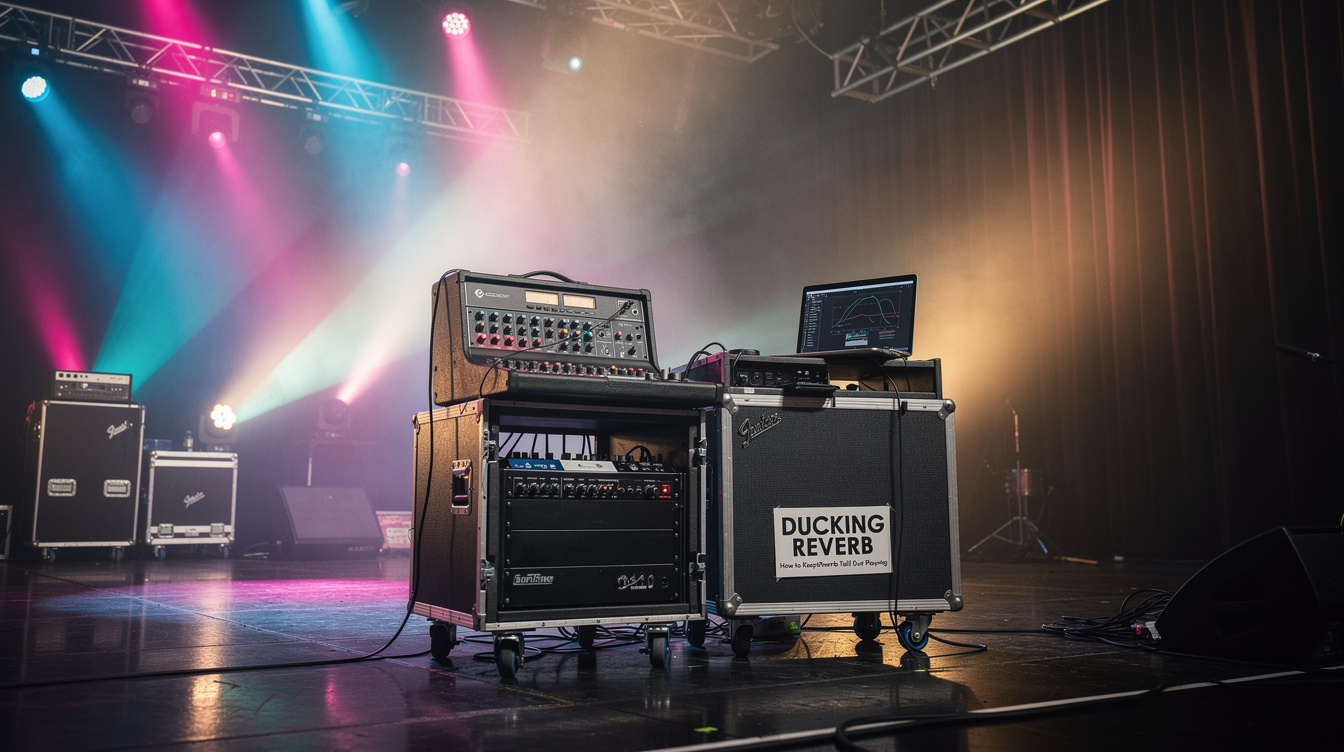
There's a moment in a lot of worship sets where the guitar is supposed to feel enormous — a held chord under a quiet vocal, the air opening up before a chorus. So you reach for a long reverb, set the decay generously, and it sounds glorious right up until you actually start playing through it. By the third chord, the tail of the first one is still hanging in the room, the second is layered on top, and what was supposed to be space has become a fog that swallows every note's attack. A ducking reverb solves this without asking you to give up the size. It keeps the whole tail and simply teaches it to wait for the gaps.
What a Ducking Reverb Actually Does
A ducking reverb pulls its tail down while you're playing and lets it rise back up when you stop. That's the entire idea. While your pick is moving, the wash drops into the background so the dry notes stay defined and out front. The instant you leave a gap — the end of a phrase, a held note, a breath before the next line — the tail swells back up and fills the silence. The reverb lives in the space you leave, not on top of the notes you play.
It does this by listening to your dry signal and using that to control the reverb's output level. If that sounds familiar, it should — it's the same sidechain logic as a key-input noise gate, where a detector watches one signal to decide what to do to another. A gate uses your dry playing to decide when to mute. A ducking reverb uses it to decide how far to turn the tail down. It's also the exact move behind a ducking delay — the only difference is what's on the receiving end. There, it's discrete repeats. Here, it's a continuous wash, and that difference changes how you set it.
The Three Controls
Underneath the branding, every ducking reverb gives you the same three controls layered on top of the normal decay and mix.
- Threshold is how hard you have to play before the tail gets pushed down. Set it too high and the ducking never engages, so you're back to a static reverb drowning your chords. Too low and one quiet note ducks the whole tail away. You want it to trip on your normal dynamics and relax the moment you stop.
- Depth (sometimes Amount or Ducking) is how far the tail drops while you play. A few dB is subtle — the wash just leans back behind the dry signal. A lot pulls it nearly out of the way under your notes and lets it bloom dramatically in the gaps. Around 8 to 10 dB is a natural place to start for a pad.
- Release is how slowly the tail comes back after you stop, and on a reverb this is the control that matters most. A short release snaps the wash back the instant you lift off, which on a long tail sounds like the reverb is pumping or breathing in your face. A long release — 500 ms and up — lets the tail return the way a room slowly fills back in. This is the knob that separates a ducking reverb that sounds natural from one that sounds like an effect doing something to your signal.
Why a Tail Wants Different Settings Than Repeats
Ducking a delay and ducking a reverb feel like the same tool, and mechanically they are. But a delay's repeats are discrete events — distinct echoes with gaps already built in — so they tolerate a quick, decisive release. A reverb tail is one continuous, decaying cloud. If you yank it back up fast, your ear hears the level jump because there's no natural gap to hide the transition inside. The fix is patience: longer release, slightly gentler depth. Where a ducking delay might come back in 300 ms, a ducking reverb usually wants twice that or more before the return reads as the room responding rather than a knob turning.
This is also why ducking does more for a big tail than for a small one. A short, tight plate barely needs it. A cavernous hall — the kind that turns a single chord into Explosions in the Sky territory — is exactly where the wash piles up fastest, and exactly where ducking buys you the most room to keep it.
The Part I Expected to Go Wrong
I assumed ducking would make the pad feel smaller. The logic seemed sound: if the tail spends most of its time pulled down, there's less reverb in the room overall, so the whole thing should feel drier and less immersive. I almost left it off for that reason — a worship pad that feels small is a worship pad that isn't doing its job.
What happened was the reverse. Because the tail only ever surfaces in the gaps, I could push the decay far past where a static reverb turns into soup — a five, six second hall with the mix up near half — and it stayed clear, because all that size was blooming in the silences where nothing was fighting it. To the room, the guitar sounded bigger, not smaller. The space arrived in the exact moments a held vocal or a quiet transition needed it, and then got out of the way the moment I started moving again. I wasn't trading size for clarity. I was getting more of both, because the size had stopped landing in the same place as the notes. The wash was never the problem. The wash colliding with the dry signal was.
That reframed how I set reverb generally. The instinct is to fix a washed-out part by pulling the decay and mix down until the guitar can breathe. Ducking is the other door into the same room: keep the enormous tail, and move it into the gaps instead of shrinking it.
Setting It on a Modeler
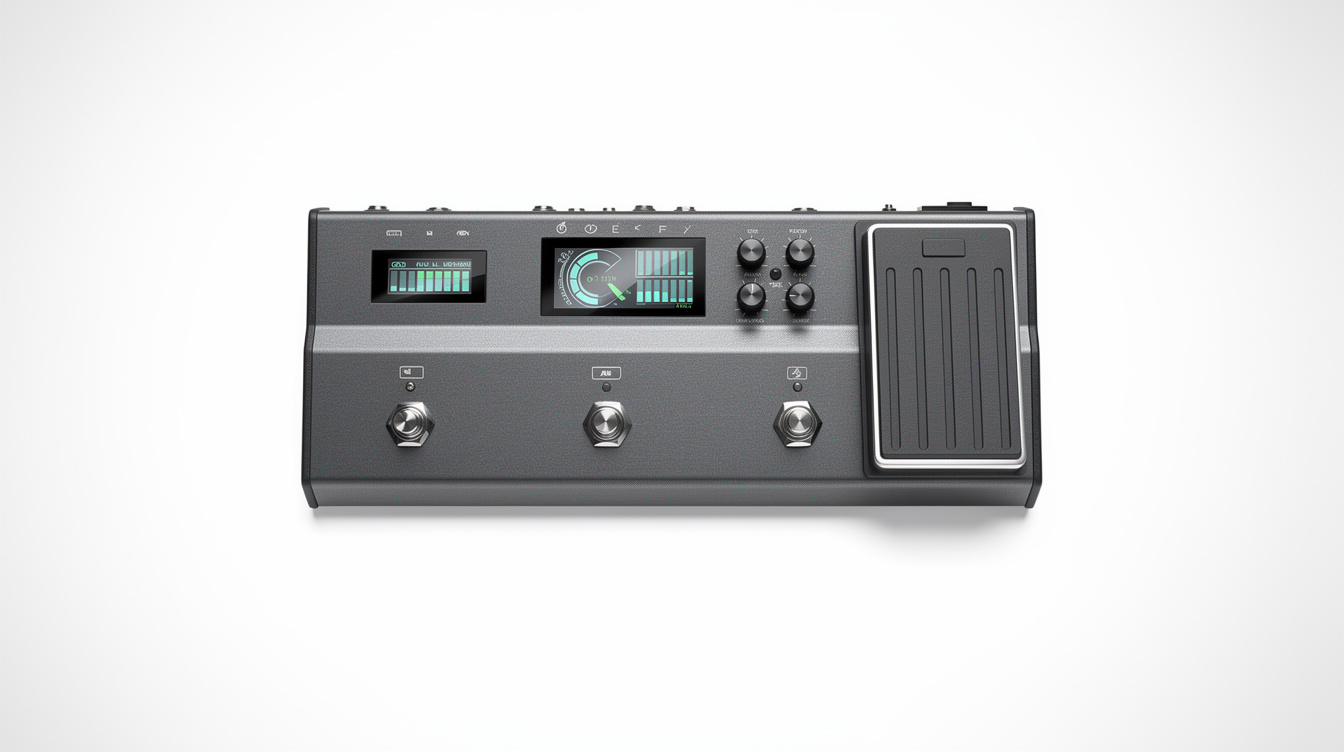
On the Helix, this is built in. The Dynamic Hall and Dynamic Plate models include a Ducking parameter, and several other reverb blocks expose it too — dial your decay and mix the way you normally would, then set the Ducking amount and let the threshold key off your playing. Start with the values in the grid above, set the threshold to your picking dynamics first, and lengthen the release until the tail returns smoothly rather than snapping.
On a Quad Cortex or another platform, look for a reverb engine or parameter labeled ducking, swell, or dynamic — same idea, different name. If your modeler has no ducking reverb at all, you can build one the same way you'd build a ducking delay: put a volume or gain block on the reverb's output and sidechain its control to your dry input, so your playing pulls the wet tail down. That's exactly what the dedicated model is doing under the hood. A lot of flagship reverb pedals include a ducking or swell mode as well, so check the manual before assuming you need a workaround. If you're routing this into a worship rig, the Helix worship tone guide and the worship pedalboard guide cover where the reverb block belongs in the larger chain.
Where this earns its place is anywhere one guitar has to fill a lot of room without crowding the moment — pads under a vocal, sparse ambient parts, the slow build where you want the space to feel endless but every chord to stay legible. Pair it with a volume swell and you get the dry note blooming in while the tail hangs back, then rises in the silence after the phrase ends. Set the threshold to your hands, set the release to the song, and the reverb will learn to wait for the gaps. The room ends up feeling bigger precisely because the guitar got out of its own way.