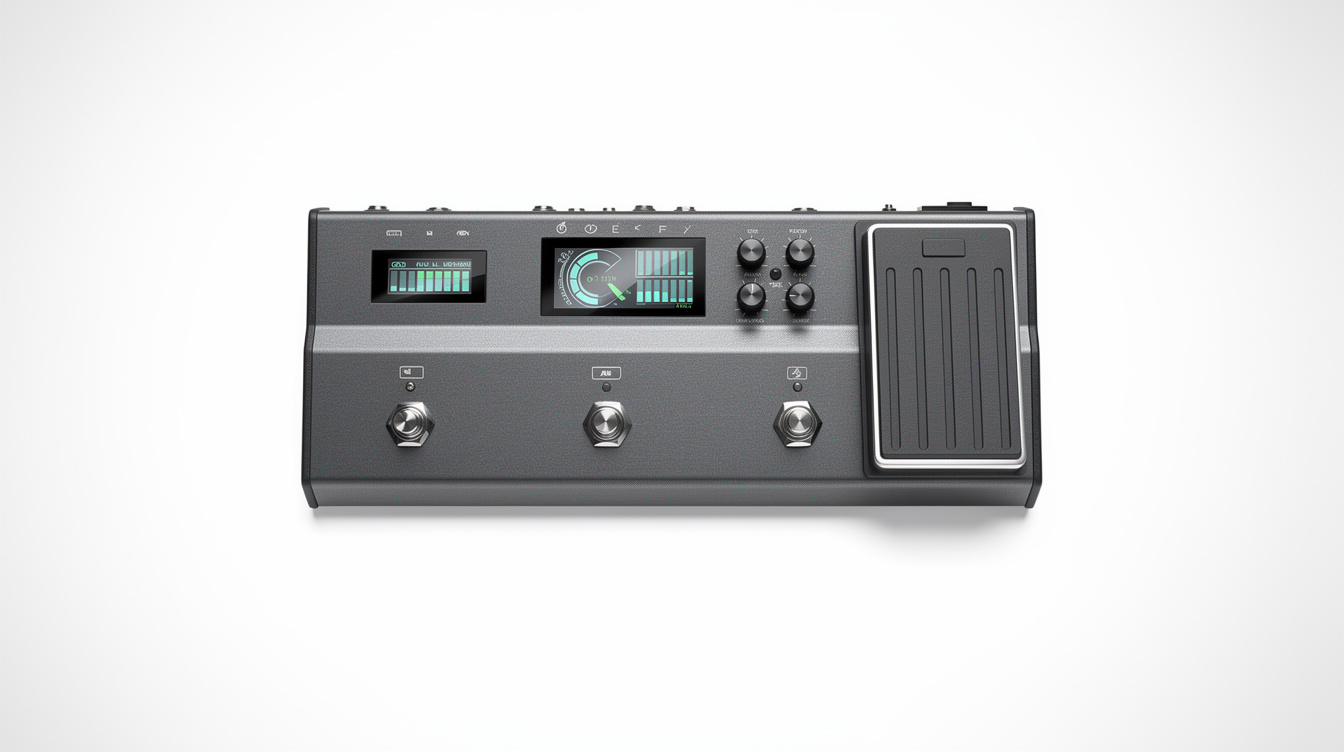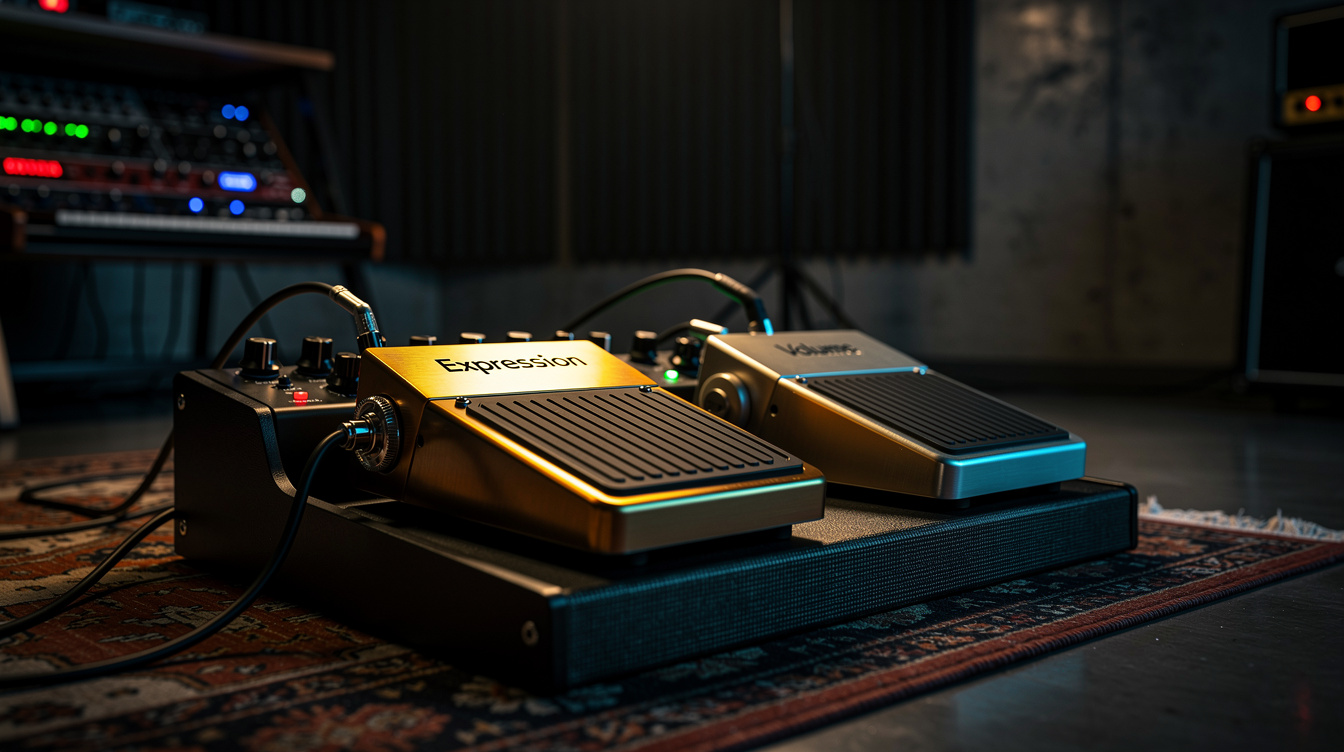
The direct answer: A hardware volume pedal is in the analog signal chain and affects the signal before it enters the modeler — immediate, zero latency, completely independent of the modeler's processing. An expression pedal controls a parameter block inside the modeler — adjustable taper, assignable to multiple parameters, but dependent on the modeler's parameter update rate. Which one you need depends on where volume control fits into your workflow.
The question comes up constantly in modeler forums: do you need a dedicated hardware volume pedal, or can you assign an expression pedal to a volume block inside the Helix, HX Stomp, or Quad Cortex and get the same result?
The honest answer is: sometimes yes, sometimes no. The two approaches are not equivalent, and the difference matters in specific situations.
How Each Approach Works
Hardware Volume Pedal
A hardware volume pedal sits in the analog signal path, typically between the guitar and the modeler's input. When you move the pedal, you're physically varying a potentiometer that attenuates the signal — no processing, no software, no parameter updates. The volume change is immediate and completely analog.
The signal the modeler receives changes in real time. The amp models, drives, and other blocks inside the modeler see a different input level as you move the pedal. This means the modeler's gain structure responds to your pedal movement: backing off the volume with a hardware pedal has the same effect as rolling back the guitar volume — the amp and drive blocks receive a weaker signal.
Expression Pedal (Controlling a Volume Block)
An expression pedal sends a control signal (typically a TRS voltage on a 0–5V range) to a parameter block inside the modeler. That block interprets the voltage and adjusts a digital parameter — in this case, the output level of a gain or volume block.
The signal processing inside the modeler is unchanged. The amp, drives, and effects all process the full-level guitar signal. What changes is the level at the output stage of the selected block.
This has meaningful differences in how the tone responds.
The Practical Differences
Latency
Hardware volume: zero. You move the pedal, the level changes.
Expression pedal: there is a finite parameter update rate. On Helix, the expression pedal refreshes at a rate that most players cannot perceive under normal conditions — it's in the range of milliseconds. For smooth swells, this is not an issue. For very fast movements (sudden kill effects, sharp stops), some players notice a slight softening of the attack edge. This is highly dependent on the specific modeler and firmware version.
For most applications, latency is not the deciding factor.
Gain Structure Response
This is the more important practical difference.
With a hardware volume pedal before the modeler: pulling back changes the input level that all of the modeler's processing receives. If you're running an amp model at the edge of breakup, a hardware volume pedal will clean up the amp as you back off — the same behavior as rolling back the guitar volume knob.
With an expression pedal controlling a volume block after the amp block: the amp model receives the same input level regardless of pedal position. Pulling back to half doesn't clean up the amp — it just makes it quieter. The gain structure is constant.
Which is correct depends on what you want:
| Scenario | Better approach |
|---|---|
| You want volume control that also cleans up the amp (like rolling back the guitar) | Hardware volume pedal before the modeler |
| You want to control output level without changing the amp's character | Expression pedal on a volume block after the amp |
| You want to swell in with clean character at the beginning | Expression pedal placed after the amp, or hardware volume before but with amp set clean |
| You're managing multiple presets at consistent output levels | Expression pedal on an output block |
Taper
The taper of a volume pedal (how the volume responds as you move through the travel range) is fixed by the potentiometer. Most hardware volume pedals use an audio-taper (logarithmic) pot, which is correct for volume control — the volume moves in a perceptually even way across the pedal's travel.
Expression pedals, by contrast, usually have a linear taper — and the modeler maps that linear movement to a parameter range that you can configure. On Helix and HX Stomp, you can set Min Value and Max Value for any expression assignment, and you can configure the controller curve in some models. This gives you more control over feel, but requires setup time.
Platform-Specific Notes
Helix (Floor/LT): Has two expression inputs — EXP 1 (onboard) and EXP 2 (TRS jack for external pedal). Either can be assigned to any assignable parameter. Helix also has a hardware 1/4" Volume/Expression input that accepts a standard TS passive volume pedal directly, bypassing the expression pedal system entirely.
HX Stomp: Single expression input (TRS for active expression, TS for passive volume). You cannot run both a hardware volume path and an expression pedal simultaneously without a Y-cable workaround. If you need both, use the volume pedal placed before the HX Stomp input (analog path) and use the EXP jack for a different assignment.
Quad Cortex: Single expression input (TRS). Same configuration consideration as HX Stomp. The Quad Cortex's volume block can be assigned to the expression input with a minimum of 0% and maximum of 100%, which provides the most transparent software volume control of the three platforms.
When to Use Each
Use a hardware volume pedal if:
- You want the pickup-to-amp interaction that comes from controlling the signal before the modeler
- You play swells and want the most natural swell taper without configuring software curves
- You use multiple modelers or have a hybrid rig where the volume pedal needs to work consistently across signal paths
- You prefer analog components in your chain where possible
Use an expression pedal for volume if:
- You're running direct-to-PA or into IEMs and need consistent output level regardless of tone variation
- You want to assign the same pedal to multiple parameters (e.g., volume on one preset, reverb mix on another)
- You want to configure the taper precisely in software
- You're minimizing hardware on a small pedalboard (HX Stomp is already the full rig)
For a deeper look at how volume pedal technique translates to live use, see The Volume Pedal as a Dynamics Control and Volume Swell Technique. For the specific challenge of managing expression pedal assignments across presets on Helix, the Helix Amp Model Cheat Sheet post has context on how the Helix input system is organized.
The Bottom Line
The expression pedal controlling a volume block and the hardware volume pedal are solving different problems. Neither is universally better.
If you've been using an expression pedal for volume and something about the behavior seems slightly off — the amp doesn't clean up when you pull back, or the swell doesn't quite feel the way it should — a hardware volume pedal placed before the modeler is the fix. If you've been using a hardware volume pedal and wishing you could assign it differently across presets, or configure the taper more precisely, an expression pedal with a properly configured block gives you that control.
Most working modeler players eventually run both: a hardware volume pedal for the gain-structure-interactive volume and at least one expression pedal for other assignments. That's not overcomplicated — it's the right tool for each job.