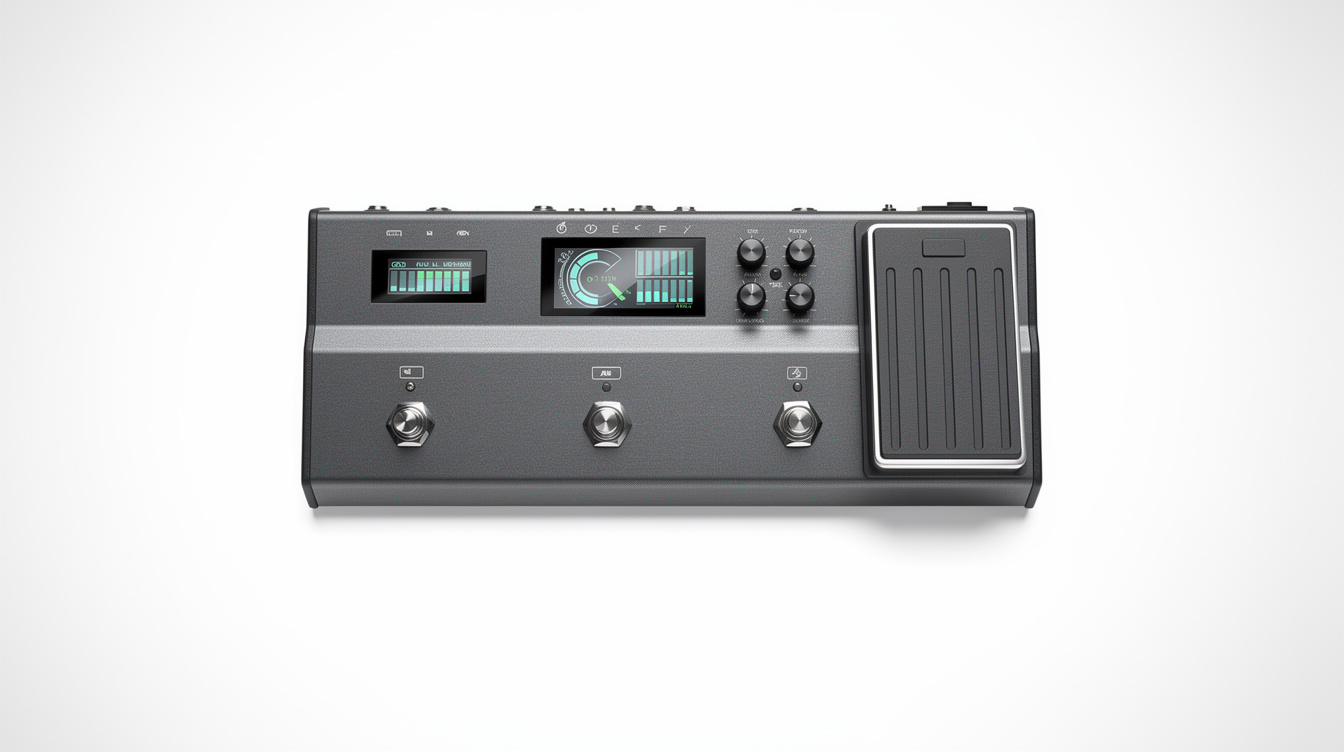
Quick read: Phase Doctor is the CorOS 4.0 utility that automates dual-amp alignment on the Quad Cortex. Build both parallel paths fully, drop Phase Doctor on the merge, and let it measure — it detects polarity inversion and, more importantly, the sub-millisecond time offset between the lanes, then applies the flip and the compensating delay to make the paths sum at full strength. The catch: it automates the fix, not the verification. Confirm the result in mono, because a preset that only sums clean in stereo falls apart the moment front-of-house collapses it.
The dual-amp phase problem has a known manual fix, and now it has a button. CorOS 4.0 shipped Phase Doctor, a utility that measures the relationship between two parallel paths and corrects it automatically — the thing people have been doing by ear, by summing to mono and nudging delays, packaged into an analysis pass. Neural DSP modeled it on the Little Labs IBP, the analog phase-alignment box studio engineers have reached for on multi-mic sources for years, which tells you the lineage: this is a real alignment tool, not a polarity toggle with a fancy name. It is genuinely useful, and it is also easy to misunderstand what it is doing under the hood, which is how you end up trusting a result you should have checked.
Let me walk you through what it measures, how to run it, and where it still needs your ears. If you want the full theory of why two amp paths cancel, the phase cancellation breakdown covers the comb-filter math; this post assumes you have read it and wants to get the QC-specific tool right.
What Phase Doctor Is Actually Measuring
Two parallel paths merging into one output add together sample by sample. When they are aligned, they reinforce. When they are not, they subtract, and the merge comes out thinner than either path alone. There are exactly two ways they get misaligned: polarity (one path flipped upside down) and time (one path arriving slightly late). Phase Doctor measures both.
The polarity check is the easy half. The utility compares the two waveforms and determines whether one is inverted relative to the other. That is a yes-or-no answer, and a polarity flip applied by software is identical to one you flip by hand.
The time check is the half that earns the name. Two paths with different block counts process at different latencies — a lane with a drive, an EQ, and a cab finishes later than a lane with just an amp and a cab. Different cab IRs have different impulse start times on top of that. The result is a sub-millisecond offset between the lanes, and Phase Doctor measures that offset and applies a compensating delay to the earlier path to pull them into line.
I went in assuming the polarity detection was the headline feature and the time alignment was a nicety. It is the reverse. On the dual-amp presets I tested, both paths were already upright — polarity was never the issue. The correction that actually restored the body was a 0.3 ms delay on the sparser lane. The time component was doing the damage the whole time, and it is exactly the part you cannot eyeball.
Running It: Order of Operations
Phase Doctor compares two real signals, so the paths have to exist before it can analyze them. Build first, align second.
- Build both parallel lanes completely. Place your amps, cabs, drives, and EQs on each path. Get them sounding the way you want in isolation. Phase Doctor corrects the relationship between finished paths — it is not a substitute for dialing the amps.
- Set both lanes to center pan at the merge. You are aligning for the mono sum, so the paths need to actually overlap. Hard-panned lanes never meet, which hides the problem you are trying to fix.
- Invoke Phase Doctor on the recombine point. It runs its analysis pass, measures the polarity state and the time offset, and reports what it found.
- Apply the correction. The utility flips polarity if needed and inserts the compensating delay on the appropriate path.
That is the whole workflow on the unit. It takes seconds, which is the point — the manual version of this is a careful five-minute pass of flipping and nudging.
Verify in Mono — Every Time
Here is where the automation stops and your judgment starts. Phase Doctor optimizes the relationship it measured. It does not know what your preset is going to play through. You do, and the answer is almost always "a mono sum at some point" — a phone speaker, a single wedge, a front-of-house engineer collapsing your stereo rig to a mono fill.
So you confirm the fix the same way you would confirm a manual one.
- Sum the QC output to mono.
- Solo path A, then path B. Both should sound full on their own.
- Un-solo and listen to the merged sum. It should be as full as or fuller than either path alone.
If the mono sum is full, Phase Doctor did its job and you are done. If it still sounds scooped, something changed after the analysis pass — you edited a block, swapped an IR, or added a drive that shifted the latency. Re-run it. The tool is fast enough that re-running after any structural edit costs you nothing.
When to Skip It and Do It by Hand
Two cases. First, if you are on Helix or any modeler without this utility, the manual method is the same logic: sum to mono, flip polarity and keep the fuller version, then delay the earlier path in 0.1 ms steps until the body locks in. Phase Doctor is a convenience layer on top of that procedure, not a capability you lack without it.
Second, even on a CorOS 4.0 Quad Cortex, do it by hand when you are trying to learn what the offset sounds like. Running the manual nudge once — hearing the presence range fill in as you walk the delay through 0.1, 0.2, 0.3 ms — teaches you to recognize a time-offset notch by ear in a way that pressing a button never will. After that, let the tool do it. But the first time, feel it.
The order that matters most has not changed. Align the paths, confirm the sum in mono, then reach for the compressor on the bus. Phase Doctor just made the first step faster. For building the split cleanly in the first place, the parallel amp routing walkthrough covers the structure the whole thing rests on.