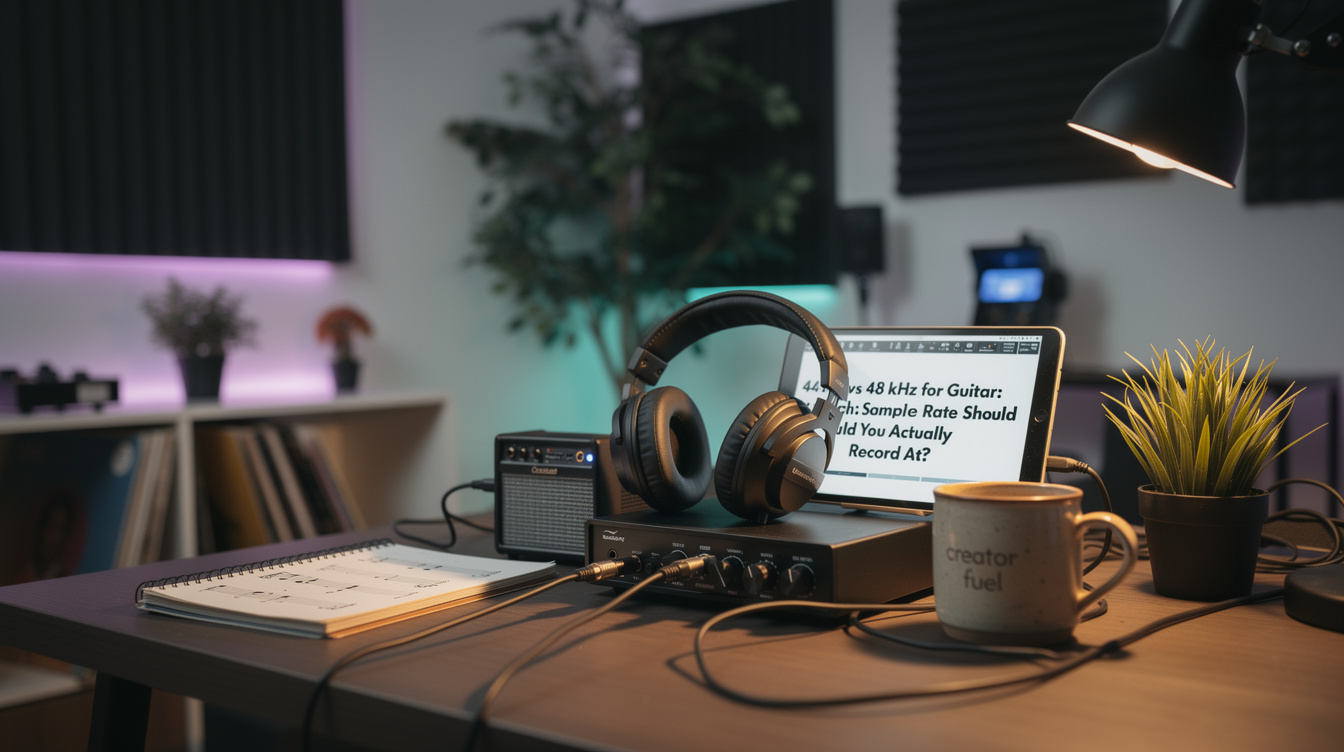
The difference between recording your guitar at 44.1 and 48 kHz is not a tone difference. That's worth putting up front, because most of the arguing about sample rate is really arguing about a sound nobody can hear. Both rates capture frequency content far above where a guitar lives and far above where your ears stop — 44.1 reaches up to about 22 kHz, 48 to about 24, and human hearing gives out around 20. That extra sliver 48 kHz buys you sits in a band no guitar produces and no one perceives. It's real on the spec sheet and silent in the room.
So this isn't a fidelity question. It's a logistics question, and once you see it that way the answer gets simple: record at the rate of wherever the track is going, and try not to resample it more than once.
Where the Track Is Going Decides the Rate
Think about the destination before you think about the number.
- Streaming or CD, no video: 44.1 kHz. It's the CD standard, and it's the master rate most lossless streaming runs on, so your file lands where it's going without a conversion in the middle.
- Anything with video — YouTube, film, sync, a podcast: 48 kHz. Video is 48 kHz everywhere, and if you deliver 44.1 into a video pipeline, something in the chain resamples it. Start at 48 and skip that.
- Genuinely don't know yet: 44.1. Most bedroom-produced guitar ends up on streaming, and starting there means the common case needs no conversion at all.
That's the whole decision tree. The rate isn't chasing quality; it's avoiding a resample. Which brings us to the part that actually matters.
The Thing That Can Really Degrade the Sound
Sample-rate conversion — resampling — is the one place in this whole conversation where audio quality is genuinely on the line. Not the rate. The conversion between rates.
Here's what surprised me, because I got it backwards for a while. I was convinced 48 kHz sounded a touch clearer than 44.1 on my guitar bus — more air, a little sharper on the top of a clean chord. So I tracked everything at 48 for a few months. Then I finally null-tested it: recorded the same DI at both rates, converted the 48 file down to 44.1 to line them up, flipped the polarity, and summed them. If they were different, I'd hear the leftover. What I heard was essentially nothing — the two cancelled down to a whisper of ultrasonic conversion residue I couldn't hear on playback.
The "clearer" thing I'd been chasing wasn't the sample rate. It was that the first time I'd compared them, months earlier, I'd resampled one file with a lazy real-time conversion and heard the artifacts of that bad conversion as a difference in the rate. The rate was never the variable. My conversion was. That's the trap, and it's why the practical rule is: pick your delivery rate, record there, and let the audio stay at one rate from tracking to export. If you must convert — a 48 kHz video project that also needs a 44.1 streaming master — do it once, at the very end, with your DAW's high-quality offline resampler, not the on-the-fly one.
Don't Confuse Sample Rate with Bit Depth
This is where a lot of good advice gets tangled, so it's worth pulling apart cleanly.
- Sample rate (44.1 vs 48 vs 96 kHz) is how many times per second the audio is measured — it sets the highest frequency captured. Changing it uses sample-rate conversion.
- Bit depth (24-bit vs 16-bit) is how finely each measurement is graded — it sets the noise floor and dynamic range. Reducing it uses dithering.
Dither is the low-level noise you add when you drop from a 24-bit mix to a 16-bit file so that quantization doesn't leave grainy little errors in the quiet parts. It has nothing to do with sample rate. You dither when you export to 16-bit for a CD; you don't dither when you go from 48 to 44.1. If you're making a CD from a 48 kHz, 24-bit session, you do both, in one export: resample to 44.1 and dither to 16-bit. Two operations, two reasons, one bounce.
Track at 24-bit regardless of your sample-rate choice, by the way — that's the setting that actually gives you headroom to record guitar without stressing your levels, and it's a separate lever from the one this whole post is about.
The One Setting Habit That Prevents Most of This
Set the project rate before you record the first note, and set it once. A session that mixes 44.1 and 48 kHz files forces your DAW to resample the odd ones out on the fly, which is exactly the uncontrolled conversion you're trying to avoid. It works the same way in every DAW — Ableton, Logic, Reaper, whatever's open — because this is a project-level decision, not a plugin. Pick the rate for the destination, set the whole session to it, and import or record everything at that rate.
If you want the deeper version of the latency side of this — whether a higher rate makes your monitoring feel tighter — that's its own thing, and the short answer is mostly no; the 96 kHz latency breakdown and the recording latency budget guide cover why the round-trip barely moves.
For the actual question here — 44.1 or 48 — let the destination pick, default to 44.1 when there's no video, and then forget about it and go make something. The sample rate was never going to be the reason the track sat right or didn't. That's mixing, and arrangement, and the guitar part itself. This one's just plumbing... get it right once and it disappears.