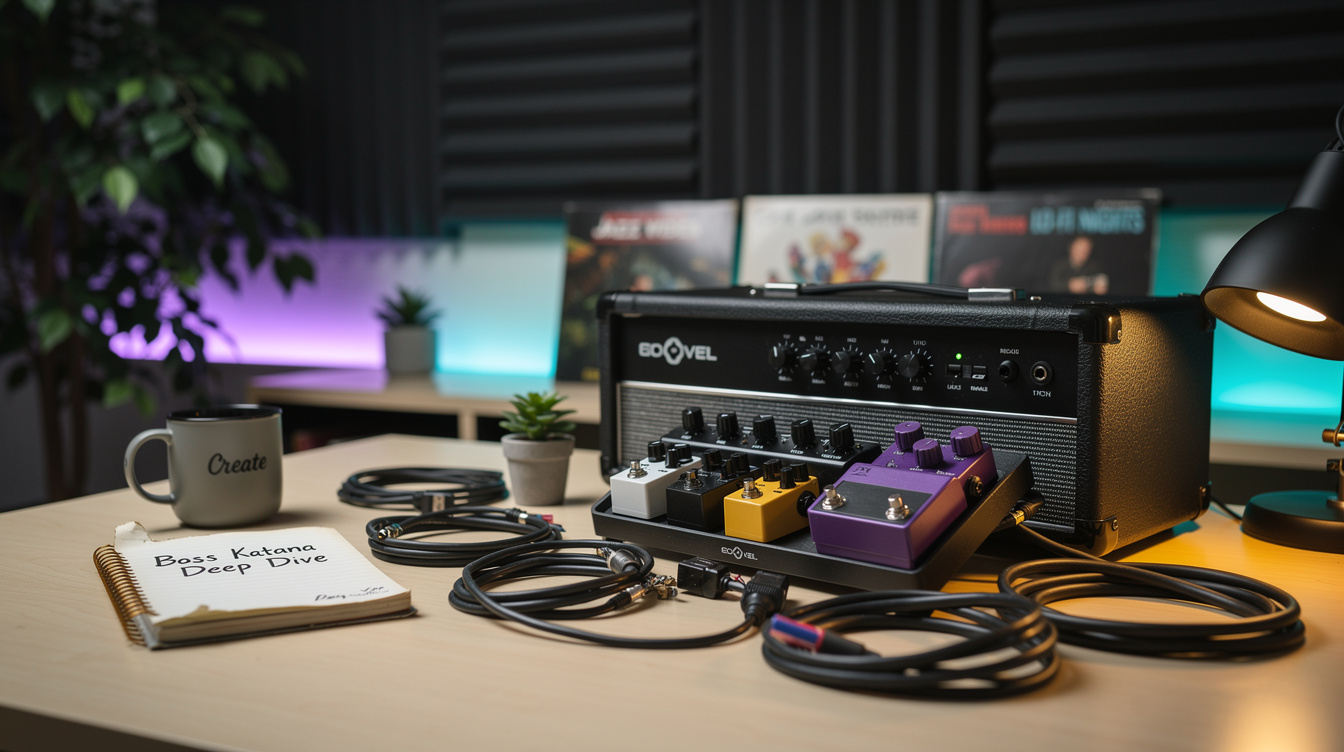
Start Here: These 7 Katana settings are the difference between a decent practice amp and an amp that actually sounds like what you want. Six of them require Tone Studio. Download it once and it opens a completely different amp.
The Boss Katana is one of the best-selling amplifiers in the world right now. A lot of players buy it, plug in, find a passable sound, and stop there. That's a shame, because the front panel is roughly 30% of what this amp can do.
The remaining 70% lives in the BOSS Tone Studio software, a free desktop app that unlocks effect slots, routing options, and settings controls that the hardware panel doesn't expose. Most of those settings stay wherever you last set them, even after you unplug the computer. You set them once. They live in the amp.
This is the version of the Katana that's actually worth playing.
Setting 1: Power Control (Get Your Tone at Bedroom Volume)
This one is on the front panel but almost nobody uses it correctly.
The Katana 100/212 and Katana-50 have a Power Control that lets you step down the output wattage. On the Katana-100: 100W, 50W, 0.5W; on the Katana-50: 50W, 25W, 0.5W. Most players set it to 50W and forget about it.
Here's why 0.5W matters: the Katana's amp characters (Crunch, Lead, Brown especially) are designed to sound best with a certain amount of power section saturation. At 100W through a 12-inch speaker, that requires significant volume. At 0.5W, you can get the power section working appropriately at a level that won't get you evicted.
This is not just "lower volume." The way the amp responds to pick dynamics, the way it compresses and breathes under your playing; these change as the power section engages. At 0.5W and a volume setting that fills a small room, the Crunch character starts to do what a real crunch does.
The catch: 0.5W still runs through the same speaker. If you're playing through headphones, the Power Control doesn't affect the headphone output the same way. For true silent practice, that's a different setting (covered below).
Setting 2: Noise Suppressor Depth (Tone Studio Only)
The Katana has a built-in noise suppressor. You'd never know it from the front panel, because there's no control for it there at all.
It lives entirely in Tone Studio, where you can set the suppressor threshold and decay individually for each channel preset. This is the difference between a noise gate that sounds like a gate and one that sounds natural.
The Tone Studio noise suppressor controls:
- Threshold: How loud the signal has to be to "open" the gate. Lower threshold = gate opens more easily (for moderate pickup noise). Higher threshold = gate only opens on strong playing (for high-gain scenarios with lots of background noise).
- Release: How fast the gate closes after your note decays. Too fast = choppy, unnatural cutoff. Too slow = buzzing and hiss bleed through between notes.
A metal player with an active pickup and high gain needs a completely different setup than a clean player with single coils. Tone Studio lets you configure both, save them to different channels, and switch between them instantly.
Default settings when you pull up a new Tone Studio preset tend to put the threshold too high and the release too fast. Both of those need adjustment.
Setting 3: Amp Variations (Five More Amps Hiding Behind One Button)
The Katana MkII and Gen 3 have a Variation button next to the amp type selector. Most players either ignore it or assume it's a minor tone tweak on their main channel (a slight brightness boost or a bit more gain).
It isn't. Each of the five amp characters hides a second, fully distinct voicing behind that button — five more amp sounds on top of the five on the dial. Clean's variation is a different clean, Brown's variation is a different high-gain voice, and so on. It's not a freely programmable second preset (your effects and gain structure stay put when you toggle it), but the voicing change is bigger than most players expect, and the variation state saves with each channel preset, so two presets can sit on two different voicings of the same amp character.
The obvious use case: main preset on the standard Crunch voicing for rhythm, a second preset built on the Lead or Brown variation for solos, switchable from the channel buttons or a GA-FC.
What caught me off guard was how good some of the variations sound when you actually build a preset around them rather than toggling mid-song. I ignored the button for years. Once I built a dedicated preset on a variation voicing in Tone Studio, I stopped using any outboard pedal for leads.
Setting 4: Effects Routing and Chain Order (Tone Studio)
The front panel shares its knobs between effect pairs (Booster/Mod, FX/Delay, plus Reverb), so panel-only players rarely run more than three effects at once. Tone Studio opens up five independent blocks — Booster, Mod, FX, Delay, and Reverb, all usable simultaneously on MkII and Gen 3 — with over 60 effect types to assign across them, plus routing options.
The critical insight: you can change the order of effects in Tone Studio. This matters for the same reasons pedal board routing matters:
- Compression before drives vs. after
- Modulation before or after delay
- Reverb entirely post-chain vs. placed mid-chain
The default routing is logical but generic. Once you understand what you're trying to do tonally, the ability to reorder effects without physically rewiring anything is significant.
For example: a chorus placed after the reverb produces a washy, unstable sound. The same chorus before the reverb produces a modulated signal that feeds into the reverb's decay; cleaner, more spacious. Both settings are available from the same hardware. Neither is accessible from the front panel alone.
Setting 5: USB Audio Recording (Dry + Processed Simultaneously)
The Katana has a USB output. Most players use it to connect to Tone Studio. Fewer use it as an audio interface for recording.
The USB output sends two signals: the processed amp sound (with all your effects) and a clean dry signal. Both arrive simultaneously in your DAW as separate tracks. This means you can record your playing with amp tone for instant playback, while also capturing a clean DI track you can re-amp or run through plugins later.
This is genuinely useful for anyone recording demos or ideas. You don't need a separate audio interface. You don't need to commit to a tone at the time of recording. The dry signal exists and can be processed later.
The resolution isn't audiophile-grade, but it's fully workable for demos and for capturing ideas quickly. I've had sessions where I recorded fifteen minutes of ideas on a Thursday night, spent Saturday listening back through the DI track and deciding which parts to keep, then ran those parts through a different amp setup. The Katana was the capture device, not the final tone source.
Setting 6: Boost Level (Beyond the Defaults)
The Katana's Booster section has three front-panel color variations, and in Tone Studio you can assign any booster type from the full list — clean, mid, and treble boosts up through drive and distortion voicings. Most players know this. What they don't know is that the boost level itself is adjustable in Tone Studio; it's not a fixed jump.
The default boost level is quite hot. This works for situations where you want a dramatic jump (from a quiet lead tone to a prominent one, or from a clean rhythm to a heavier rhythm). But for subtle boost use (say, a +3 to +5dB level bump for solos where you don't want a tonal change, just more presence), the default boost overshoots.
In Tone Studio, you can set the boost level per-preset to whatever dB increment works for your application. A +6dB mid boost for lead work, a +3dB full boost as a presence enhancer for recording; these are now separable and repeatable.
Setting 7: Effects Loop Integration With the Internal Effects
On Katana models with an effects loop (the 100-watt models and the Artist), the loop can be used to insert external pedals into the chain at a specific position. This is standard. What's less obvious is that in Tone Studio, you can set where in the effects order the loop appears.
By default, the effects loop is positioned toward the end of the chain, after the drive blocks and before the reverb. This is the most common configuration for traditional amp effects loops (time-based effects after drives). But if you want to run outboard gear (a compressor, an EQ pedal, an overdrive) in the loop and have it interact with the amp's internal effects differently, Tone Studio lets you reposition the loop block within the effects order.
The practical application: I run a specific EQ pedal in the effects loop, positioned pre-drive in the effects chain. It shapes the frequency content entering the Katana's internal amp character, which changes the distortion behavior. Same principle as running a Tube Screamer before a high-gain amp. The EQ is in the loop (for practical connection reasons), but positioned in the effects chain where it functions as a pre-drive shaper.
The Tone Studio Workflow: Once and Done
Let me head off the obvious objection: yes, this requires connecting a laptop once per preset to set things up. That's it. Once the settings are saved to the amp's memory, the laptop goes away. You're not live-editing in Tone Studio at a gig or during a session. You build the preset, save it to the amp, and the amp works independently from that point.
The free download is at the BOSS Tone Studio website. Setup takes about 10 minutes. Connecting the Katana via USB is plug-and-play on both Mac and Windows with current firmware.
If you've been using your Katana with only the front-panel controls, you are playing a different amp than the one you bought.
Frequently Asked Questions
Does Tone Studio work with all Katana models? Yes. Katana-50, Katana-100, Katana-100/212, Katana-Artist, the MkII versions, and the Gen 3 models — though each generation pairs with its own version of the Tone Studio app. Some features are model-specific, but Tone Studio supports the entire current lineup.
Do settings saved in Tone Studio survive a factory reset? No. Factory reset clears user presets. Back up your presets through Tone Studio's export function before performing a reset.
Can I use the Katana as a USB audio interface for live performance? The USB connection is primarily for Tone Studio control and recording. It's not a low-latency live monitoring interface; there's enough USB processing delay to make real-time monitoring through the computer impractical. Use the amp's headphone output for real-time monitoring; use USB for recording capture.
Is the Tone Studio app available for iOS/Android? There's a BOSS Tone Studio app for iOS and Android with Bluetooth connectivity on some Katana models. The full Tone Studio feature set (including effect routing and detailed parameter editing) is available on the desktop version. The mobile app has a more limited interface.
Can I import third-party IRs into the Katana? No. Unlike the Helix, the Katana doesn't support user-importable impulse responses. The cab simulations are part of the amp character voicing and aren't user-replaceable. If IR flexibility is important to your workflow, that's a meaningful difference between the Katana and dedicated modeler platforms.