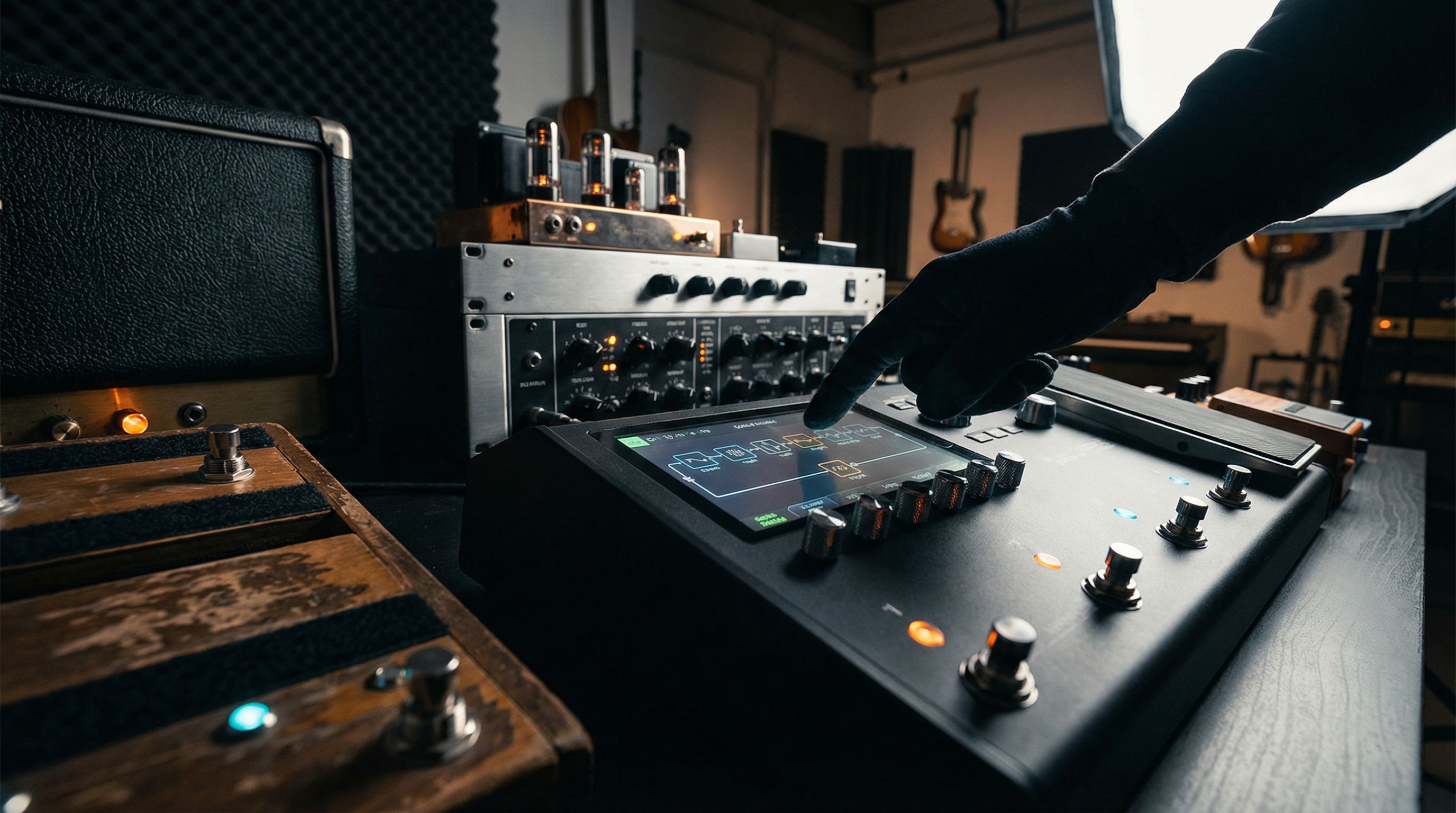
Building a Quad Cortex preset from scratch is a fundamentally different task than dialing in a tube amp. The platform gives you complete signal path control (which is powerful, and if you're new to it, temporarily paralyzing). This guide walks you through the complete build process: from an empty chain to a preset that sounds right and actually translates outside your practice room.
Start Here: Quick Version
- Start with an empty chain, not a factory preset
- Signal path order: Noise Gate → Drive (optional) → Amp → Cab IR → EQ → Modulation → Delay → Reverb
- Set amp input gain before touching any tone controls
- A/B against a reference track before adding post-amp processing
- Global EQ is separate from per-preset EQ; understand which one you're touching
Need something usable in the next 10 minutes? Jump to Your First Preset in 10 Minutes.
Your First Preset in 10 Minutes
Ten minutes, one usable preset. Here's the path.
- Create a new preset. Tap the wrench icon → Preset → New. Name it something you'll recognize.
- Add an amp block. Tap an empty slot, select Amps, and pick a clean model to start (the Cali Rectifire Clean or USA Clean are solid anchors for most styles).
- Add a cab block immediately after the amp. Direct-to-PA or headphone use requires cab simulation. Pick any 2x12 IR from the stock library at defaults.
- Set input level. Tap the amp block and watch the input meter. Aim for consistent orange on hard picks, not red. Reduce the amp's Input parameter or roll back your guitar volume if it's clipping.
- Play for two minutes before touching anything else. Your ears need a reference point before you start chasing a sound. Give them one.
That's a working preset. Everything below builds on that foundation.
Why Build From Scratch Instead of Editing a Factory Preset?
Factory presets on the Quad Cortex are demo content. They're engineered to sound impressive in isolation: heavily processed, ambient, and optimized for solo playback through studio monitors at moderate volume. In a live FOH mix, or in a recording session where your guitar has to share frequency space with anything else, they fall apart.
Building from scratch forces you to understand what each block is actually doing. That knowledge pays back every time you need to edit a preset later, or diagnose why something stopped working.
The Signal Path Architecture
Before placing a single block, understand the structure you're building toward.
| Position | Block Type | Purpose |
|---|---|---|
| 1 | Noise Gate | Kill floor noise before it hits any gain stage |
| 2 | Drive/Overdrive | Pre-amp coloring (optional; add only if you're using it) |
| 3 | Amp | The core of the preset |
| 4 | Cab IR | Speaker simulation (never skip for direct use) |
| 5 | EQ | Post-cab frequency shaping |
| 6 | Modulation | Chorus, phaser, vibrato |
| 7 | Delay | Time-based effects |
| 8 | Reverb | Ambience (always last in the chain) |
The Quad Cortex supports up to 8 processing blocks per row, with an optional parallel row for more advanced routing. For your first preset, stay on a single row. Parallel routing is a separate conversation.
What "After the Amp" Actually Means
The amp block in a modeler is simulating the preamp and power amp sections together. Everything you place after it is, in real-world terms, post-power-amp, equivalent to running through an amp's effects loop. Modulation, delay, and reverb belong there. Drive pedals belong before the amp. This isn't a stylistic preference; it's how these effects physically interact with a signal, and the modeling reflects that.
Step 1: Noise Gate
The first block in any preset should be a noise gate. Set the threshold just high enough to eliminate floor noise between notes without affecting your attack.
Starting settings:
| Parameter | Starting Point | Adjust If... |
|---|---|---|
| Threshold | About -70 dBFS | Noise bleeds through: raise it |
| Release | Around 50ms | Cutoff sounds abrupt: increase it |
| Attack | Around 5ms | Gate is softening your pick attack: lower it |
One thing that catches people off guard: high-gain amp models amplify your floor noise significantly. A threshold that works with a clean amp will need to be higher once you add gain. Revisit the gate after you've set the amp parameters.
Step 2: The Amp Block (Input Gain First, Everything Else Second)
The amp block is where most people spend too much time on tone controls before getting the input level right. Don't make that mistake.
Before you touch any tone controls (bass, mid, treble, presence, resonance), set the amp input gain to the correct level. The input meter on the amp block should peak in the orange range on hard picks, consistently, without touching red. Get this right first.
Then, once input level is set:
Amp tone control starting points (adjust per model):
| Parameter | Starting Point | Notes |
|---|---|---|
| Gain | About 9 o'clock | For clean tones. Move higher for drive. Set after input level. |
| Bass | Around noon | Flat starting point; adjust last, low end is room-dependent |
| Mid | Around noon | Boost slightly for cut in a mix; cut for scooped modern sounds |
| Treble | Around noon | Reduce if preset sounds harsh through headphones |
| Presence | About 9 o'clock | Controls high-frequency feedback path; aggressive on many models |
| Master | About 2 o'clock | Power amp saturation. Raising adds warmth and compression. |
A specific note on Presence: on most Quad Cortex high-gain amp models, the Presence control behaves more aggressively than you'd expect coming from a real amp. Around 10-11 o'clock can already sound bright on a Recto-style model. Start low and add incrementally.
Step 3: Cab Block and IR Selection
The cab block is one of the most significant tone decisions in the whole preset. The Quad Cortex comes with a capable stock IR library, and the selection matters more than most people think.
Match the cab to the amp era. A JCM800-style amp model running through a modern Friedman 4x12 IR will sound wrong (tonally coherent but historically misaligned). Match the cab's character to the amp's vintage era as a starting point, then adjust from there.
Start with a single mic position. The Quad Cortex lets you blend multiple mics on a single cab IR. Resist this until you have a solid single-mic baseline. An SM57 at 0° on the cap edge is a reliable neutral starting point.
Use the virtual mic positioning. The cab block includes distance and angle controls. Starting at the cap edge (the dome-cone intersection) gives you the most balanced position; moving toward the center adds bite, moving toward the edge softens the high-mids.
| Cab Style | Character | Best Paired With |
|---|---|---|
| 4x12 Greenback | Warm, compressed, classic British mid-range | Classic rock, blues, lower gain |
| 4x12 Vintage 30 | More aggressive, pronounced upper mids | High gain, modern metal |
| 2x12 open back | Airier, more room, less tight low end | Clean tones, jazz, worship, country |
| 1x12 closed back | Focused, punchy, great for direct recording | Recording contexts requiring tight low end |
Step 4: Post-Cab EQ
Once the amp and cab are set, pull up a reference track you know well and compare. You're not matching tone; you're checking that the general character is in the right neighborhood before adding any downstream processing.
Common issues at this stage and their EQ fixes:
| Problem | EQ Block Fix |
|---|---|
| Low-end mud | High-pass filter at around 80-100 Hz |
| Harsh, brittle in the 2-4 kHz range | Narrow cut, about -3 to -5 dB at around 3 kHz |
| Thin, lacks body | Slight boost around 200-300 Hz |
| Fizzy above 6 kHz | Low-pass or gentle high shelf cut at around 6-8 kHz |
| Disappears in a mix | Presence bump around 1-2 kHz |
Keep cuts narrow, boosts wide. Compare everything against your reference track, not against your memory of what the tone should sound like.
Step 5: Modulation, Delay, Reverb
These three blocks all go after the cab and EQ. The conventional order (modulation first, then delay, then reverb) places the widest, most ambient effects at the end of the chain, which produces the most natural interaction between them.
Modulation: Start subtle. A chorus rate around 9 o'clock and mix at about 20-25% is almost always the right entry point. Chorus that sounds massive in isolation often sits more naturally in a mix than you'd expect, which usually means you want less than your solo tone suggests.
Delay: Set tempo sync first (either tap tempo or BPM lock), then feedback, then mix. Start with feedback set for 3-4 audible repeats and mix at around 20-25%. A common error is high feedback in a context where you're playing with other instruments; the repeats stack up fast and cloud the frequency space.
Reverb: Reverb goes last, and pre-delay is your best tool here. A pre-delay of around 50-80ms keeps the dry signal present and articulate before the reverb tail begins. Set pre-delay first, then decay time, then mix. Most presets (even ambient ones) benefit from noticeably less reverb than what sounded right when you first built the preset. The mix is often deceiving you.
Common Mistakes That Kill Quad Cortex Presets
Not setting input gain before tone controls. The most common one. Input level determines how hard you're driving the virtual preamp. Everything else flows from there. Set it first, always.
Starting from a factory preset. Factory presets are fine for exploration, useless as starting points for your sound. You inherit someone else's decisions without understanding what they were.
Building without a reference track. Your ears drift in isolation. You'll end up with a preset that sounds impressive alone and disappears in every other context. Keep a reference mix playing and build the preset alongside it.
Adding too many blocks too early. Build the amp and cab core first. A/B it against your reference. Then start adding effects. Every block you add before the core is right is a variable you can't control.
Global EQ contamination. The Quad Cortex has a Global EQ setting that applies to the output of every preset. If your preset sounds different when you import it to another unit, or if something feels "off" after a firmware update, check whether the Global EQ has been set to something other than flat. For preset building, set it flat. Use per-preset EQ blocks for all tone shaping.
When Your Preset Sounds Right at Home but Wrong at the Gig
This is the most common advanced-user problem on any modeler. The preset sounds full and balanced through your studio monitors. At rehearsal, it either disappears into the low-mids or stabs uncomfortably in the 3-4 kHz range.
The issue is that your ears compensate for the room when you're building. You're not hearing the preset in isolation; you're hearing the preset plus your room's acoustic response. Then at the gig, the room is different, the PA is different, and the preset does something unexpected.
The fix: build presets with a full-band reference mix playing simultaneously. I use a full arrangement reference, set my guitar monitoring to roughly 50% blend, and dial the preset until it sits rather than sticks out. The extra two minutes of setup completely changes how the preset translates.
See also: how to dial in your modeler tone for more on building tones that translate across contexts.
FAQ
Should I use the Quad Cortex's stock cab IRs or buy third-party IRs? The stock library covers most styles well. Third-party IRs (OwnHammer, Celestion Direct, Choptones) offer more variety and some specific vintage cab voicings the stock library doesn't include. Start with stock. When you find a specific cab character you can't get from the built-in library, that's the right time to look further. You can also browse our tone recipes for preset starting points across different styles.
Can I build one preset that works for both live and recording use? Yes, with minor adjustments between contexts. Live through a PA, you'll typically want slightly less low end (the room adds it back) and slightly more presence. Recording through monitors, start flatter; the mix will shape the final tone. The amp block stays the same; EQ block adjustments handle the context shift.
What's the difference between the Neural Captures and the built-in amp models? Neural Captures are recordings of specific physical amps fed through the Quad Cortex's neural network modeling process. Built-in amp models are traditional physical modeling of specific amp circuit topologies. In practice: captures often feel slightly more "alive" in the pick response, particularly for high-gain sounds. The built-in models offer more parameter control. See Quad Cortex captures vs. models for a detailed comparison.
How do I match output levels between my clean preset and my drive preset without volume jumps? The output block at the end of each preset chain has a level control specifically for this. Set both presets to produce the same output level by ear at unity, or use a metering plugin if you're recording. The Quad Cortex does not have an automatic level-matching feature, so this requires a manual comparison.
Does the Quad Cortex work with the 4-cable method for running with a real amp? Yes. The 4CM setup lets you use the Quad Cortex's effects while using your real amp's preamp and power amp stages, or run the modeler's amp sim through your amp's power section only. The routing options are flexible. See the 4-cable method explained for the specific setup.