Two Tools, Two Architectures
The Quad Cortex gives you two fundamentally different engines for producing amp tones: models and captures. They both live in the same signal chain grid, they both sound great, but they work in completely different ways under the hood. Understanding the architectural difference changes how you build presets.
What Models Are
An amp model on the Quad Cortex is a simulation of an amp circuit. Neural DSP's engineers studied the circuit design of a real amplifier (the tubes, the transformers, the tone stack, the feedback loop) and built a mathematical algorithm that recreates how that circuit behaves.
The key word is circuit. The model doesn't just know what one setting sounds like. It knows how the entire amp responds across its full range of controls. Turn the gain from 1 to 10 and the model reacts the same way the real amp would. Crank the bass and cut the treble, and the tone stack interaction is modeled to match the original component behavior.
Models are flexible. You get full control over every parameter: gain, EQ, master volume, presence, depth, sag, and more. You can explore the entire range of an amp's voice from a single model block.
What Captures Are
A capture is a neural network snapshot of a specific amp at specific settings. The Quad Cortex sends a series of test signals through a real amp (or amp + cab + mic setup) and analyzes the output response. It then trains a neural network to replicate that exact input-to-output behavior.
The accuracy is remarkable. A well-made capture of a cranked Marshall Plexi sounds nearly indistinguishable from the real amp, at those exact settings. The capture has learned the amp's gain structure, EQ curve, dynamic response, and harmonic character for that one specific state.
Captures are static. You get a snapshot, not a simulation. The controls on a capture block (gain, EQ, level) are post-processing adjustments; they're tweaking the output of the captured neural network, not changing the virtual amp's internal behavior. Turning up the "gain" on a capture doesn't drive the virtual preamp tubes harder the way it would on a model. It applies gain to the captured signal.
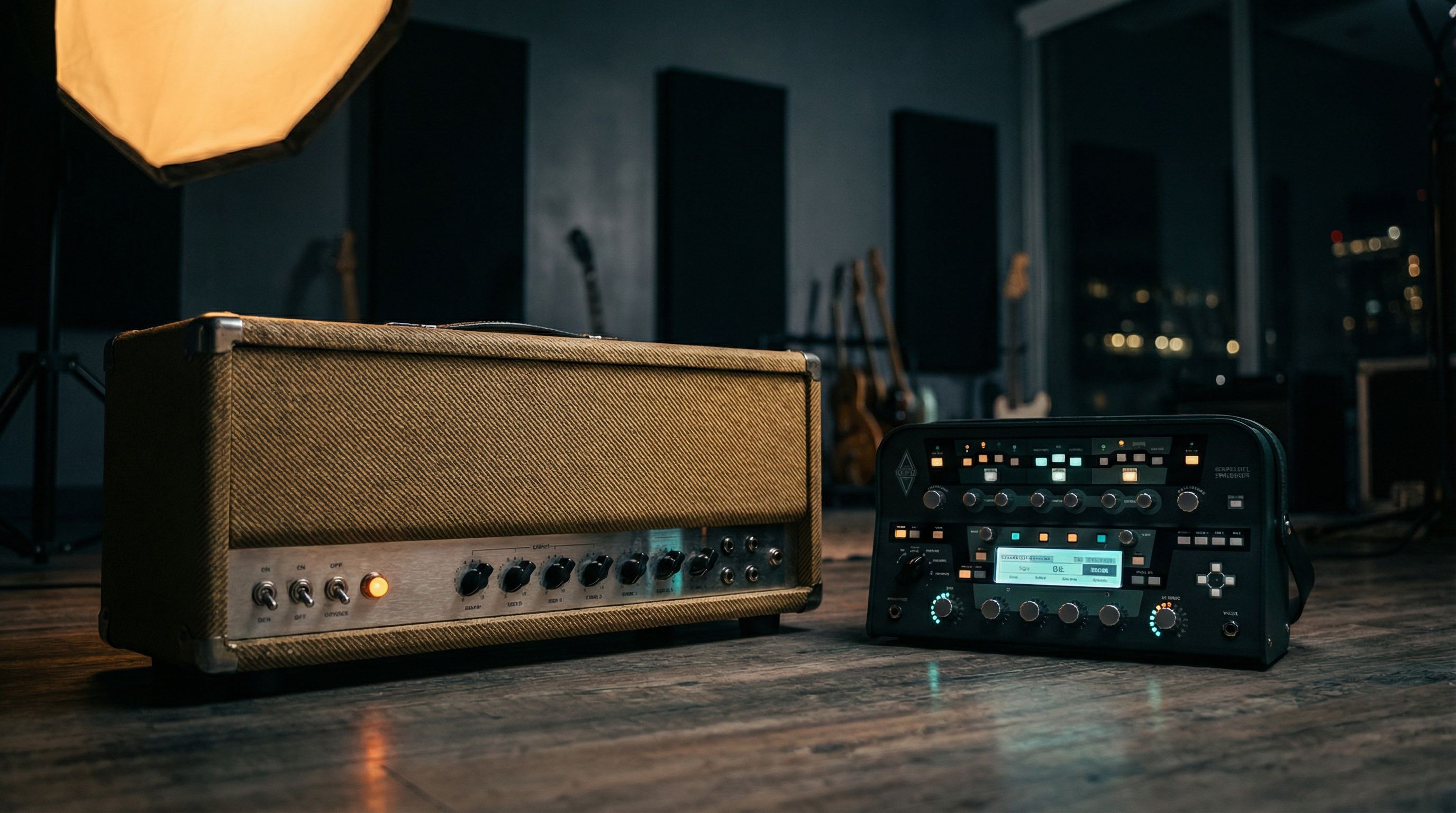
The useful analogy: a model is like having the real amp in front of you with all its knobs. A capture is like having a perfect photograph of the amp at one moment in time.
When Captures Win
Nailing One Specific Tone
If you need to sound exactly like a specific amp at specific settings (say, a Dumble Overdrive Special with the gain at about 6 and the tone knob around 3), a capture will get you closer than a model. The neural network has learned the exact nonlinear behavior of that specific amp in that specific state, including all the quirks and component-level imperfections that make it unique.
This is why captures are so effective for:
- Cloning your own amp: Capture your favorite real amp at its sweet spot, and you can take that exact tone to any gig without transporting the hardware.
- Premium amp tones: Someone with a rare, high-value amp can capture it and share it on Cortex Cloud. That tone becomes accessible to everyone.
- Full signal chain captures: Capture an amp + cab + mic chain in a studio, and you get the entire recorded tone in one block. No need to dial in a separate cab/IR.
When the Real Amp Has Unique Character
Some amps have a tonal character that's difficult to replicate with circuit modeling: maybe a particular transformer sag, a specific bias drift, or component aging that gives it a voice no factory model can approximate. A capture of that specific amp preserves those qualities because it's learning the actual measured behavior, not simulating an idealized circuit.
When Models Win
Tweaking on the Fly
If you need to adjust your tone during a set, models are far more practical. Need more gain for a solo? Turn it up, and the model responds naturally; the virtual preamp saturates progressively, just like the real circuit would. Need a cleaner tone for the verse? Roll the gain back. With a capture, those same adjustments feel less organic because you're post-processing a fixed snapshot rather than interacting with a virtual circuit.
Exploring an Amp's Range
If you want to discover what a Marshall Plexi sounds like at every gain setting (from sparkling clean to full crunch), a model lets you do that from one block. With captures, you'd need separate captures for each gain level. The math is straightforward: if you want five gain stages for three different amps, that's 15 captures vs. 3 models.
Building Versatile Presets
For a live preset that needs multiple gain levels within one amp type (clean verse, crunchy chorus, lead solo), models are more practical. You can use snapshots or scenes to change the model's gain, EQ, and master settings for each section of a song, and the transitions feel natural because the circuit simulation responds continuously.
Stacking with Other Blocks
Models tend to interact more naturally with drive pedal blocks, compressors, and other dynamics processors in the signal chain. Because the model is simulating a real circuit, it responds to increased input level the way a real amp would: more preamp saturation, more compression, more harmonic content. A capture responds differently to stacked drives because the gain structure is fixed at the captured state.
When It Doesn't Matter
For many tones, the difference between a well-dialed model and a well-matched capture is negligible. If you're running a moderate-gain blues tone (something in the SRV-through-a-Vibroverb neighborhood), either approach will get you there. (For a head-to-head comparison of the QC and Helix across other dimensions, see our Helix vs Quad Cortex guide.) The differences become more apparent at the extremes: very clean tones where subtle dynamics matter, or very high-gain tones where the exact saturation character is the difference between tight Meshuggah-style chug and looser, fizzier gain.
If you're playing live and the audience is 20 feet away, nobody can tell whether you're using a capture or a model. Choose whichever workflow is faster for you.
| Scenario | Better Choice | Why |
|---|---|---|
| Exact replica of a specific amp | Capture | Neural network learns the exact nonlinear behavior |
| Live tweaking across gain range | Model | Circuit simulation responds naturally to parameter changes |
| Rare/premium amp access | Capture | Cortex Cloud community sharing |
| Versatile preset with snapshots | Model | Continuous parameter adjustment across scenes |
| Stacking with drive pedals | Model | Circuit responds to input level changes like real hardware |
| Studio recording, one fixed tone | Either | Both deliver professional results at a fixed setting |
Cortex Cloud: The Capture Ecosystem
One of the Quad Cortex's biggest advantages is Cortex Cloud: a library of thousands of user-created captures and presets that you can browse and download directly from the unit.
The quality varies significantly. Some community captures are meticulous, made with premium amps and professional mic setups. Others are noisy, poorly gain-staged, or captured from mediocre source material. To navigate the library effectively:
- Check the ratings and download counts. Popular, highly rated captures tend to be better quality.
- Look for captures from known amp builders or studios. Some professional capture packs are worth seeking out.
- Test captures at performance volume. A capture that sounds great in headphones might fall apart in a live mix.
- Use captures as starting points. Even a good capture might need post-EQ adjustments for your specific guitar and playing style
Combining Captures and Models: The Best of Both Worlds
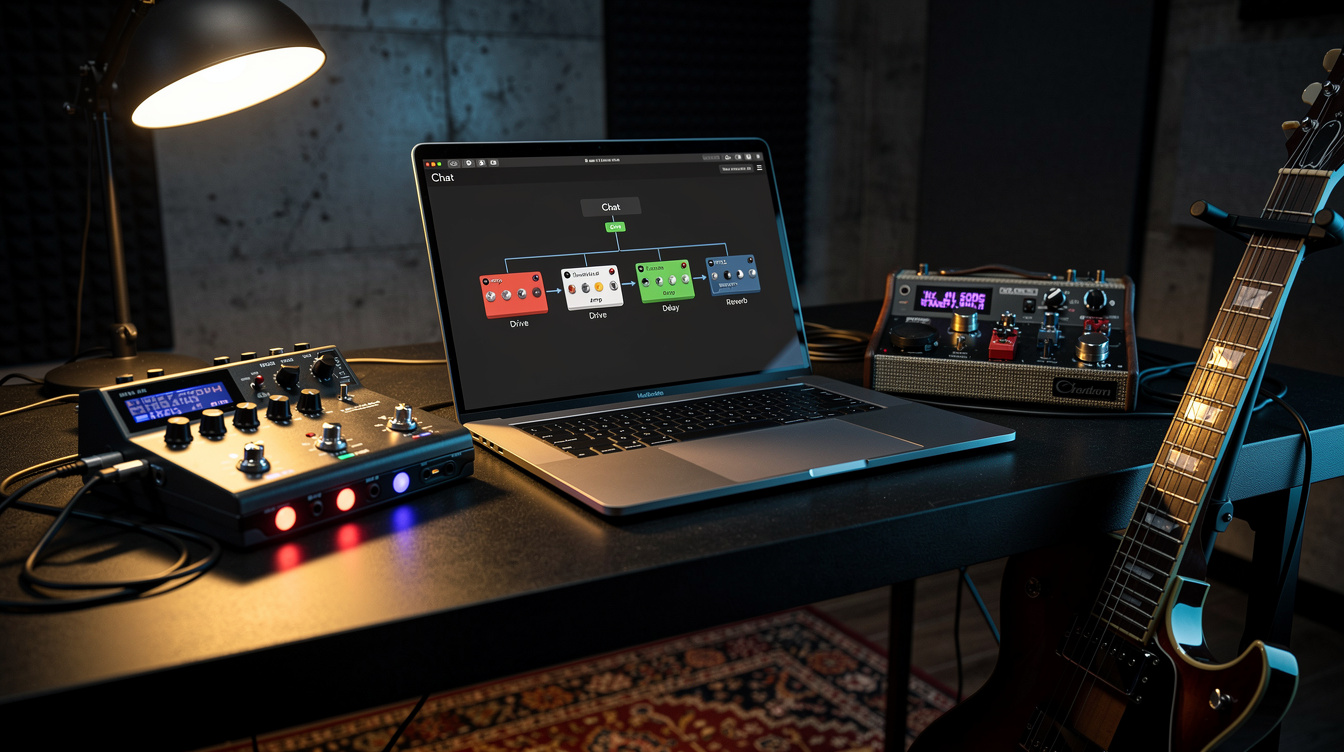
The smartest Quad Cortex users don't choose one or the other; they use both strategically within the same preset.
A common hybrid approach:
- Use a capture for your core amp tone: the specific, dialed-in sound you've worked hard to find
- Use modeled effects around it: drive pedals, modulation, delay, reverb from the QC's built-in effects engine
- Use a model for alternate amp tones in the same preset. Maybe your main tone is a captured Dumble, but your secondary clean is a modeled Fender Twin.
Another approach:
- Capture your amp's clean and dirty channels separately
- Switch between captures for verse/chorus/lead sections
- Add modeled effects in between
Practical Workflow Tips
-
Start with models when building a new preset. The ability to tweak every parameter makes models faster for dialing in a starting point. Once you've found a tone you like, consider capturing a real amp to match it, or just keep the model if it's working.
-
Capture at performance volume. An amp sounds different at bedroom volume vs stage volume. If you're capturing your own amp, capture it at the volume you'll actually perform at. The dynamic response changes with output level.
-
Compare captures against models regularly. Sometimes the model sounds just as good (or better) than the capture you downloaded. Don't assume a capture is automatically more accurate. Test it.
-
Name and organize your captures. Once you accumulate 50+ captures on the unit, finding the right one becomes a search problem. Use clear naming conventions: "Marshall Plexi Gain6 SM57" is more useful than "My Fav Tone 3."
-
Use the QC's capture refinement feature. When making your own captures, the refinement step improves accuracy by running additional training passes on the neural network. Don't skip it.
I expected captures to consistently beat models in direct comparisons. The whole point of profiling a real amp is that it should sound more like the real thing. What I found was that models won about as often as captures did, especially for medium-gain tones where the model's dynamic response to pick attack and volume knob changes outweighed the capture's static accuracy.
What to try next: Take your favorite capture and your closest-matching factory model, load them into the same preset on parallel paths, and compare them against your real amp if you have one. Note where the capture excels and where the model gives you more control. That comparison will tell you exactly how to balance both tools in your workflow.