There's a move that sounds like it should always work and almost never does the way you expect: take two amp sims you like, put them on the same guitar part, and turn them both up. More amp, more size, more everything. Except the first time you try it, the tone usually gets smaller. Flatter. The low end turns to fog and the thing you loved about each amp on its own goes missing in the middle.
That's not a failure of the amps. It's a failure of routing. Two amps stacked full-range aren't adding — they're overlapping, and overlap in the low mids is where guitar tone goes to die. The fix isn't a better plugin. It's giving each amp a lane.
The One Thing You Don't Have to Worry About
Start with the good news, because it changes how you think about the whole problem. When you blend a re-amped real amp with a sim, the hard part is timing — the real amp comes back through your interface a few milliseconds late, and you have to nudge it into alignment or the two paths comb-filter into a hollow mess. That's a real, fiddly step, and it's covered in the hybrid real-amp-plus-sim guide.
Two amp sims don't have that problem. Both plugins run on the same DI, inside the box, at effectively zero latency. Their transients already land on the same sample. There is no round trip, nothing to measure, nothing to slide. The timing is solved before you start.
Which means the entire job is two things: dividing the frequency space, and one quick polarity check. That's it. Once you know timing is off the table, the whole technique gets simpler.
Why Full-Range Stacking Sounds Worse
Here's what surprised me the first time I really listened instead of assuming. I expected two amps to be twice the guitar. What I got was less guitar than one — narrower, with a low end that had turned to mush. I kept turning them up thinking I needed more, and more was exactly the problem.
Two different amp sims voice the same frequencies differently, and they don't agree on phase down low. When you sum them full-range, the places where they disagree cancel, the places where they pile up bloom into mud, and the net result is a tone that's fighting itself. The low mids around 200 to 400 Hz — the body of the sound — is where both amps are loudest and where they collide hardest. Stack two amps there and you don't get a bigger foundation. You get a blurry one.
The insight that fixed it for me was counterintuitive: to make the blend bigger, I had to make each amp smaller. Subtract, don't add. Carve a lane for each one and let it live there alone.
Give Each Amp a Frequency Lane
The recipe is a crossover. One amp takes the bottom, the other takes the top, and they meet in the middle without piling up.
- Pick your roles. The tighter, more controlled amp — a modern high-headroom voice with a focused cab — owns the low end. It's repeatable and defined, and the low end is where control matters most. The looser, more open amp takes the midrange and the air, where its movement and character actually show.
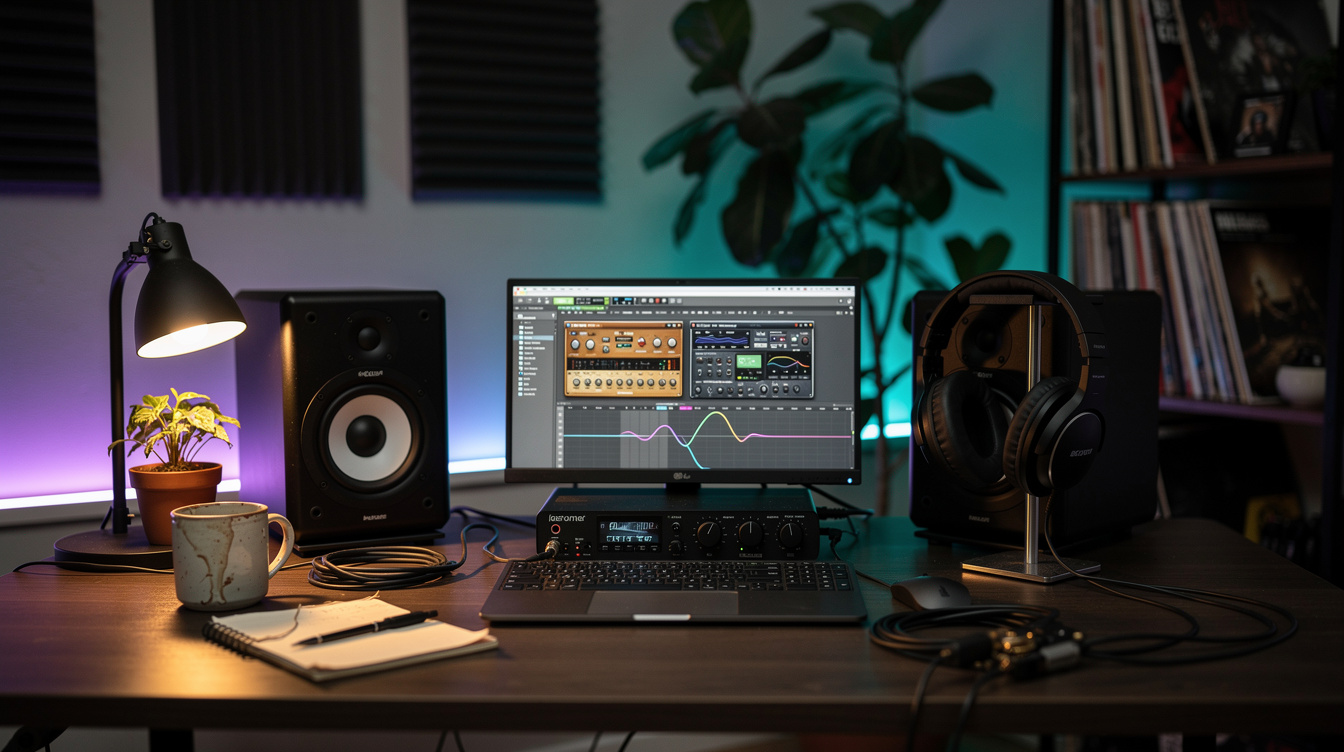
- High-pass the open amp. Put a high-pass filter on the open amp and pull everything below your crossover out of it. Now it isn't competing for the low end at all. The tight amp holds the bottom by itself, clean and singular.
- Set the crossover by ear. Start somewhere between 250 and 500 Hz. Lower — around 250 — keeps more of the open amp's body in the blend. Higher — near 500 — hands more of the midrange to the tight amp and tightens the whole bottom. Sweep the filter while the two play together and listen for the point where the low end firms up but the tone doesn't go thin.
- Level-match. Bring the two amps to roughly equal weight before you judge the blend. If one is louder it'll dominate and you'll misjudge the split. Match them, then rebalance to taste.
When it clicks, the difference isn't subtle. The tone stops sounding like two amps arguing and starts sounding like one amp with more dimension than any single plugin gives you — the low end sits still while the top moves, like a photograph that's sharp in the foreground and soft in the distance. Think of the way a Khruangbin guitar can feel both close and far at once... that sense of depth is what the split buys you, and it comes from separation, not layering.
The Only Phase Check: Polarity
Timing is handled. But two amp sims can still be out of polarity relative to each other — their tone stacks and cab models impart different phase shifts, so one might be pushing while the other pulls. When you sum them, that mismatch scoops out the shared low mids, and the symptom reads as "thin," not as "wrong."
The check takes five seconds. Flip the polarity on one of the two amps and listen. One position will be clearly fuller in the low mids; the other will sound hollowed out. Keep the full one. That's the entire phase workflow for two in-the-box amps — no alignment, no measurement, just a polarity button and your ears. It's the same logic that governs stacking two mic'd cabs or a close mic against a room mic, minus the timing half, because software gave you that for free.
This Isn't a Plugin-Only Trick
Everything above is a routing idea, not a plugin feature, so it moves onto hardware modelers cleanly. On a Helix, run two parallel paths, drop a different amp-and-cab block on each, and use the per-path EQ or a high-pass to carve the split — path A owns the lows, path B is high-passed for the air. On a Quad Cortex, the same thing lives in its parallel lanes. The crossover point, the role division, the polarity check — all identical. The box changes; the concept doesn't.
And it's worth saying where the line is. Two sims give you precision and zero-latency convenience, but they're still two models of an amp — if what you're missing is real air moving in a room, that's the argument for bringing an actual cab into the blend, which is a different and slower workflow. Two sims are the fast, surgical version: total control over the frequency split, no mic, no room, no timing to fix.
When Two Amps Actually Beat One
Be honest with yourself about whether you need this. Two amps only win when they do different jobs. If both cover the same ground — same voicing, same frequency emphasis — you're adding phase risk for nothing, and one good amp beats two mediocre ones every time. The blend earns its place when one amp gives you something the other can't: a tighter bottom, more top-end shimmer, a midrange voice with a different color. Split those two so each contributes only its strength, and the sum is genuinely more than either.
If you can't name what the second amp is adding, you don't need the second amp. But when you can — when one plugin has the foundation and the other has the air — the frequency split is how you get both without the mud. Two amps, two lanes, one polarity flip. Then it sits in the mix like it was always one sound.