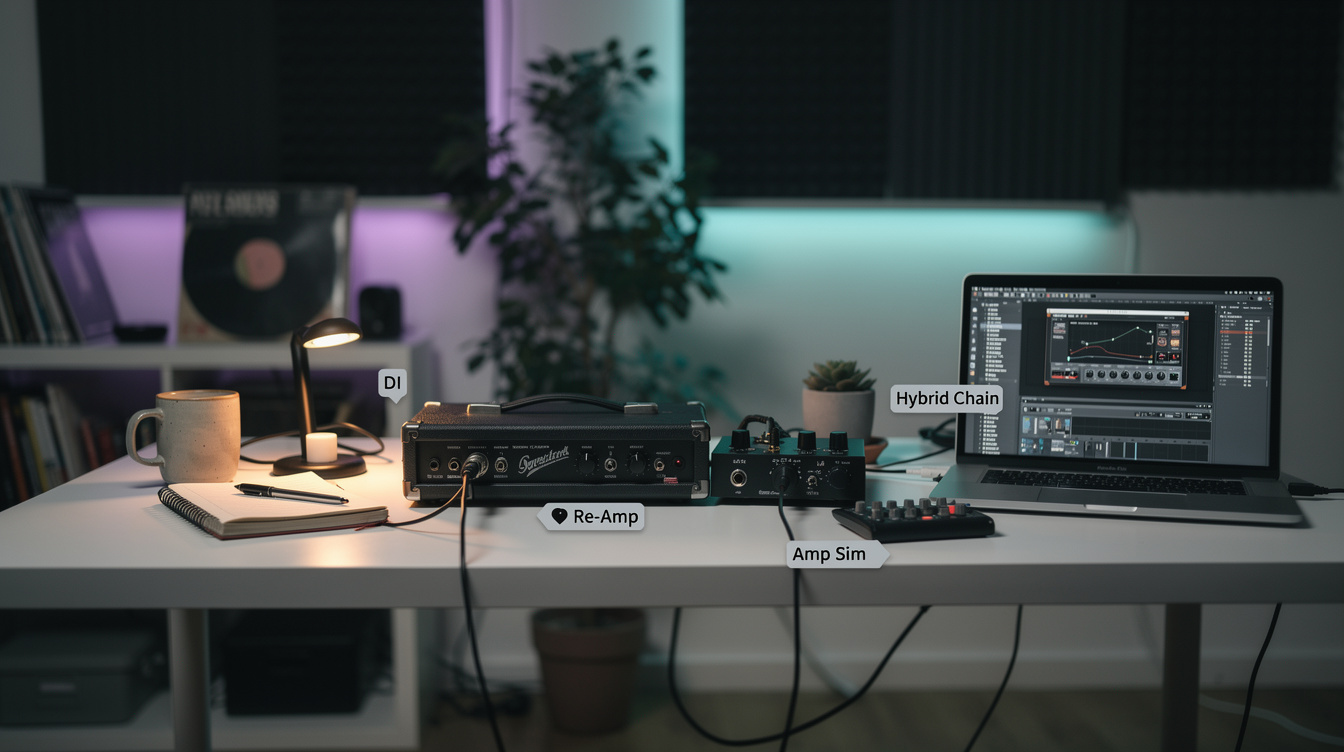
There's a version of the "real amp versus amp sim" argument that never has to be settled, and it's the one where you don't choose. You print a single clean DI, send it down two rigs — a real amp you re-amp, and an amp sim running in the box — and sum them into one guitar tone that has the cab movement of the room and the low-end discipline of the plugin. The catch is that the two paths don't arrive at the same time, and if you don't fix that, the blend sounds worse than either path alone.
So let me walk you through the chain that actually works: how the signal flows, why the two halves land out of sync, and the two checks — timing and polarity — that decide whether this sounds huge or hollow.
The Three Roles in the Blend
Before the routing, decide what each path is for. Running both amps full-range and hoping they add up is how you get mud. Assign jobs first:
| Path | What it's good at | What to let it do |
|---|---|---|
| Amp sim (in the box) | Identical every take, surgical EQ, tight cab IR | Hold the low end and the palm-mute chunk; high-passed partner sits on top |
| Re-amped real amp | A mic moving real air, upper-mid push, top-end life | Supply presence and the cab's body; high-passed so it doesn't fight the lows |
| The clean DI | The single source of truth | Stays untouched on its own track — your re-cab insurance |
That division of labor is the whole reason to blend. If both paths did the same job, you'd just pick the better one and move on.
One DI Is the Point
The foundation is a clean direct signal — your pickup, through a DI or a reamp interface's instrument input, printed dry with no amp anywhere in the path. One performance, captured once. Everything downstream is a re-rendering of that same take, which means the real amp and the sim are never playing slightly different things. They're playing the identical thing through different rigs. (If you're new to printing a clean DI for later re-cabbing, the reamp-a-clean-DI walkthrough covers the capture side in detail.)
From that one DI track:
- The sim path is just a plugin instance on a duplicate of the DI. No conversion, no cables, no latency to speak of beyond plugin delay your DAW already compensates.
- The real-amp path plays the DI back out of your interface, through a reamp box to drop it to instrument level and impedance, into the amp, into a mic'd cab, and back into a fresh track. That's a full round trip through your converters — out the D/A, into the amp, back through the A/D.
And that round trip is where the trouble starts.
The Two Paths Don't Land Together
Here's the part that surprised me the first time I lined the tracks up and zoomed in. I assumed both amped tracks would sit right on top of the DI, because they're the same performance. The sim track did. The real-amp track was visibly shoved to the right — late — by a fixed chunk.
It makes sense once you count the trip. The sim never leaves the box. The real amp's signal goes out through digital-to-analog conversion, through the amp and the air in front of the mic, and back through analog-to-digital conversion — and that path has the same fixed round-trip delay we budget for when tracking against an interface's latency floor. At 48 kHz that's typically somewhere around 200 to 400 samples depending on your buffer and converters — roughly 4 to 8 ms. Not enough to hear as an echo. Exactly enough to comb-filter when you sum it with the on-time sim.
A few milliseconds of offset between two copies of the same transient is the textbook recipe for a hollow, phasey result. The blend cancels and reinforces frequencies across the spectrum, and the most common report is "it got thinner when I added the second amp." It didn't get thinner. It got misaligned.
Aligning the Two Tracks
The fix is mechanical and takes about two minutes.
- Find a shared transient. Pick a hard pick attack or a palm-mute that both amped tracks captured — ideally near the start of the take. Zoom in to sample level.
- Measure the gap. The real-amp track's attack sits later than the sim's. Note the offset; many DAWs show it in samples if you snap to the transient.
- Nudge the real-amp track earlier by that offset until the two attacks stack. If your interface reports its round-trip latency, you can move the track by that exact sample count as a starting point and fine-tune by eye and ear.
- Confirm by listening, not just looking. Solo the two amped tracks together and sweep the balance. When they're aligned, the combined tone gets fuller as you bring the second one up, not hollower. That direction is the whole test.
Lock that offset once and it holds for the whole song, because the round-trip delay is fixed for your interface — it doesn't drift.
Then Check Polarity — It's a Five-Second Test
Timing alignment gets the transients stacked. Polarity decides whether the aligned signals add or subtract.
A reamp box, an extra mic preamp, a transformer in the path — any of them can invert the signal relative to the plugin path, which never touched analog. When two aligned, near-identical signals are opposite in polarity and you sum them, the shared content cancels. With guitar, that shows up as a scooped low-mid — the body of the tone drops out around 150–400 Hz while the top end survives, so it reads as "thin and brittle" rather than obviously broken.
Flip the polarity on one of the two amped tracks and listen for the low mids to come back. One position will be clearly fuller than the other. That's correct; the other is inverted. This is the same phase logic that governs blending a close mic with a room mic — two captures of one source only add up if they agree on timing and polarity.
Dividing the Low End
Once the two paths are aligned and in polarity, the last move is keeping them out of each other's way. The mistake is leaving both full-range, where they pile two different low-end voicings on top of each other and turn to mush.
Pick one path to own the lows. I default to the sim, because an in-the-box amp into a tight cab IR gives me low end that's the same on every take and that I can high-pass with a precise corner. Then I high-pass the real-amp path somewhere around 120–180 Hz so it rides on top, contributing the upper-mid grind and the air a mic pulls off a moving speaker — the stuff that's hard to fake convincingly in a plugin. The combined result has the plugin's tight, repeatable bottom and the real cab's lived-in presence, and neither is fighting the other for the same octave.
You can invert that assignment — real amp on the bottom, sim on top — if the real cab's low end is the sound you're after. The principle holds either way: one path owns each region, you don't double them.
On a Modeler Instead of Plugins
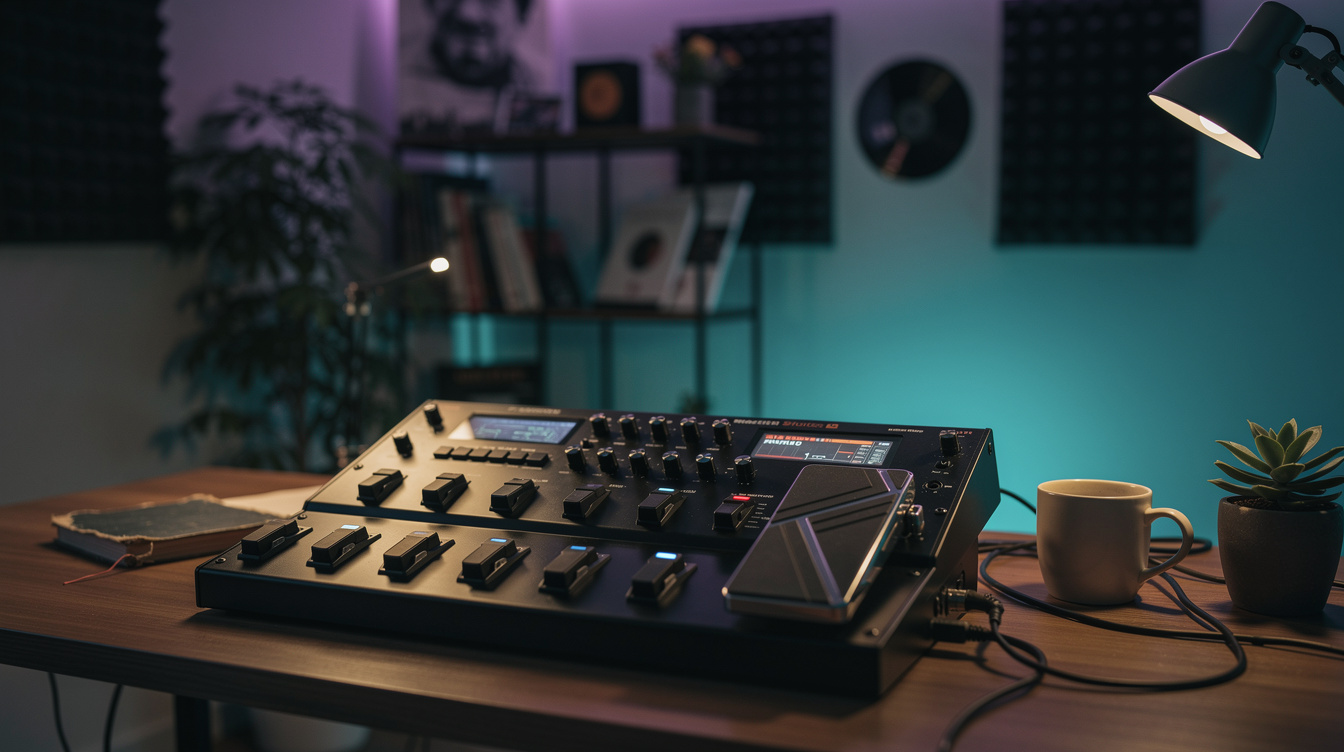
If your in-the-box rig is a Helix or Quad Cortex rather than a DAW plugin, nothing about the method changes. The modeler's amp-and-cab block is your sim path. Use a spare output as the reamp send to drive the real amp. The modeler path is near-zero latency; the real-amp return is late by the same round trip; you still align transients and check polarity before summing. If you'd rather keep everything analog and run the real amp through its own loop, that's the effects-loop reamp method — a different route to the same real-amp capture.
The Short Version
Print one clean DI. Send it to a real amp through a reamp box and to an amp sim in the box. The sim lands on time; the real amp comes back a few hundred samples late, so stack the transients before you do anything else. Then flip the polarity on one path and keep whichever position has more low-mid body. Give one path the low end and high-pass the other above it. Do that and the hybrid chain stops being a phase trap and becomes what it's supposed to be — one tone with a real room in it and a plugin keeping it tight. And because the DI is still sitting there untouched, none of these decisions are permanent.