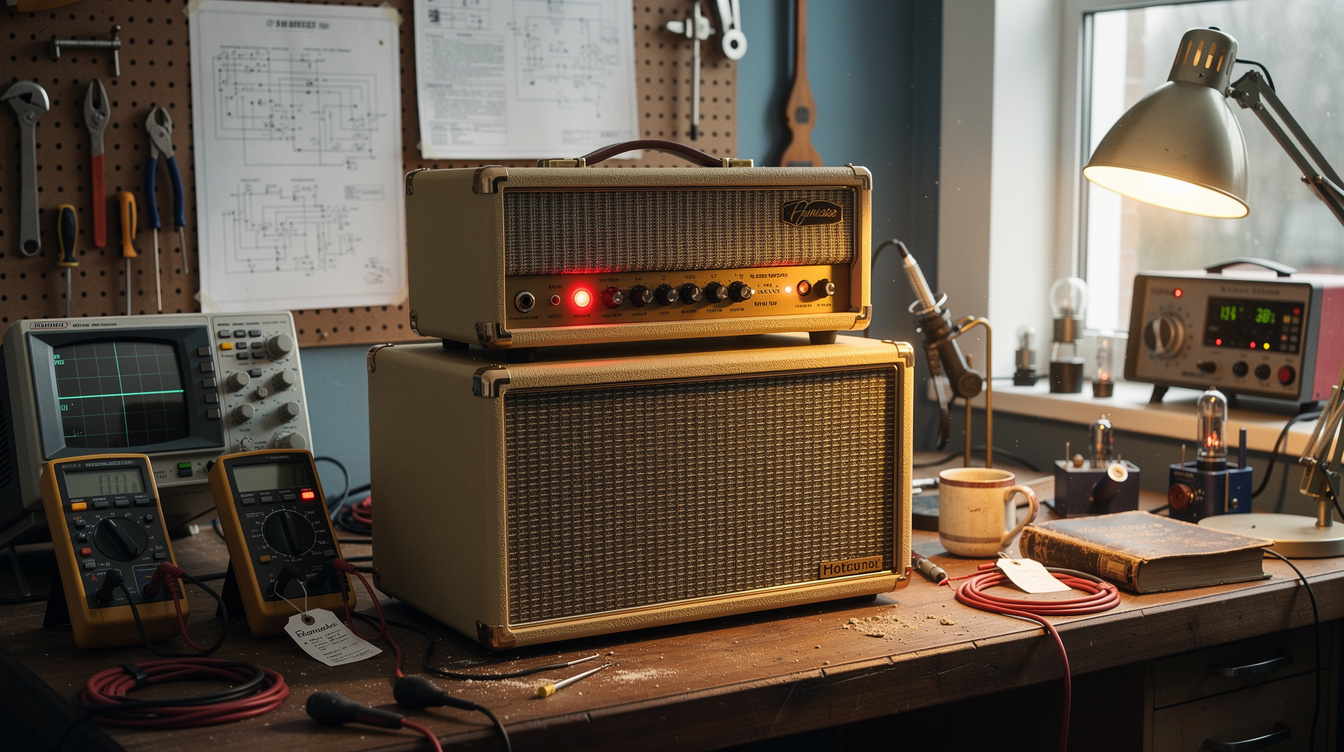
The complete signal path: Tube amp speaker output → Two Notes Captor X (8Ω reactive load) → balanced XLR DI output → audio interface → DAW. The Captor X replaces the speaker cabinet, absorbs the amp's power, presents a reactive impedance to the amp's output transformer, and delivers a line-level signal with built-in speaker simulation to your interface. The amp runs at operating volume. Your room stays quiet.
The conversation about silent amp recording usually starts with "can I just plug the amp's DI out into my interface?" and ends when someone realizes most tube amps don't have a DI output and you can't just connect a speaker output to a line input. The reactive load box is the bridge between those two worlds, and the Captor X is the one I've used for two years of home recording without a significant complaint.
This is the setup I use when I want to run the AC30's output tubes at something approaching real operating volume (where the power tube character you can't get at bedroom levels actually comes into the signal) and still be able to work after 9 PM without disturbing anyone in the house.
What the Captor X Does (and Why Reactive Matters)
The Two Notes Captor X is a reactive load box. It connects between the amp's speaker output and the wall (or your DI chain), absorbs the amp's power output, and delivers a line-level signal that you send to your interface.
The "reactive" part matters. A resistive load (the simpler, cheaper approach) presents a constant impedance to the amp regardless of frequency. A real speaker's impedance rises and falls with frequency (it peaks around the speaker's resonant frequency, typically 80–150Hz for most guitar speakers, then decreases, then rises again). The output transformer of a tube amp "expects" to see this kind of load, and the tone it produces is partly a function of how that impedance curve interacts with the transformer.
A reactive load box mimics that impedance curve electronically. The amp responds to the Captor X roughly as it would to a real speaker cabinet; the power tube character, sag behavior, and frequency response from the output stage are preserved more accurately than with a flat-impedance resistive load.
The difference is audible at higher output power levels. At bedroom volume through an attenuator, reactive vs. resistive is a subtle distinction. At operating volume into a load box (where the output tubes are actually working), reactive loading preserves something that simple resistance doesn't.
The Setup, Step by Step
Step 1: Impedance Matching
The Captor X is available in 4Ω, 8Ω, and 16Ω versions. The AC30 has a single output transformer tap; check the back panel of your specific amp; the AC30C2 outputs at 16Ω on its extension speaker jack. I use the 16Ω Captor X.
If you're using a Marshall or Mesa with selectable impedance (4Ω / 8Ω / 16Ω), set the amp's selector to match your Captor X's rating. Impedance mismatch between amp and load isn't immediately destructive, but it's not optimal and can affect tone at the output transformer level.
Step 2: Connect Amp to Captor X
Use a standard speaker cable (the same type you'd use to connect an amp to a real cabinet). Connect from the amp's speaker output to the Captor X's INPUT jack. The Captor X should replace the speaker cabinet entirely; do not leave a speaker cabinet connected to the same output.
The AC30 specific detail: The AC30C2 has two output jacks: one labeled for an extension cabinet and one for the main internal speakers. For silent recording, I connect the Captor X to the external speaker jack and leave the internal speakers connected as well, with the internal speaker switch engaged. This lets the internal speakers come in at very low amp volumes while the Captor X handles the load for the DI output. If you want fully silent operation, use a single-speaker output amp or check whether your specific AC30 variant allows disconnecting the internal speakers.
Step 3: Configure the Captor X
The Captor X has both a hardware interface (level knob, a few buttons) and a companion app (Wall of Sound III) for more detailed control. For initial setup:
- DI output level: Start with the level at the 12 o'clock position. You'll trim this at the interface.
- Speaker simulation: The Captor X has built-in speaker impulse responses accessible through the hardware or the app. Start with the Celestion Blue (for AC30-style character) or the 2x12 Open Back Alnico capture.
- Ground lift: Engage the ground lift if you hear 60-cycle hum in the DI output.
Step 4: Connect to Interface
Run a balanced XLR cable from the Captor X's DI output to one of your interface's line inputs. A balanced XLR connection handles the lower noise floor better than an unbalanced cable at this stage, and the Captor X's output is balanced.
At the interface: set the input gain so that the loudest passages of your playing peak at around -12 to -18 dBFS. This gives you headroom for dynamics and lets the amp respond naturally without the interface's AD converter clipping.
Step 5: DAW Settings
In your DAW:
- Set the input channel for the Captor X to record a mono signal (the DI output is mono)
- Monitor through your interface's direct monitoring or low-latency software monitoring; don't monitor through a high-latency plugin chain while recording
- Record the dry DI signal even if you're monitoring with the Captor X's built-in cab sim; you can add different IRs in post without re-recording
For reference, the basic routing looks like this:
| Stage | What It Is | Setting to Check |
|---|---|---|
| Amp output | Speaker-level signal from output transformer | Impedance matches load box |
| Captor X input | Absorbs amp power, presents reactive load | 4/8/16Ω selected correctly |
| Captor X DI out | Line-level, balanced XLR | Level at 12 o'clock initially |
| Interface line input | Converts analog to digital | Peak around -12 to -18 dBFS |
| DAW track | Records the signal | Monitor dry or with low-latency cab sim |
The IR Question: Which Cab Sim to Use
The speaker simulation is the most important variable in the whole chain after the load box itself. The Captor X ships with a library of impulse responses (captures of specific speaker/cabinet/microphone combinations), and the Wall of Sound III plugin adds more.
For the AC30 through the Captor X, my current starting point:
- Captor X built-in: The 2x12 Open Back Alnico IR sounds closer to the AC30 in a real room than the Blue. The Alnico's extended high-frequency character suits the AC30's EL84 character.
- Third-party IRs: ML Sound Lab and OwnHammer both offer dedicated AC30-era captures. The ML Sound Lab Sigma 2x12 package is worth the cost if you're using this setup regularly.
What I expected when I first set up this chain: the built-in IRs would be noticeable compromises, and I'd need a third-party IR library to get close to a real mic'd cab sound. What I found: the 2x12 Open Back Alnico capture sounds like the AC30 in a real room at moderate volume in a way that surprised me. It's not identical to an SM57 on-axis at close range, but it captures the spatial quality of the sound in a way that closer-miked captures often don't.
Running the Amp at Real Volume
The reason to use a reactive load box rather than just a modeler is the power tube character that only appears when the output tubes are actually working: the thermal compression, the amp sag, the complex overtone structure of tubes running near their operating range.
At bedroom volume through an attenuator, the output tubes are barely doing anything. The amp is clean, the power supply isn't drooping, the tubes aren't compressing. The character of a cranked AC30 comes from those tubes working.
Through the Captor X, the amp runs at the volume I set it, which I keep at around volume 4–5 on the AC30, enough for the EL84s to have some character without being deafening in a quiet house. The load box absorbs all of that power. My interface receives a consistent line-level signal regardless of what the amp is doing at its output.
The result: I can record reference tracks and production demos at 11 PM after the kids are down, the amp running at an output level that sounds like an amp rather than a bedroom toy, and nobody's sleep is affected.
For the Worship Context
This setup translates directly to recording reference tracks for Sunday. I use it specifically for:
- Scratch tracks for rehearsal demos. I can lay down a guitar reference at working-amp volume after the venue has closed, which is often when post-service prep happens
- Documenting specific tone settings. When a particular combination of guitar and amp sounds right for a set, I record a 30-second reference through the Captor X with notes on the Helix preset running in parallel
- Writing and arrangement work. The AC30's character through the Captor X changes how I compose and arrange differently than through an HX Stomp. Some song ideas need the real amp to find the right part.
The Captor X costs around $300 (street price as of April 2026). At that price, it's the lowest-cost way to run a tube amp at real volume and get a usable DI signal. The Two Notes Torpedo Studio (rack version, around $700) and the Suhr Reactive Load IR (around $400) offer more IR storage and additional functionality, but the Captor X does the core job well.