You hear a tone in a song and think, "I NEED that sound." So you hop on a forum, watch three YouTube videos, and end up more confused than when you started. One person says crank the mids. Another says scoop them. Nobody agrees on which amp model to use, and half the advice is for gear you don't own.
A tone recipe fixes that. One document. Every setting. Your platform.
A Tone Recipe Is a Complete Signal Chain
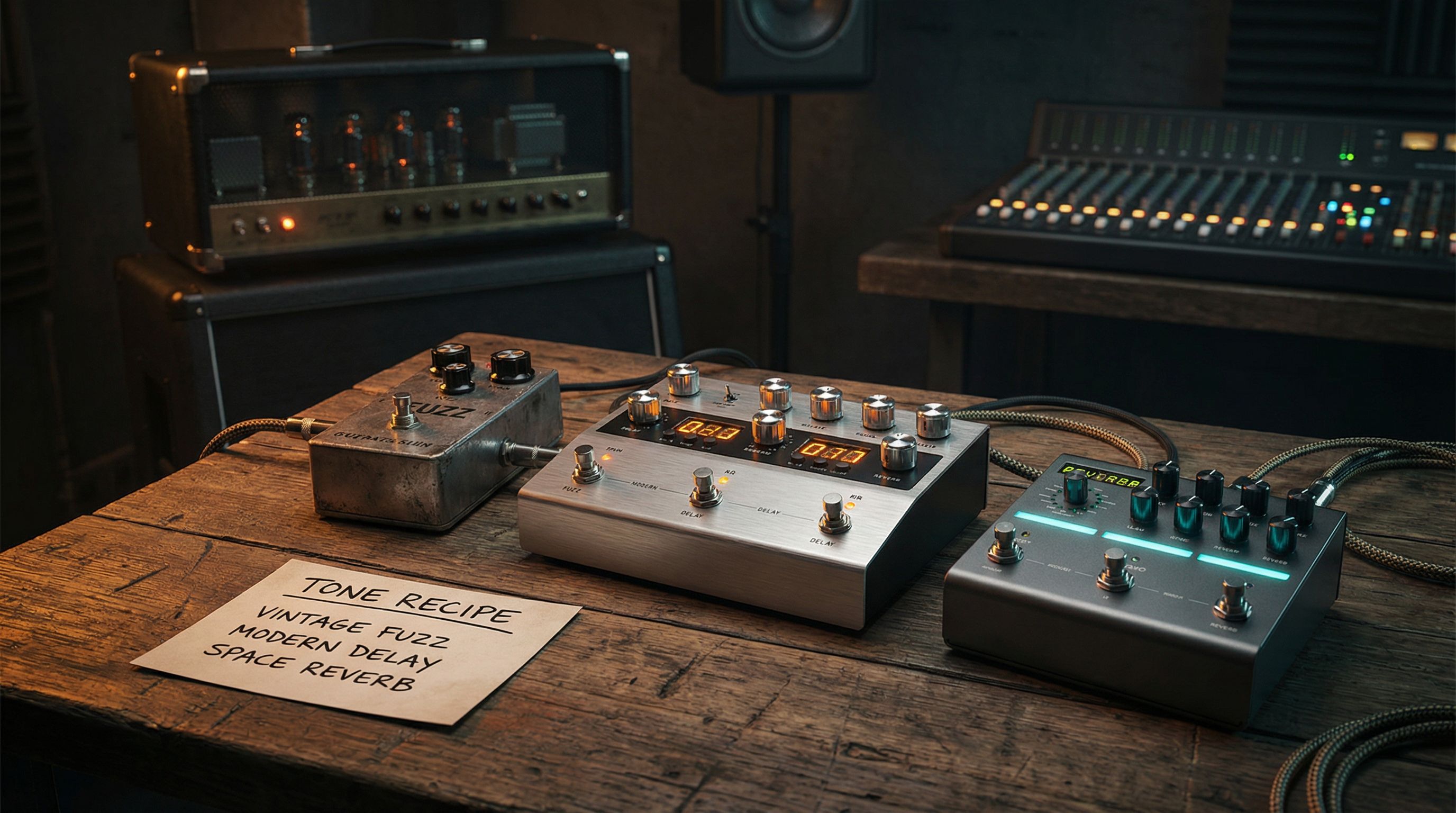
Think of it like a cooking recipe, but for guitar tone. Instead of ingredients and steps for a dish, a tone recipe gives you every block in your signal chain (from your guitar's pickup selector to the final output) with specific settings for each one.
A tone recipe includes:
- The amp model and its exact settings (gain, bass, mid, treble, presence, volume)
- Every effect in the chain (drive pedals, modulation, delay, reverb) with knob values
- Signal chain order: what goes where and why it matters
- The context: what song, what part of the song, and what makes this tone tick
No vague advice like "add some delay." Instead: Digital Delay, 380ms, 30% mix, 2 repeats. That's the difference between a tip and a recipe. One is a shrug. The other is an answer.
Built for Your Platform
This is where it gets interesting. The same tone recipe adapts to whatever gear you're running. If a recipe calls for a Fender Deluxe Reverb-style amp, you'll see:
- Line 6 Helix: US Deluxe Nrm
- Quad Cortex: US Deluxe 1x12
- IK TONEX: mapped to the closest tone model
- Boss Katana: Crunch channel with specific EQ tweaks
- Physical rig: the actual amp and pedal recommendations
Same tone. Your gear. That cross-platform translation layer is what makes Fader & Knob different from a forum post or a YouTube preset walkthrough.
Why Recipes Beat Presets
Presets are black boxes. You download one, load it up, and it either sounds right on your setup or it doesn't. (It usually doesn't, because your guitar, pickups, and monitoring are different from whoever made it.) Now you're stuck tweaking blind.
I expected presets and recipes to land in roughly the same place once you dialed them in. What I found was the opposite. Recipes got me to a usable tone in half the time because I could see why each block was set the way it was. Hotter pickups? Back off the drive. Studio monitors instead of a cab? Compensate. Running something weird into your modeler? You know exactly which parameters to nudge.
Recipes teach you how tone works. Presets just give you a file. (For a concrete example of this approach, see our guide on how to dial in a great tone on any modeler in 10 minutes.)
How to Use Fader & Knob
Getting started takes about 30 seconds:
- Pick your platform: tell us what gear you're running (Helix, Quad Cortex, Katana, etc.)
- Browse or search: find a tone by song, artist, or genre
- Follow the recipe: dial in each block on your rig, following the step-by-step signal chain
- Tweak to taste: every recipe includes tips for adapting to your specific setup
You don't need an account to browse. Save your favorites when you're ready.
What Is Coming Next
We're building out a library of recipes across genres, decades, and platforms. Every recipe is researched, tested, and cross-referenced across gear so you're not just copying someone's guess. You're getting a reliable starting point that actually translates to your rig.
Whether you're chasing David Gilmour's soaring leads, John Mayer's glassy cleans, or the wall of fuzz from a Black Keys track, Fader & Knob gives you a clear path from "I want that sound" to "I have that sound." Start with our learning hub or browse tone recipes to find your next sound.
Stop guessing. Dial it in and go.
P.S. If the tone still isn't right after following a recipe, it's your picking hand. It's always the picking hand.