The Fizz Problem
Fizz on a modeler sits in the frequency range where nothing useful lives: roughly 4kHz to 8kHz of harsh, sizzly content that coats everything like static over a window. It's not distortion character. It's not harmonic richness. It's the tonal equivalent of fluorescent lighting: technically present, fundamentally unwelcome.
The problem is so common it's the number one reason players abandon modelers entirely. But here's the thing... fizz is almost always fixable. It has specific causes. It occupies specific frequency space. And once you understand where it lives in the architecture of your signal, the solutions are straightforward.
Why Fizz Happens
Real guitar speakers are terrible at reproducing high frequencies. That's actually beautiful; a kind of built-in subtractive EQ that nobody asked for but everybody benefits from. A typical guitar speaker naturally rolls off everything above about 5-6kHz. All that harsh, fizzy content that an amp and distortion circuit produce? The speaker swallows it. The room between the notes stays clean.
When you play through a modeler into a full-range speaker (studio monitors, FRFR cab, PA), that natural roll-off is gone. The full-range speaker faithfully reproduces everything. Every frequency. Including all the harsh high-end content that a real guitar speaker would have eaten.
Impulse responses and cab models are supposed to simulate that speaker behavior, including the roll-off. But poorly chosen cab models or suboptimal settings can leave too much high-end content in the signal. That's where fizz lives: the 4-8kHz band that a real guitar speaker would have filtered out naturally.
I expected the cab sim to be a minor factor. What I found was that IR choice alone accounts for the majority of fizz complaints: more than gain staging, more than EQ, more than output routing.
Other contributing factors:
- Too much gain. More distortion means more high-frequency harmonic content. Layer it too thick and the texture goes from saturated wool to brittle sandpaper. (Our guide to dialing in modeler tone covers how to find the right gain level.)
- Bright amp models at low volume. Models simulating a cranked Marshall or Rectifier are designed to sound good loud. At low volume, the fizz stands out because your ears are more sensitive to high frequencies at lower SPL (Fletcher-Munson curve). The frequency balance that works at 100dB collapses at 75dB.
- Mismatched output settings. Running a modeler's output into the wrong input (guitar amp input vs. line level input) can cause frequency imbalances that push fizz forward.
Fix 1: Add a Low-Pass Filter at 6-8kHz
This is the single most effective fix. Thirty seconds.
Add an EQ block at the very end of your signal chain (after the cab or IR block) and set a low-pass filter somewhere between 6kHz and 8kHz. This cuts everything above that frequency, simulating what a real guitar speaker does naturally. You're closing the ceiling on that frequency space.
Start at about 8kHz and sweep downward until the fizz disappears. Most players land somewhere around 6.5-7kHz. Go too low and the tone turns dark and airless, like recording through a blanket. The sweet spot is where the fizz is gone but the tone still has presence and dimension.
On the Helix, use a Parametric EQ block and set the high cut. On the Quad Cortex, use the global EQ or an EQ block at the end of your chain. (Not sure which modeler is right for you? Our Helix vs Quad Cortex comparison covers the key differences.)
Many experienced modeler users leave a low-pass filter on every single patch. It sits that naturally in the signal architecture.
Fix 2: Try Different IRs or Cab Models
Not all impulse responses are created equal. A poorly captured IR can leave fizzy frequencies intact or even emphasize them. If you're using the stock cab models that came with your modeler, try these changes:
- Switch the microphone model. The SM57 on-axis is bright and can be fizzy with high-gain amps. Try moving the mic position off-axis, or switch to a Ribbon 121 (Royer R-121 model). Ribbons have a naturally darker character; the high-end rolls off like shade falling across a room.
- Move the mic position. On-axis (pointed directly at the speaker cone center) captures the brightest tone. Off-axis or edge positions are warmer and less fizzy. Think of it as pointing a flashlight at a wall: dead center is harsh, angled is diffused.
- Try a third-party IR. Companies that specialize in IRs capture speakers with meticulous mic placement and post-processing that tames fizz at the source. Even a free IR pack from a reputable source can be a massive upgrade over stock cabs.
- Blend two mics. If your modeler supports dual-mic cab blocks, blend a bright mic (SM57) with a dark mic (Ribbon 121). The two frequency profiles fill each other's gaps.
Fix 3: Reduce Amp Treble and Presence
Before reaching for an EQ, try the simplest approach: turn down the treble and presence on your amp model.
Real amp controls and modeled amp controls don't translate one-to-one. A treble setting of about 7 on a real Fender might sound sweet in a room. The same setting on a modeled Fender through a flat-response monitor exposes frequency content the guitar speaker would have masked. The frequency window is wider. More exposed.
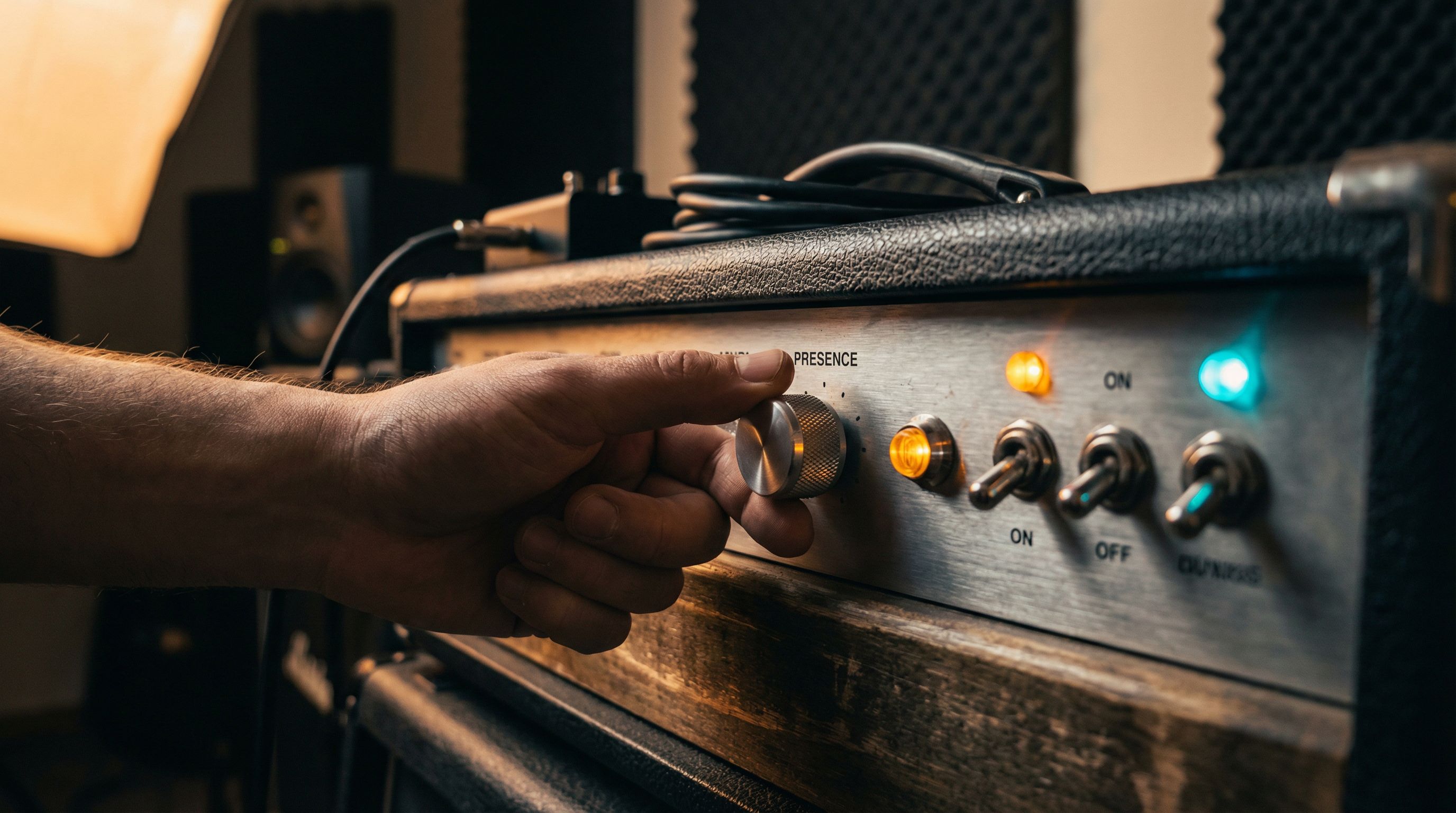
Try dropping the treble by 1-2 points and the presence by 1-2 points from where you'd normally set them. This reduces the high-frequency content at the source rather than filtering it out downstream. It's more like adjusting the color temperature of a room than hanging a curtain over the window.
Also check the amp model's high cut parameter if it has one in the advanced settings. This is a built-in high-frequency roll-off within the amp model itself.
Fix 4: Cut at 4-5kHz on the Global EQ
There's a specific frequency range (roughly 4kHz to 5kHz) where the nastiest, harshest fizz concentrates. This is the ice pick zone. A targeted cut here can clean up your tone without dulling it.
Use your modeler's global EQ to make a gentle cut in this range:
- Frequency: about 4.5kHz
- Gain: -2 to -4 dB
- Q (bandwidth): Medium (around 1.0-1.5)
The global EQ approach applies to all your patches without adding an EQ block to each one. Think of it as compensating for the architectural difference between guitar speakers and your FRFR/monitor setup: a room correction, not a tone choice.
Start with a -2dB cut and increase if needed. If you're cutting more than -5dB, there's likely a deeper issue (IR choice, too much gain) that a global EQ won't fully resolve.
Fix 5: Play Through an FRFR at Gig Volume
This one is less of a fix and more of a reality check: modeler patches are designed to sound good at performance volume, not bedroom volume.
At low volume, your ears are disproportionately sensitive to high-mid frequencies (the 2-5kHz range where fizz lives). At higher volumes, your hearing flattens out and those frequencies become less prominent. A patch that sounds fizzy at conversation volume can sound balanced at band volume. The whole frequency picture reshapes.
If you're dialing in patches at low volume and they'll be used at gig volume, you need to account for this. Either:
- Dial in at performance volume whenever possible, even briefly
- Use headphones with a flat response. Quality studio headphones give you a more accurate picture at low volume than cheap monitors
- Accept that low-volume patches need different settings than gig-volume patches. Some players maintain two versions of each preset.
This is also why FRFR speakers matter for modelers. For a deeper look at how different amp and speaker technologies shape your tone, see our complete guide to guitar amp types. Playing a modeler through a regular guitar cab adds the speaker's own coloration on top of the cab simulation, often doubling up on certain frequencies and creating resonance problems. An FRFR speaker reproduces the modeler's output faithfully; what you hear while dialing in is what you get at the gig.
The Quick Fix Checklist
If your modeler tone is fizzy right now, run through this list in order:
- Drop your gain by 10-15%. Too much gain is the most common cause.
- Add a low-pass filter at about 7kHz at the end of your chain.
- Switch to an off-axis mic or ribbon mic on your cab model.
- Cut 2-3dB at 4.5kHz on your global EQ.
- Turn up the volume. Even a moderate increase reshapes the frequency balance.
Most players find that fixes 1 and 2 alone solve 90% of fizz problems. Do those first, and only dig deeper if the problem persists.
Modelers expose frequencies that real guitar cabs hide. Once you learn to manage that high end (to treat the 4-8kHz range as a space that needs architectural attention, not just EQ), the fizz disappears. What's left sits in the mix the way a good guitar tone should: present without competing, textured without abrasive. Worth the thirty seconds it takes to set a low-pass filter on every patch you build.