The thing nobody tells you about practicing guitar through headphones is that you're not really practicing guitar. You're practicing guitar through whatever frequency response curve your headphones happen to have. And that curve can change everything about what you think your modeler sounds like.
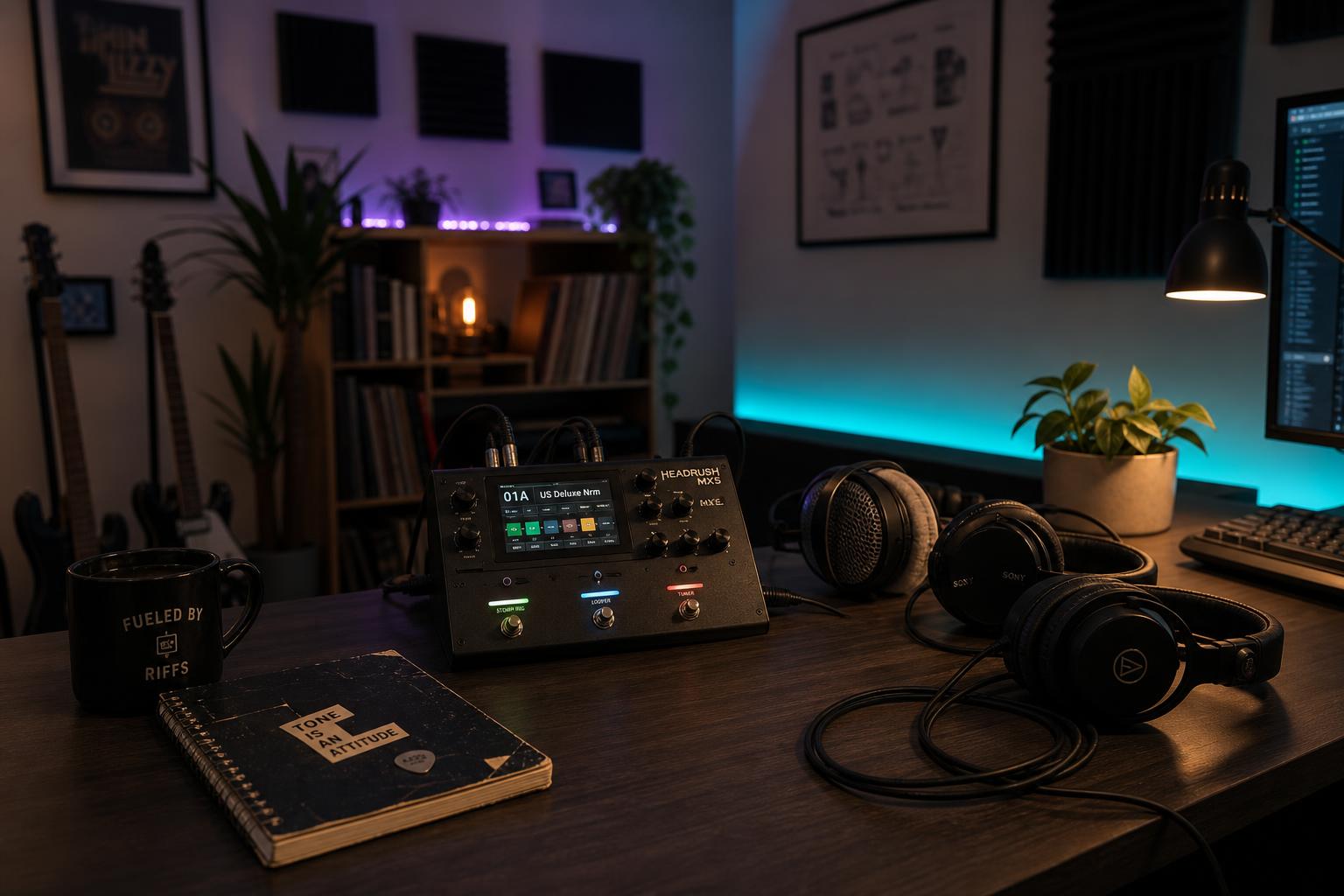
Here's a real test I ran last week. Same HX Stomp preset — a US Double Nrm amp model with a 4x12 Greenback cab IR, gain at 4, treble at 5.5, presence at 6. I ran it through four pairs of headphones I own: Sennheiser HD600, Audio-Technica ATH-M50x, Beyerdynamic DT 770 Pro 80-ohm, and AirPods Max.
The HD600 sounded balanced and slightly polite. The M50x sounded bigger and tighter, with the low mids more present. The DT 770 sounded almost identical to the M50x but with a sharper top end. The AirPods Max sounded thin in the midrange, thick around 100 Hz, and bright around 4 kHz — like someone had EQ'd the guitar to be a podcast voiceover.
The preset didn't change. The amp model didn't change. The cab IR didn't change. What changed was the frequency response of the thing sitting on my head.
Where the frequency response actually differs
Headphone reviewers measure frequency response by playing pink noise through the drivers and recording the output with a calibrated microphone inside an ear-and-pinna simulator. Those measurements are public. Here's a rough sketch of where the four headphones diverge, focused on the regions that matter for guitar tone:
| Region | What's there for guitar | HD600 | M50x | DT 770 | AirPods Max |
|---|---|---|---|---|---|
| 80–150 Hz | Body, low-end weight | Neutral | +4 dB | +3 dB | +5 dB |
| 200–500 Hz | Lower mids, chest of the amp | Neutral | -2 dB | -2 dB | -3 dB |
| 1.5–3 kHz | Note attack, pick definition | Neutral | +1 dB | +2 dB | -2 dB |
| 3.5–5 kHz | Presence, fizz risk zone | Neutral | +3 dB | +4 dB | +3 dB |
| 6–8 kHz | Air, cab IR top end | -2 dB | +2 dB | +5 dB | +1 dB |
| 10 kHz+ | Sparkle | Rolloff | Rolloff | Peak | Rolloff |
The HD600 column is approximately neutral — it's not perfectly flat, but it's within ±2 dB of a flat target across the guitar-relevant range. The other three are colored, and the colorations are not subtle. A 4 dB bump at 80 Hz is the same thing as turning your amp's bass knob up by a noticeable amount. A 4 dB bump at 6 kHz is the same thing as the cab IR you chose having a brighter top end than you thought.
That's how the same preset becomes three different presets across three pairs of headphones. The patch isn't lying. The headphones are.
What this does to your dial-in process
The problem with dialing presets on a colored pair of headphones is that you compensate. You hear the 80 Hz bump on the M50x and you turn the modeler's bass down. You hear the brittle 4 kHz peak on the DT 770 and you roll the presence off. Then you take the preset to a different pair — or worse, to an FRFR cab at band practice — and discover that you've made a preset that sounds thin and dark on everything else.
I made this mistake for about a year. I dialed everything on the M50x because they were the headphones I had. My presets sounded great on M50x and weird on everything else. When I finally bought a pair of HD600 and re-dialed, I had to add 3 dB of low-mid back into nearly every preset and bump the presence up by 1.5 dB across the board.
The fix isn't to buy the most expensive headphones. The fix is to pick one pair as your reference and calibrate your ear to it. If your reference is colored, that's fine — you just need to know which direction the coloration goes, and check your presets on a second source occasionally.
What "flat" actually means for headphones
There's no such thing as a flat pair of headphones. The driver fires into the ear canal, the canal has its own resonances, and the brain expects certain frequencies to be louder because of how outdoor sound interacts with the head. The closest thing to a useful flat target is the Harman over-ear target curve, which is the result of double-blind preference studies the Harman International audio research group has been running since 2013.
The Harman target is roughly: a +3 dB shelf below 200 Hz to compensate for the absence of room-bass coupling, flat through the midrange, and a gentle rolloff above 8 kHz that mirrors how the ear naturally attenuates ultrasonics. Headphones that measure close to Harman tend to sound "right" to most listeners and tend to be useful references because the deviations from a real flat anechoic measurement are predictable.
Headphones that measure close to Harman over the guitar-relevant range:
- Sennheiser HD600 ($399) — the open-back reference standard. Slightly polite in the top end, otherwise neutral.
- Sennheiser HD650 ($499) — a slightly warmer HD600, often the more popular choice. Same family voice.
- Beyerdynamic DT 880 Pro 250-ohm ($259) — semi-open, neutral midrange, slight peak around 8 kHz that some find fatiguing.
- AKG K712 Pro ($379) — open-back, very neutral, wider stereo image than the Sennheisers.
- Hifiman Sundara ($299) — planar magnetic, fast transient response, slight rolloff in the low bass.
All of these are open-back or semi-open, which means they leak sound and don't isolate. For bedroom playing late at night that's a feature, not a bug — open-back headphones reproduce midrange and treble more naturally because the back wave of the driver isn't bouncing off a sealed cup.
What this means for your patches
Once you've picked a reference, the next question is what a patch should sound like on it. Three rules I've come back to repeatedly:
1. High-cut around 7 kHz almost always helps. Most modeler cab IRs are recorded with a small-diaphragm condenser at six inches and have meaningful content above 7 kHz that's never reproduced by a real guitar amp in a real room. Cutting it doesn't make your tone darker — it makes it sound more like an amp.
2. The 200–500 Hz region is where modelers feel "modeler-ish" or "amp-ish." If a preset sounds plasticky or thin, the answer is usually a 2–4 dB boost between 250 and 400 Hz. That's the chest of a real amp, and most modeler defaults under-emphasize it.
3. Headphones can't reproduce the room. A real amp at 75 dB SPL in a 10-by-12 bedroom has a specific bass coupling with the floor and walls that no headphone simulates. That's why some players add a touch of short room reverb (think 30–60 ms decay) to every modeler patch — it puts the guitar back in a space, which is what headphones strip out.
The closed-back exception
Open-back is the right answer for dialing tones, but it's not the right answer for every situation. If you live with other people and you need the sound to stay in your head — late-night sessions, shared apartments, partners asleep in the next room — you need closed-back, and closed-back means coloration.
The best-measuring closed-back headphones for guitar work I've tried:
- Audeze MM-100 ($399) — planar magnetic closed-back, the closest thing to an open-back voice with full isolation. Almost flat through the midrange.
- Beyerdynamic DT 770 Pro 80-ohm ($179) — colored but predictable. Once you know the 6 kHz peak is there, you can dial around it.
- Sony MDR-7506 ($99) — colored but cheap. The studio standard for tracking, not great for mixing.
Audio-Technica ATH-M50x are popular but the upper-bass bump is significant enough that I've stopped recommending them for guitar work. They're great for tracking drums and bass. For guitar modelers they flatter too aggressively.
A short calibration ritual
If you've never thought about your headphones as a variable in your tone-dial process, here's the thirty-minute test that changes how you hear your rig:
- Pick three presets you think sound great. One clean, one mid-gain, one high-gain.
- Play each through every pair of headphones you own. Five seconds each, then switch.
- Note which pairs make each preset sound different and in what direction.
- Pick the pair where the presets sound most balanced across the three gain levels. That's probably your reference.
- Dial all future presets on that pair. Check them on a second pair monthly.
You don't need to buy new headphones to fix the headphone lottery. You need to choose your ticket once and play it consistently. The same preset on the same headphones every day is a fixed reference. The same preset on whichever headphones you grabbed is a lottery you've been losing without realizing it.
What I run
I dial everything on the HD600 with a Schiit Magni 3+ amp out of the HX Stomp's headphone output. I check presets on a pair of M50x to catch anything that sounds thin in the upper bass and on a pair of cheap earbuds to catch anything that falls apart at low fidelity. That's the workflow that's gotten me presets that sound the same from my desk to a band practice room to a friend's PA.
The headphones aren't the tone. They're the window you're looking at the tone through. Wash the window once and you can stop blaming the modeler for things that were never the modeler's fault.