A dry DI is the least impressive sound in your session. Soloed, it's brittle and dimensionless — somewhere between a clavinet and a DI'd nylon-string, all pick and no body. The first time you hear one played back flat, your instinct is to delete it. Don't. That thin, unglamorous track is the master copy of your take, and as long as it survives, you can change the cab — or the entire amp — long after you've forgotten how you played the part.
Re-cabbing a recorded take means swapping the speaker-and-mic stage of a tone after the fact without re-recording. It works because the cab is the last link in the chain and, in software at least, a completely separate block. You're not editing the performance. You're auditioning a new room for a performance that's already finished.
The Signal Flow at a Glance
| Path | Route | When to use it |
|---|---|---|
| In the box | Dry DI track → amp-sim plugin → new cab IR | Default. Instant recall, no latency, audition speakers live |
| Hardware (cab only) | Dry DI → interface out → preamp/amp-sim → cab-sim pedal → interface in | The cab voicing you want only exists in a physical box |
| Hardware (amp + cab) | Dry DI → interface out → cab pedal with amp models (e.g. IR-2) → interface in | Full re-amp from a single pedal, no plugin chain |
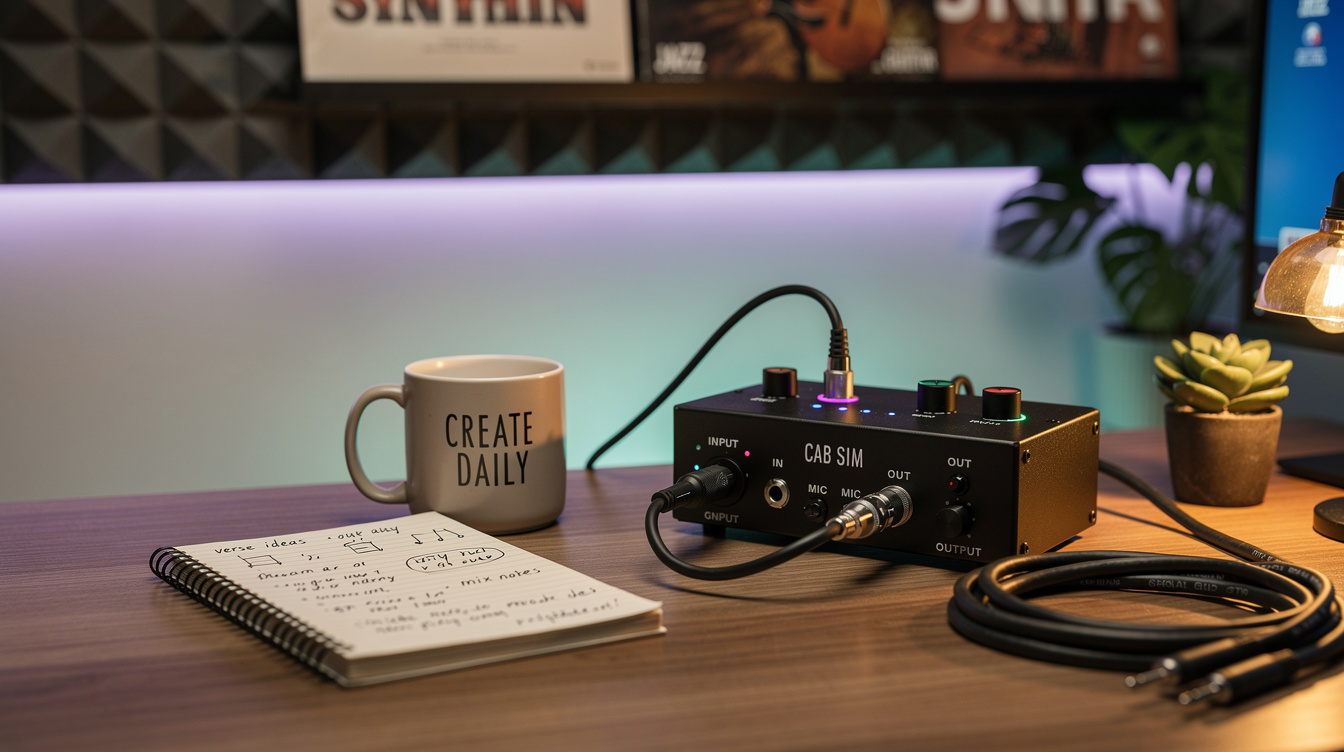
The thing to notice: a cab sim only models the speaker and the microphone. It does not contain an amplifier. Feed it a clean DI on its own and you get a clean guitar pushed through a speaker — darker than the DI, but still thin and lifeless. Re-cabbing always assumes there's amp or preamp voicing somewhere ahead of the cab. In the box that's your amp-sim plugin. In hardware it's either a preamp pedal you patch in first, or a cab pedal like the BOSS IR-2 that carries its own amp models.
Capture the Dry DI First
You can't re-cab what you didn't keep. The move is to record two tracks at once: the tone you monitor through, and a parallel dry DI sitting underneath it.
- Plugged into an interface: record the Hi-Z input straight to a track with no plugins on it. That's your DI. Put your amp sim on a second track fed from the same input, or monitor through it without printing — either way the clean signal lands somewhere safe.
- Through a hardware modeler: most modelers have a way to send a pre-amp split out a second output or USB channel. On a Helix that's a Send block or the USB 7/8 dry path; on a Quad Cortex it's an output set to the input split before the amp block. Record that alongside your main tone.
- No split available: then commit a DI on its own pass. It's not glamorous, but a brittle DI now is a re-amp later.
The discipline is the whole trick. You don't decide to re-cab until weeks after the take, by which point the guitar is back in its case and you've half-forgotten the part. The dry DI is what lets future-you fix present-you's cab choice.
Re-Cabbing in the Box
This is the path I reach for first, and it's almost embarrassingly simple. Drop the dry DI on a track, load an amp-sim plugin, and start swapping the cab block. Most amp sims let you change the impulse response — the captured fingerprint of a specific speaker, mic, and room — without touching the amp. If you want a primer on what that capture actually contains, the impulse response guide covers it. You can audition a 4x12 against a 1x12 against a third-party IR library in real time, looping a chorus and just cycling speakers until one of them stops fighting the vocal.
What makes this powerful isn't the convenience, it's the recall. Every choice is non-destructive. You can come back in three days with fresh ears and undo all of it. If the part needs to sit further back, you reach for a darker speaker; if it's disappearing under the bass, you find one with more upper-mid push. The performance never changes — only the frequency space it occupies. For choosing among the stock options, decoding the cab models is a better starting map than clicking through blind.
The Hardware Path — and the Level Trap
Sometimes the tone you want only lives in a physical pedal. A Two Notes Torpedo, a hardware IR loader, a cab pedal with a power-amp sim you can't quite match in software — those are reasons to send the DI back out into the room and re-record it.
The route is: dry DI track → an output on your interface → into the pedal (with amp/preamp voicing in front of the cab stage) → back into an input → onto a new track. This is the same idea as reamping through an amp's effects loop, just aimed at a cab-sim box instead of a power section.
Here's where most people go wrong, and where I went wrong. I assumed that if I matched the IR and the settings exactly, the hardware re-cab would be indistinguishable from the in-box version. It wasn't — until I matched the level. An impulse response is linear; double the input and you just double the output. But the amp or clip stage in front of it is not. Feed a hardware cab sim a signal that's a few dB hotter than what you tracked, and the speaker model's resonance and any soft-clipping ahead of it react differently. The highs fold over, the low end thickens, and you've changed the voicing, not the volume. The fix is boring and total: set your interface output so the signal hitting the pedal matches what you played through originally. A reamp box helps here, because it drops line level back down to instrument level cleanly. If your pedal takes line level directly, just pad the send and trust your meters over your assumptions.
Mind the Round Trip
Every time the signal leaves the interface and comes back, it's late. Converters and the DAW buffer add a few milliseconds each way, and that delay is real audio you've now committed to a track. On its own it doesn't matter. The moment the re-cabbed part plays next to anything — a double, a scratch take, the original tone you're replacing — that offset combs against it and scoops a notch out of the midrange.
Most DAWs compensate automatically, but I never trust it blind. Zoom into the waveforms, find a sharp transient, and slide the new track until it sits on top of the original. The amount you'll move is small and predictable; the exact mechanism — and how much latency is actually audible versus just measurable — is the whole subject of the cab-sim latency breakdown. For re-cabbing specifically, the rule is simple: if it's the only guitar in that frequency space, don't worry about it. If it's blended, align it.
So Which Path Do You Use?
In the box, unless you have a reason not to. The recall, the zero latency, and the unlimited undo win for almost everything, and the audio-quality gap between a good plugin IR and a hardware loader is smaller than the level-matching errors people introduce on the way out the door. Reach for hardware when the voicing you're chasing genuinely only exists in a pedal, or when you want the act of committing to a track to stop you from second-guessing the cab for the rest of the project.
Either way, the lesson is the same one the soloed DI teaches you: almost everything you think of as "my guitar tone" is actually the cab. The DI is raw clay. Keep it, and the speaker is never a permanent decision again.