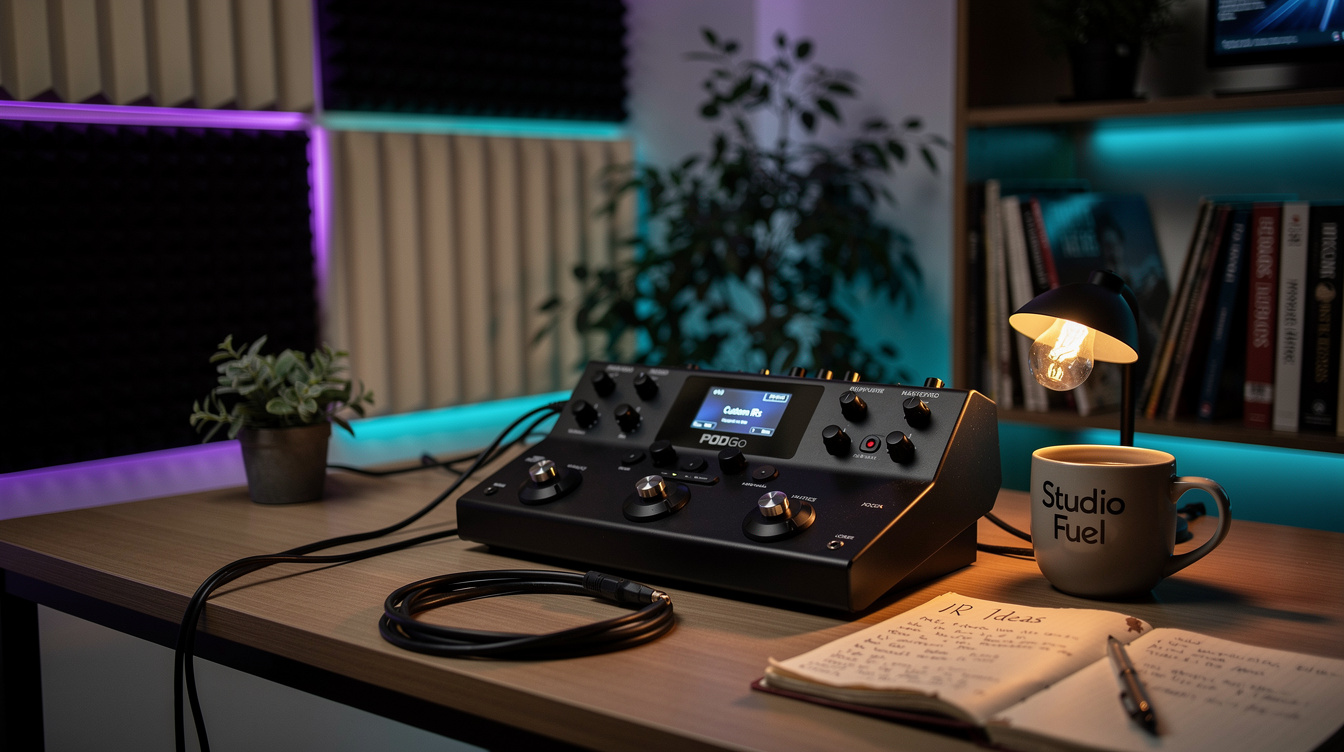
The Fix in One Line A shared POD Go preset sounds thin because its IR block points at an empty slot. Open POD Go Edit → IMPULSES, drag the IR WAV into the slot the preset expects, then confirm the IR block is pointed at that slot.
You loaded a preset someone built — a worship patch, a high-gain preset, a recipe you downloaded — and it sounds wrong. Not subtly wrong. Thin, buzzy, honky, like there's no speaker in the signal at all. Before you start rebuilding the amp block: there isn't a speaker in the signal. The IR block is pointing at an empty slot, and this is the most common way a shared POD Go preset arrives broken.
Here's what's actually happening under the hood, and how to load your own impulse responses so it doesn't happen to you.
What an IR Block Actually Stores
An impulse response is a cab simulation — a captured snapshot of a specific speaker, in a specific cabinet, recorded with a specific mic in a specific position. On the POD Go, IRs live in a bank of 128 numbered slots. You load a WAV file into slot 12, and an IR block in a preset points at slot 12 to use it.
The important part: the preset stores the reference — "use slot 12" — not the audio file. When you export a preset and hand it to someone else, you're handing them a note that says use slot 12, with no guarantee that their slot 12 holds the same IR as yours. Or holds anything at all.
So when a downloaded preset lands on your POD Go and slot 12 is empty, the IR block has nothing to load. It passes the preamp signal through with no cab. And a guitar preamp with no cab sim is not a subtle sound — it's all upper-mid honk and top-end fizz, like a wasp trapped in a tin can. Once you've heard it, you can diagnose it across the room. That fizz is the tell.
This tripped me up the first time I chased it, and I'll admit I looked in the wrong place for a solid ten minutes. I assumed a firmware or version mismatch, because the editor showed an IR name on the block — so surely it was loaded. It wasn't. The reference stores the IR's name too, and the name persists even when the file behind it is gone. The block was confidently displaying the name of an IR that didn't exist in my slots. Lesson: trust the audio, not the label.
How to Load Your Own IRs — Step by Step
- Connect the POD Go to a computer over USB and open POD Go Edit (the free desktop editor). Make sure the firmware and editor versions match — this is the one place a version mismatch genuinely matters.
- Click the IMPULSES tab. You'll see the full list of 128 slots, most of them empty on a fresh unit.
- Drag your IR WAV file into a numbered slot. Note the number. That number is the whole ballgame — it's what a preset references.
- Go back to your preset and select the IR block. In the block's model list, choose the slot you just loaded. The block can only point at a slot that already has an IR in it, which is why loading comes first.
- Set the block's Low Cut and High Cut. These are your fizz and flub controls — a high cut around 7 to 8 kHz tames the top, a low cut around 80 to 100 Hz cleans up the bottom. This is the same job the fixed Preset EQ does on a POD Go worship build, applied right at the cab.
That's it. The block now has a real cab in it and the fizz is gone.
Why Slot Order Is the Thing That Actually Matters
Because presets reference slots by number, slot layout is a system, not an afterthought. If you download presets from a specific builder, load their IRs into the slots their documentation specifies. If you build your own library, pick a layout and keep it — I keep a plain-text map of which IR lives in which slot, because "slot 12 is the Blue-alnico 2x12, slot 13 is the Greenback 4x12" is the difference between a shared preset loading right and a fizzy mess.
This is worth internalizing if you came from a Quad Cortex, where IRs and captures ride along inside the preset through the cloud — you never think about slots. POD Go, Helix, and HX Stomp all work the other way: the file and the reference are separate. It's not worse, it's just a different contract, and the fizz-with-no-cab sound is what you get when you forget it.
The Format Details That Bite People
- Use IRs made for cabs. POD Go truncates each IR to roughly 2048 samples — about 42 ms at 48 kHz. Cab IRs are short by design, so this is fine. A long reverb-style or room IR will get cut off and won't sound the way it does as a DAW plugin.
- 48 kHz, mono WAV is the safe target. POD Go will import other sample rates, but matching the engine's rate avoids resampling artifacts.
- One IR, one job. The IR block is your speaker. If a preset still sounds off after the IR loads, the problem has moved downstream — amp EQ, or a stray high cut — not the cab. That's a different diagnosis; start with why modeler tone sounds fizzy or the broader fix for thin modeler tone.
If you want to understand what the cab block is actually doing before you start swapping IRs, Helix cab models decoded covers the same modeling engine POD Go runs — the speakers and mics are shared across the family. Load the right IR into the right slot, and a shared preset stops being a guessing game.