Two Modelers, Two Philosophies
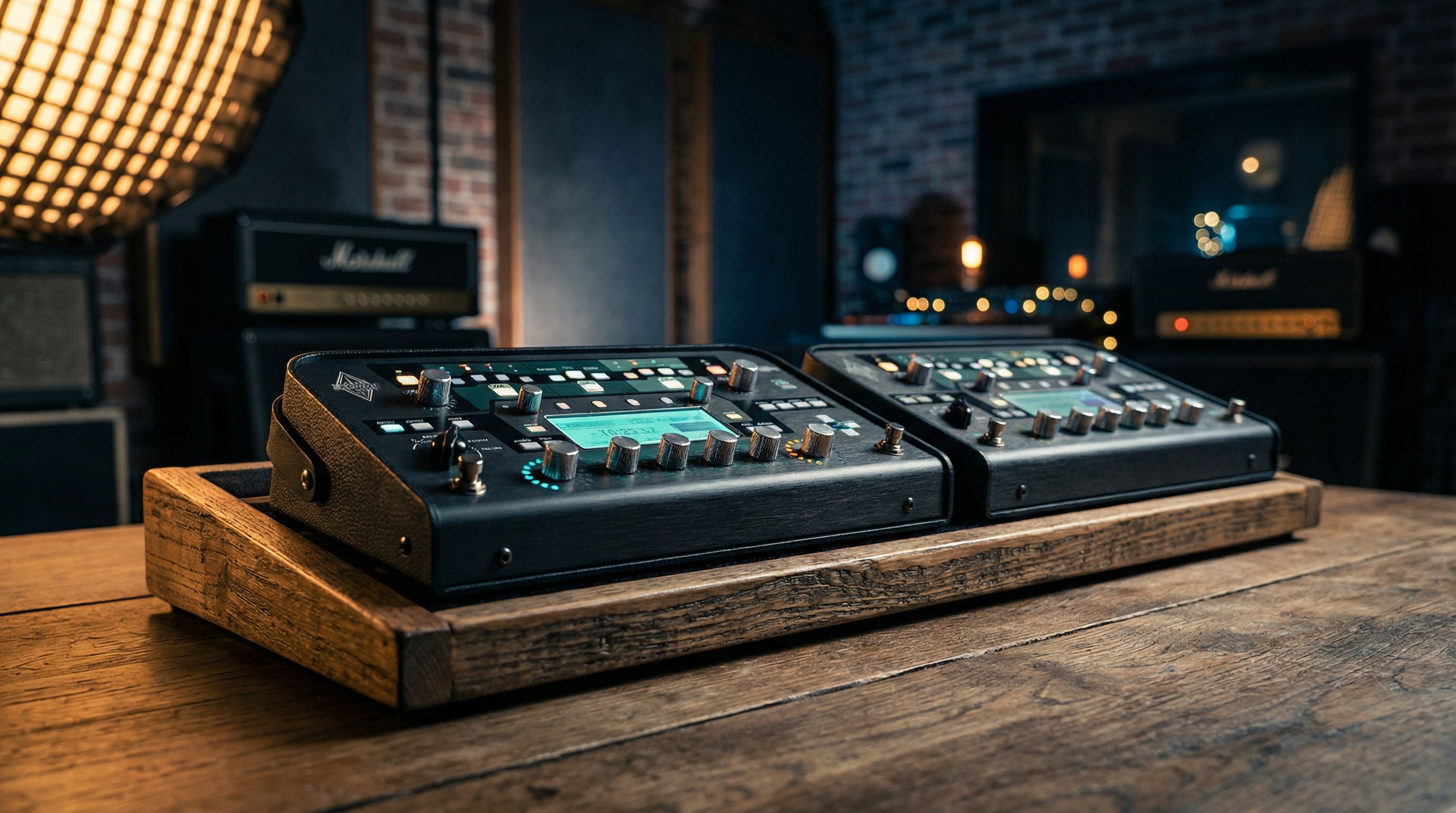
Blind tests over the past two years have produced a surprising finding: most players cannot reliably distinguish the Line 6 Helix from the Neural DSP Quad Cortex in a mix. The tonal gap between these two units is, for practical purposes, negligible.
So why does the choice matter? Because the real deciding factors aren't about sound quality. They're about workflow, routing architecture, ecosystem, and how your brain prefers to build tones. Both units can replace an entire pedalboard and amp rig. Both are on major touring rigs right now. But they approach the job from fundamentally different design philosophies, and those differences will determine which one you actually enjoy using.
Amp Modeling Approach
Helix uses component-level modeling (what Line 6 calls HX modeling). Each amp model is constructed by analyzing the individual electronic components of the original amplifier (resistors, capacitors, tubes, transformers) and simulating how they interact as a circuit. The result is a model that behaves like the original hardware, including how it responds to guitar volume changes, pick dynamics, and pedal interactions.
Helix ships with over 80 amp models and 40+ cab models built in. Line 6 has continued adding models through firmware updates, so the library has expanded significantly since launch.
Quad Cortex takes a dual approach. It includes a library of factory amp models built using Neural DSP's profiling technology, but its signature feature is neural captures: the ability to profile your own amp (or anyone else's) and create a neural network model of that specific amp at that specific setting. You mic up the amp, run a capture process that takes a few minutes, and the QC trains a neural network to replicate the amp's response.
This capture technology is the QC's defining feature. If you own a real amp and want a precise digital replica of it at your favorite settings, the QC can do that. Helix cannot (though Line 6 has its own approach with custom IRs and third-party profiles via Helix Native). For a deeper dive into when captures outperform models and vice versa, see our Quad Cortex captures vs models guide.
| Category | Helix | Quad Cortex |
|---|---|---|
| Modeling method | Component-level circuit simulation | Neural network profiling + factory models |
| Built-in amp models | 80+ | Growing library + captures |
| Can capture real amps | No | Yes |
| Model behavior | Full parameter range simulation | Captures are static snapshots; models are adjustable |
Bottom line: If you want a deep library of classic amp models with predictable, well-documented behavior, Helix delivers. If you want to capture your own amps or tap into a massive community library of captured tones, the QC has the edge.
Routing Flexibility
This is where the Helix establishes a clear lead for power users.
Helix offers a dual-path signal chain with parallel routing, splits, merges, and the ability to route signals between paths freely. You can run two completely independent signal chains, blend them, cross-feed effects between paths, and set up configurations like wet/dry/wet or dual-amp without running into architectural limitations. The routing is closer to a studio patchbay than a pedalboard.
It also has dedicated send/return jacks for integrating external pedals via effects loops (up to four loops on the Helix Floor).
Quad Cortex uses a grid-based routing system with four rows and a series of columns. You place blocks on the grid and connect them in various configurations. It's visual and intuitive, but the grid structure imposes constraints that Helix's freeform routing doesn't. Complex parallel routings are possible but consume grid space quickly. The QC has two send/return loops for external gear.
Bottom line: If you build complex signal chains with extensive parallel routing, the Helix gives you more architectural freedom. If your needs are straightforward (even with dual amps or stereo effects), the QC's grid handles it well and is arguably easier to visualize.
Preset Workflow and User Interface
Quad Cortex wins this category for most players. Its 7-inch color touchscreen makes building presets feel like using a tablet app. You drag and drop blocks, tap to edit parameters, and see your entire signal chain laid out visually. The learning curve is minimal, and you can build a gig-ready preset from scratch in a few minutes.
Helix uses a combination of a color LCD screen, physical knobs, and joystick navigation. It's well-designed and fast once you've internalized the interface, but there's a steeper initial learning curve. Moving blocks, adjusting parameters, and navigating menus all require learning the button/knob combinations. Many Helix users build presets in HX Edit (the desktop editor) rather than on the hardware, because the computer interface is more intuitive for complex routing.
The counterpoint: some players actually prefer physical controls for live performance. Knobs and switches provide tactile feedback that a touchscreen cannot. In a dark venue with sweaty hands, Helix's physical controls can feel more reliable than glass.
Bottom line: If you value fast, visual preset building, the QC's touchscreen is a significant advantage. If you prefer physical controls for live adjustments, Helix's hardware interface has genuine merit.
Community and Ecosystem
Helix has been on the market longer and has built a massive ecosystem. CustomTone is Line 6's free preset-sharing platform with thousands of presets. Third-party IR makers overwhelmingly support Helix. YouTube tutorials, forums, and community groups are extensive. Line 6 has a long track record of firmware updates adding new amp models, effects, and features at no additional cost.
HX Edit and Helix Native (the plugin version) expand the ecosystem further. Helix Native lets you use the exact same amp models and effects in your DAW, which is valuable for recording workflows.
Quad Cortex has Cortex Cloud, a built-in platform for sharing presets and neural captures. The capture-sharing dimension is unique. You can download someone's captured Dumble or profiled Marshall and load it directly onto your unit. The QC community has grown rapidly, and Cortex Cloud's integration directly into the hardware makes discovering and downloading new tones seamless.
Neural DSP also makes their acclaimed amp sim plugins (Archetype series), and that R&D DNA informs the QC's factory models.
Bottom line: Helix has the larger, more established ecosystem. The QC's Cortex Cloud and capture-sharing community are growing fast and offer something Helix fundamentally cannot.
Effects Library
Helix ships with over 300 effects: everything from basic drives and delays to boutique pedal models, studio rack effects, and legacy effects carried over from Line 6's earlier products. The library is comprehensive. If you need a specific type of effect, Helix almost certainly has it, often in multiple variations.
Quad Cortex launched with a smaller effects library but has expanded significantly through firmware updates. It now covers all the essential categories, but the total count remains smaller than Helix's. The QC can also capture pedals (not just amps), which partially offsets the smaller built-in library. If you own a specific drive pedal you love, you can capture it.
| Category | Helix | Quad Cortex |
|---|---|---|
| Built-in effects | 300+ | Smaller but growing |
| Pedal captures | No | Yes |
| Legacy effects | Yes (from Line 6 history) | No |
| Plugin version | Helix Native (DAW) | Not available |
Bottom line: Helix has more built-in effects. The QC supplements its library with pedal captures.
Hardware and Form Factor
Helix comes in multiple form factors:
- Helix Floor: Full-size, 12 footswitches, scribble strips above each switch, expression pedal
- Helix LT: Slightly smaller, fewer I/O options, same processing power
- HX Stomp / HX Stomp XL: Compact pedalboard-friendly units with fewer switches and reduced block count
- Helix Rack + Helix Control: Rack-mounted processor with a separate foot controller
Quad Cortex comes in one floor form factor: a compact unit roughly the size of an iPad, with 11 footswitches and a large touchscreen. It's significantly lighter and smaller than the Helix Floor (under 4 lbs vs. over 14 lbs). For players who fly to gigs or value pedalboard real estate, the QC's compact size is a major draw.
Neural DSP has also released the Quad Cortex Desktop, a tabletop version without footswitches for studio use.
Bottom line: Helix offers more form factor options across the product line. The QC is substantially smaller and lighter in its floor unit version.
Price
At current retail, the Helix Floor and Quad Cortex are in a similar price range, with the QC typically priced slightly higher. The Helix LT offers a more affordable entry into the Helix ecosystem, and the HX Stomp/XL are significantly less expensive for players who don't need a full floorboard.
Used market prices fluctuate, but both hold their value well.
Who Should Buy What
Choose the Helix if:
- Complex routing is important to you (wet/dry/wet, parallel paths, multiple FX loops)
- You want the largest possible built-in effects library
- You prefer physical knobs and switches for live performance
- You want multiple form factor options (especially the HX Stomp for a compact setup)
- You value a massive, established community and preset library
- You want a plugin version (Helix Native) for studio recording
Choose the Quad Cortex if:
- You want to capture your own amps and pedals
- Fast, touchscreen preset editing appeals to you
- Size and weight matter (touring, fly dates, small pedalboards)
- You want access to a growing library of community amp captures
- You prefer a modern, app-like user interface
- You value capture-sharing as a way to access tones from amps you don't own
I expected the QC's touchscreen workflow to be a novelty that wore off, the kind of feature that demos well but loses its appeal after a few weeks of real use. What I found was the opposite: building presets stayed faster on the QC even months in, because the drag-and-drop grid eliminates the menu-diving that becomes second nature (and invisible) to Helix users.
That said, the sound quality gap between these two units is negligible in practical use. If either unit sounds harsh or fizzy out of the box, the issue is almost always fixable. Our guide on why modeler tone sounds fizzy covers the most common causes. The decision should come down to workflow preference, form factor needs, and whether the capture feature matters to you. If possible, spend 30 minutes with each unit at a dealer. The one that feels more natural to program is the one you'll build better tones on, because you'll actually enjoy the process of dialing things in.