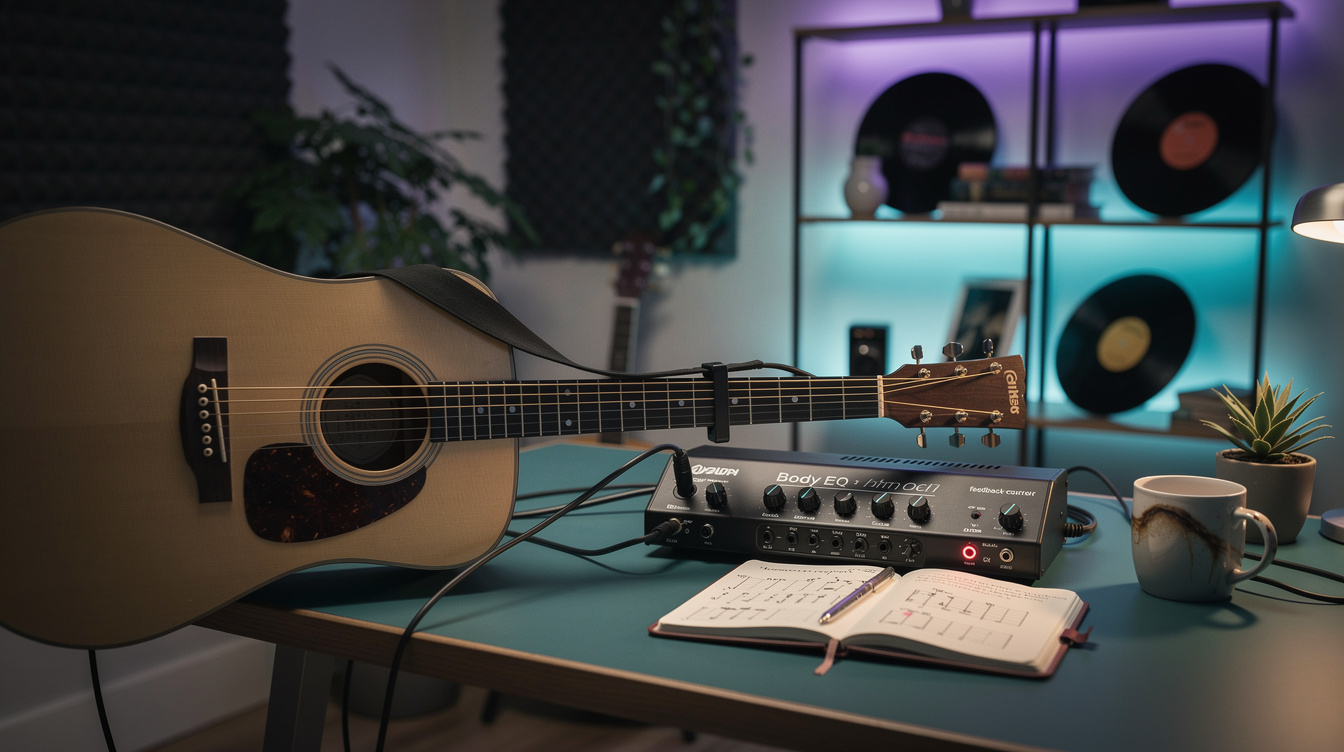
The Setup in One Line Turn the amp and cab blocks off, use the modeler as a DI, cut the piezo quack (2-4 kHz) and the boxy honk (250 Hz), add light compression, and notch out the one frequency that feeds back.
You got handed an acoustic and a cable on Sunday, plugged into the same HX Stomp you use for electric, and it sounded like a rubber band stretched over a shoebox. That's normal, and it's fixable in about ten minutes. The problem isn't your guitar and it isn't the modeler — it's that a modeler's default job is to put your signal through a modeled electric-guitar speaker, and an acoustic played through a guitar cab sounds exactly as wrong as it is.
The fix is to stop asking the modeler to be an amp and let it be what an acoustic actually needs: a clean, quiet, EQ-able direct box. You already own one. Here's the whole chain.
Step One: Turn the Amp and Cab Off
This is the single biggest change and most people never make it. In your preset, bypass or delete the amp block and the cab/IR block. What you want is a signal path that goes: guitar in → a little cleanup → out to the PA, with nothing coloring it like a Marshall.
On a Line 6 unit — HX Stomp or POD Go — build a fresh preset with no amp and no cab, just the utility blocks below. On a Quad Cortex, same idea: skip the amp/cab, keep the EQ and dynamics. The modeler becomes a DI with a graphic EQ and a compressor built in, which is a genuinely useful thing to have and one you already paid for.
Step Two: Cut the Piezo Quack
Almost every acoustic-electric uses an under-saddle piezo pickup, and piezos have a sound: a brittle, plasticky "quack" up around 2-4 kHz and a boxy honk down around 200-400 Hz. You never hear those acoustically — they're an artifact of how the pickup senses string vibration under pressure. So the first move is subtractive, not additive.
| Band | Move | What it fixes |
|---|---|---|
| ~250 Hz | Cut 2-4 dB | The boxy, cardboard "honk" that makes it sound small |
| ~3 kHz | Cut 2-3 dB | The plastic "quack" — the most artificial part of the piezo |
| ~8-10 kHz | Gentle shelf up, 1-2 dB | A little air back on top, so it doesn't sound dead after the cuts |
To find your exact quack frequency, do what I do with any problem tone: set a narrow EQ band to a boost, sweep it through 2-4 kHz until it sounds worst, then turn that boost into a cut. Your guitar's worst frequency is specific to your pickup; the numbers above are the starting line, not the answer. The general guitar EQ guide has the wider map if you want it, but for acoustic-through-a-DI these three moves cover most of it.
The thing that surprised me: I spent an embarrassing amount of time hunting for an acoustic-simulator block, convinced the fix was adding a realistic body sound. It wasn't. Turning off the cab and cutting 3 dB at 300 Hz did more than any sim I tried. The fix wasn't adding an acoustic sound — it was removing the plastic one. Once the honk and quack are gone, the guitar underneath was fine the whole time.
Step Three: A Little Compression
Acoustic playing has a big dynamic gap — a strummed chorus is much louder than a fingerpicked verse — and the PA punishes that gap. A light compressor closes it so both land at a usable level for the sound tech.
Keep it gentle: a ratio around 3:1, threshold set for only 2-4 dB of gain reduction on your loudest strum, medium attack and release. You're evening things out, not squashing them. If you can hear the compressor working, back it off. (For the deeper version of this, the compressor settings guide applies the same principles.)
Step Four: Kill the Feedback
Here's where volume becomes a real problem. Turn a mic'd or DI'd acoustic up in a live room and at some point it starts to ring — a howl or a low woof that builds on its own. That's feedback: one resonant frequency looping through the PA and back into the guitar body. The good news is it's almost always a single frequency, so you don't need to dull the whole tone to stop it.
- High-pass first. Roll off everything below 80-100 Hz with a high-cut/low-frequency filter. Most acoustic feedback starts as low-end body resonance and subsonic rumble; removing it removes the trigger for a lot of it.
- Find the ring, notch the ring. When it howls, sweep a narrow parametric cut through the low-mids (100-250 Hz is the usual suspect for body resonance) until the ring dies. Leave a tight notch of 6-10 dB there. One narrow notch beats pulling down a whole tone control.
- Turn yourself down in the monitor. If your acoustic is in your own stage monitor, that's often the loop. Ask for less of yourself in the wedge, or step back from it.
None of this is stagecraft — it's three filters. And it's the difference between an acoustic you can actually use on a loud Sunday morning and one that pins the sound tech to the feedback-suppression button all set.
If You Don't Have a Modeler
You don't need one. A dedicated acoustic preamp/DI — an LR Baggs Para DI (around $180) is the standard — does every step above in one small box: a high-pass, a sweepable notch for feedback, and a body-EQ voiced for piezos. If acoustic is your main instrument, that's honestly the better buy than pressing a guitar modeler into service, because the controls are laid out for exactly this job. And in a pinch, the board itself works: hand the sound tech a plain DI box, ask for a high-pass and a low-mid cut, and you've done the same thing with their console instead of your feet.
The gear doesn't have to be fancy. It has to do four things — clean DI, cut the quack, even the dynamics, notch the feedback — and once it does, a $300 acoustic-electric can sound completely at home in the mix. If you want to go further into why the piezo sounds the way it does before it hits any of this, the acoustic pickup tone fix and piezo DI and input impedance pick up right where this leaves off.