Quick Decision Guide:
- Playing live through a PA and need a personal monitor? FRFR
- Want the traditional amp-in-the-room feel? Guitar cab (with cab sim OFF)
- Recording and mixing at a desk? Studio monitors
- Can't decide? Start with FRFR. It's the most versatile option
What Is FRFR and Why Does It Matter for Modelers?
FRFR stands for Full Range, Flat Response. It's a speaker system that reproduces the entire frequency spectrum without coloring the sound, like a PA speaker or studio monitor designed for guitar use.
A traditional guitar cabinet does the opposite. A Celestion V30 in a 4x12 has a pronounced midrange peak, a steep high-frequency rolloff above 5kHz, and a resonant low end shaped by the cabinet volume. That coloration is part of the sound of a real amp rig. When you play a Marshall through a 4x12, you're hearing the amp and the cabinet together.
This distinction matters because your modeler's amp models already include cabinet simulation (IR blocks or built-in cab models). If you run a modeler with cab sim ON into a guitar cabinet, you're hearing a simulated cabinet through a real cabinet. That's double filtering that almost always sounds muffled and wrong.
The core rule: FRFR = cab sim ON. Guitar cab = cab sim OFF. Get this wrong and nothing else you adjust will fix your tone.
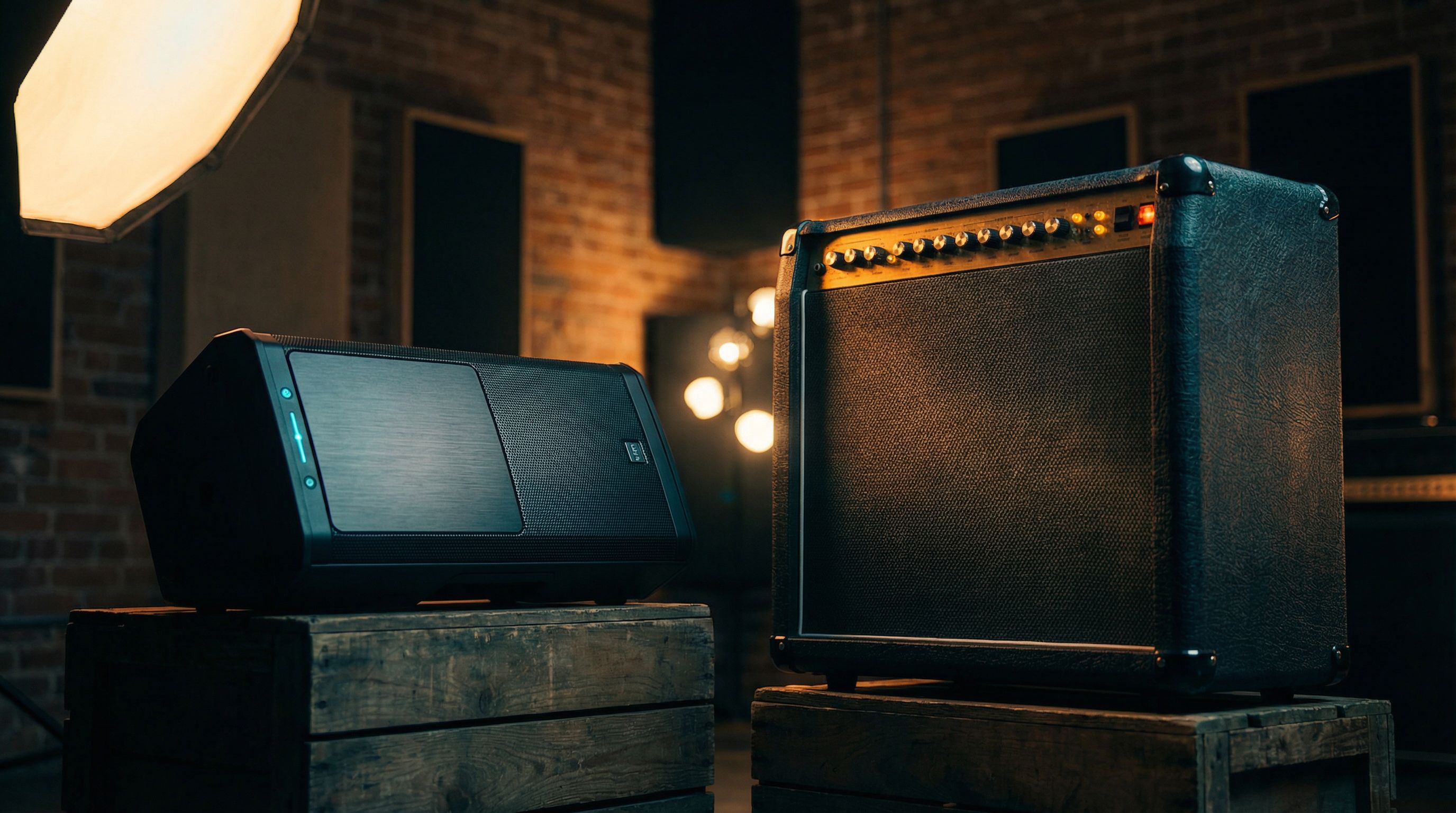
Comparison Table: FRFR vs Guitar Cab vs Studio Monitors
| Factor | FRFR | Guitar Cab | Studio Monitors |
|---|---|---|---|
| Cab sim / IR | ON | OFF | ON |
| Frequency response | Flat (full range) | Colored (guitar-specific) | Flat (full range) |
| Feels like an amp in the room | Less; more like a PA | Yes; familiar push and response | No; analytical, precise |
| Best for live use | Yes; matches FOH sound | Yes; if you want stage amp feel | Rarely used live |
| Best for recording | Good | Workable with mic'ing | Best; most accurate |
| Volume capability | High (most models 500W+) | Depends on cab/amp combo | Low-moderate |
| Stereo capability | Yes (with two units) | Mono (unless running two cabs) | Yes (naturally stereo) |
| Price range | $300-$1,200 | $200-$800 (cab only) | $300-$2,000/pair |
| Weight/portability | 25-45 lbs | 30-80 lbs for a 2x12/4x12 | Light but fragile |
When Should You Use FRFR?
FRFR is the most versatile option for modeler players. It reproduces exactly what your modeler outputs, including the cab simulation, microphone modeling, and room characteristics baked into your IRs. What you hear on stage matches what the audience hears through the PA.
This consistency is the biggest advantage. You build a preset at home through studio monitors or headphones. You load it at the gig, plug into your FRFR, and it sounds the same. No surprises.
FRFR Settings on Your Modeler
| Setting | Recommended |
|---|---|
| Cab sim / IR block | ON: this is your speaker simulation |
| Global EQ | Flat to start; add a gentle high cut at 8-10kHz if it's harsh |
| Output mode (if available) | Line level / Multi |
| Low cut on cab/IR | 80Hz: removes sub-bass rumble that FRFR reproduces but guitar cabs don't |
| High cut on cab/IR | 8-12kHz: roll off fizzy top end |
The Helix has a global Output setting; make sure it's set to Line when using FRFR. The Quad Cortex output is line level by default. If your FRFR sounds harsh or fizzy, the problem is usually the IR's high-frequency content. Apply a low-pass filter at 8-10kHz on your cab/IR block. The fizzy modeler fix guide covers this in detail.
FRFR Placement Tips
- Tilt the speaker up toward your ears (like a stage wedge); FRFR speakers are directional
- Stand at least 3-4 feet away for the sound to develop
- If it sounds thin up close, that's normal. FRFR doesn't project like a guitar cab
- For stereo, use two FRFR units spaced 4-6 feet apart
When Should You Use a Guitar Cab?
If the amp-in-the-room feel matters to you more than PA consistency, run your modeler into a real guitar cabinet. This is particularly common with players who are used to tube amps and want that physical push of air from a 12-inch speaker. Platforms like the Kemper even have dedicated monitor output modes designed for this use case.
The critical adjustment: turn OFF all cab simulation and IR blocks on your modeler. You're using a real cabinet. Let it do its job.
Guitar Cab Settings on Your Modeler
| Setting | Recommended |
|---|---|
| Cab sim / IR block | OFF: the real cab is your speaker |
| Output mode | Use preamp-only amp blocks (no power amp + cab modeling) |
| Global EQ | May need a slight treble boost; real cabs roll off highs naturally |
| Send level | Adjust to match your power amp or cab's input sensitivity |
On the Helix, you can use Preamp blocks instead of full Amp blocks. Preamp blocks model only the preamp section without the power amp and cab simulation. Run the Helix output into a separate power amp (like a Seymour Duncan PowerStage) and then into your guitar cab.
On the Quad Cortex, disable the Cab block in your signal chain and route the output to a power amp + cab. Some players use the QC's FX Send into a tube power amp for extra authenticity.
The Hybrid Approach
Many gigging players run both: FRFR for monitoring and a guitar cab for stage feel. Route one output to FRFR (with cab sim) and another output to a power amp + guitar cab (without cab sim). Both the Helix and Quad Cortex support this with their multiple output routing.
This gives you the PA-matched consistency of FRFR for the sound engineer plus the physical speaker response of a real cab under your feet. It's more gear to carry, but it solves the compromise.
What About Studio Monitors?
Studio monitors are flat-response speakers designed for mixing and production. They're excellent for building modeler presets at home because they show you exactly what your signal chain is producing, with no flattery and no coloration.
If your preset sounds good on studio monitors, it will translate to FRFR, headphones, and the PA. If it sounds good on a guitar cab, it may not translate at all because the cab was adding its own character. This is the same reason a patch dialed in headphones can fall apart through a speaker in a room: the flat, full-range monitor is the honest middle ground between the two.
Studio Monitor Tips for Modeler Players
- Position at ear height, forming an equilateral triangle with your head
- Keep cab sim ON; monitors are flat, just like FRFR
- Room treatment matters more than monitor price. Bass traps in the corners will improve your low-end accuracy more than spending an extra $500 on monitors
- Don't monitor too loud. 80-85 dB SPL is the sweet spot for making balanced mix decisions
For more on building presets that translate across systems, the dial-in guide covers the full workflow.
Decision Flowchart
Do you play live?
- Yes, and I go direct to PA → FRFR (or just use the PA monitor and skip the personal speaker)
- Yes, and I want amp-on-stage feel → Guitar cab with a power amp, or the hybrid approach
- No, I play at home and record → Studio monitors
Do you build presets at home and need them to work live?
- FRFR or studio monitors for building → FRFR live = maximum consistency
- Guitar cab at home → you'll need to re-tweak for live PA situations
Budget under $400?
- A used Headrush FRFR-108 or QSC CP8 covers most needs
- A used 1x12 guitar cab + a PowerStage 170 is the analog-feel option on a budget
- Studio monitors: Yamaha HS5 or JBL 305P are excellent entry points
For platform-specific guidance on which modeler pairs best with your output choice, see the Helix vs Quad Cortex comparison.