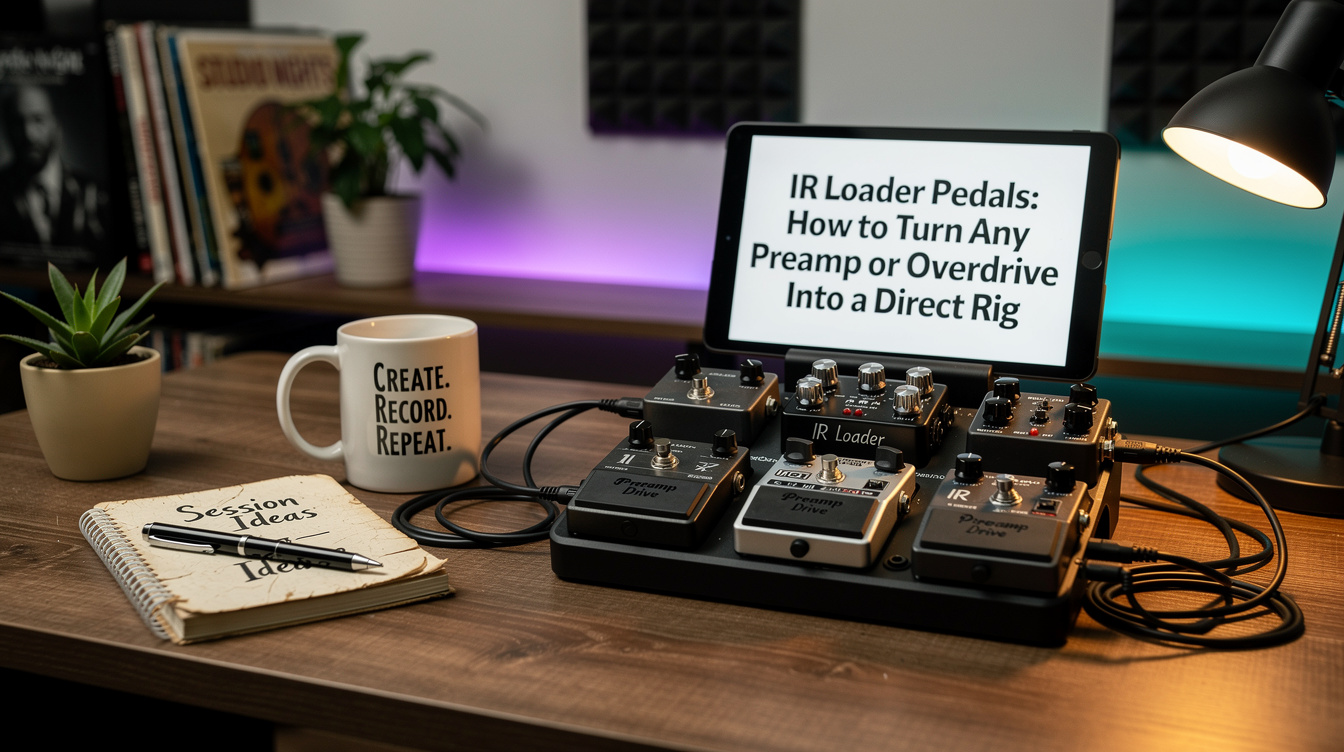
Most guitarists meet impulse responses inside a modeler, where the cab block is just one more thing in the chain you scroll past. But the same technology comes in a small box that does exactly one job: it takes whatever signal you hand it and makes it sound like it came out of a miked speaker. Put one at the end of a pedalboard with no amp, and a bare overdrive or a preamp pedal becomes a finished, recordable, gig-ready signal. That's an IR loader, and it's the cheapest way to go direct without buying a full modeler.
What an IR Loader Is
An impulse response is a snapshot of one cabinet — one speaker, one mic, one position, captured as a short audio file. An IR loader is a pedal that stores those files and convolves your live signal with one in real time, then sends the result out a balanced DI. The whole point is the output: it's meant to leave your board and go straight to a PA, an interface, or a powered full-range speaker, with no guitar amp involved.
If you want the full background on what an IR is and why two "same" cabs sound different, the impulse responses explainer covers it. This post is about the hardware that loads them and how to build a rig around one.
Why You'd Want One
The case for an IR loader is narrow but real. You have a pedalboard you like — actual overdrives, a fuzz, maybe a preamp pedal — and you want to play a gig with no amp, or record without micing anything, or run in-ears at church. You don't want to relearn your whole rig on a modeler's menus. You just want a speaker on the end of the signal so it stops sounding like a DI.
That's the gap. A modeler owner doesn't need this — the cab block is already there. An IR loader is for the analog board that needs one digital block at the very end and nothing else.
The Surprise: The IR Can Only Re-Cab What You Feed It
I assumed the limiting factor would be the IRs themselves — that a cheap loader with mediocre stock cabs would be the bottleneck. So I ran the same IR, in the same box, fed by two different front ends: first a bare high-gain overdrive, then a preamp pedal with a real amp-style voicing.
Same IR. The overdrive came out as an ice pick — all clipped fizz above 4 kHz, thin, no body underneath, a buzzy DI wearing a thin coat of speaker. The preamp pedal came out sounding like a 4x12 with an SM57 on it. The only variable was what hit the loader's input.
Here's what's actually happening under the hood: the IR is a filter. It puts the speaker's frequency response — most importantly the high-end rolloff around 5 kHz that a real cone does — onto whatever passes through. It can subtract the fizz a real speaker would never reproduce. What it cannot do is manufacture the preamp saturation and power-amp character that a bare overdrive never had in the first place. The cab is the last 20 percent. If the front end isn't already a complete voicing, the IR can't invent the missing 80. That's the rule that decides whether your direct rig sounds finished or sounds like a practice-amp headphone jack.
Where It Goes in the Chain
The IR loader is always last. Everything that shapes your tone happens in front of it; the loader is the speaker, and the speaker is the end of the line.
- Guitar into your drives, fuzz, modulation — your normal board.
- A preamp pedal or a strong overdrive providing the core voicing.
- Time-based effects (delay, reverb) — usually after the gain, before the cab, same as on a modeler.
- IR loader, cab sim ON, balanced out to the PA or interface.
One critical switch: the cab sim toggle. Turn it on when the destination is full-range — a PA, an audio interface, an FRFR speaker. Turn it off when you're feeding a real guitar power amp and cabinet, because the real cab is already filtering the top end and a second cab sim on top of it gives you a blanket over the speaker. On for direct, off for a real cab. Get this backwards and you'll think the pedal is broken.
The Main Players
| Pedal | What sets it apart | Custom IRs | Out |
|---|---|---|---|
| Two Notes Torpedo C.A.B. M+ | Dual IR engine, power-amp sim, mic + room distance controls — the deepest tone editing | Yes (WAV + Two Notes library) | XLR + jack, headphones |
| BOSS IR-2 | Eleven amp voicings built in plus IRs — closer to a mini amp-and-cab than a pure loader | Yes (via BOSS Tone Studio) | Stereo jacks |
| Mooer Radar | Smallest and cheapest; 30 cabs, 11 mics, 11 power-amp sims in a tiny enclosure | Yes (36 user slots) | XLR, jack, headphones |
| UAFX OX Stomp | Dynamic speaker modeling and built-in room/mic emulation, very studio-voiced | Limited — leans on its own models | Stereo, app control |
The honest decision framework: if you want the most editing depth and the best stock cabs, the Torpedo C.A.B. M+. If you want amp voicings included so a clean boost is enough in front, the IR-2. If you want the cheapest, smallest box that loads your own IRs, the Radar. If you live in a studio and want a polished, slightly produced sound out of the box, the OX Stomp. None of them is wrong; they're aimed at different rigs.
Loading Third-Party IRs
The stock cabs get you playing in five minutes. The good tones live in third-party libraries. Loading them is the same shape on every box: connect over USB, open the desktop or mobile app, drag a WAV file into a user slot.
A few specifics that save a support ticket: IRs are mono — load the mono file, not a stereo pair, unless the box specifically wants stereo. They're short, typically truncated to around 1024 or 2048 samples (roughly 20 to 40 ms); a longer file isn't "higher quality," it's just got more room tail baked in. Sample rate should match the box — most run at 48 kHz internally and will resample, but matching it avoids a conversion step. And every loader has a fixed number of slots, so you'll be auditioning and culling, not hoarding. For where to actually get cabs worth loading, the Helix IR shootout and the 2026 cab IR roundup both apply — an IR is an IR regardless of what plays it back.
If You're Coming From a Tube Amp
One more rig worth naming, because people conflate two boxes. If your source is a real tube amp and you want it silent, you need a reactive load box first — something that absorbs the power section's output so the amp runs without a speaker moving air. A bare load box gives you a DI signal with no speaker tone, which sounds awful on its own. That's where the IR loader comes in: load box into IR loader, and now the silent amp has a cab. Some boxes fold both jobs together — the Two Notes Captor X workflow is exactly that, a reactive load with the IR engine built in, which is why it's a one-box answer for tube players who want to record quietly.
The mental model that ties it all together: an IR loader is the speaker, delivered as software, at the end of the chain. It doesn't make tone — it shapes the tone you already have into something a console will accept. Feed it a finished front end and turn the cab sim on for direct, off for a real cab. Do that and a pedalboard with no amp behind it can sound like a miked cabinet, which a few years ago took a room, a mic, and a closed door.