The Fix in 30 Seconds:
- More gain does not mean more volume; check your output level, not your drive
- A mid-scooped solo tone disappears in a band mix. Boost 800Hz-1.5kHz by 2-3 dB
- Your compressor may be squashing your solo dynamics. Reduce the ratio or bypass it for leads
The Problem
You build a lead patch. It sounds louder than your rhythm when you're playing alone at home. You get to rehearsal, kick it on for a solo, and nothing. It doesn't cut. The bass player and drummer bury you. Your carefully crafted lead tone vanishes into the mix.
This happens to nearly every guitarist who builds patches on modelers or switches between pedalboard presets. The cause is almost always one of three things, and all three are fixable in under two minutes.
Cause 1: You Added Gain but Not Volume
This is the most common mistake. When you crank the gain on an amp model or distortion block for your solo sound, the signal gets more saturated, but saturation is compression. The peaks get squashed. The signal feels more intense because it's harmonically richer, but its actual peak level may be the same or even lower than your cleaner rhythm tone.
The Fix
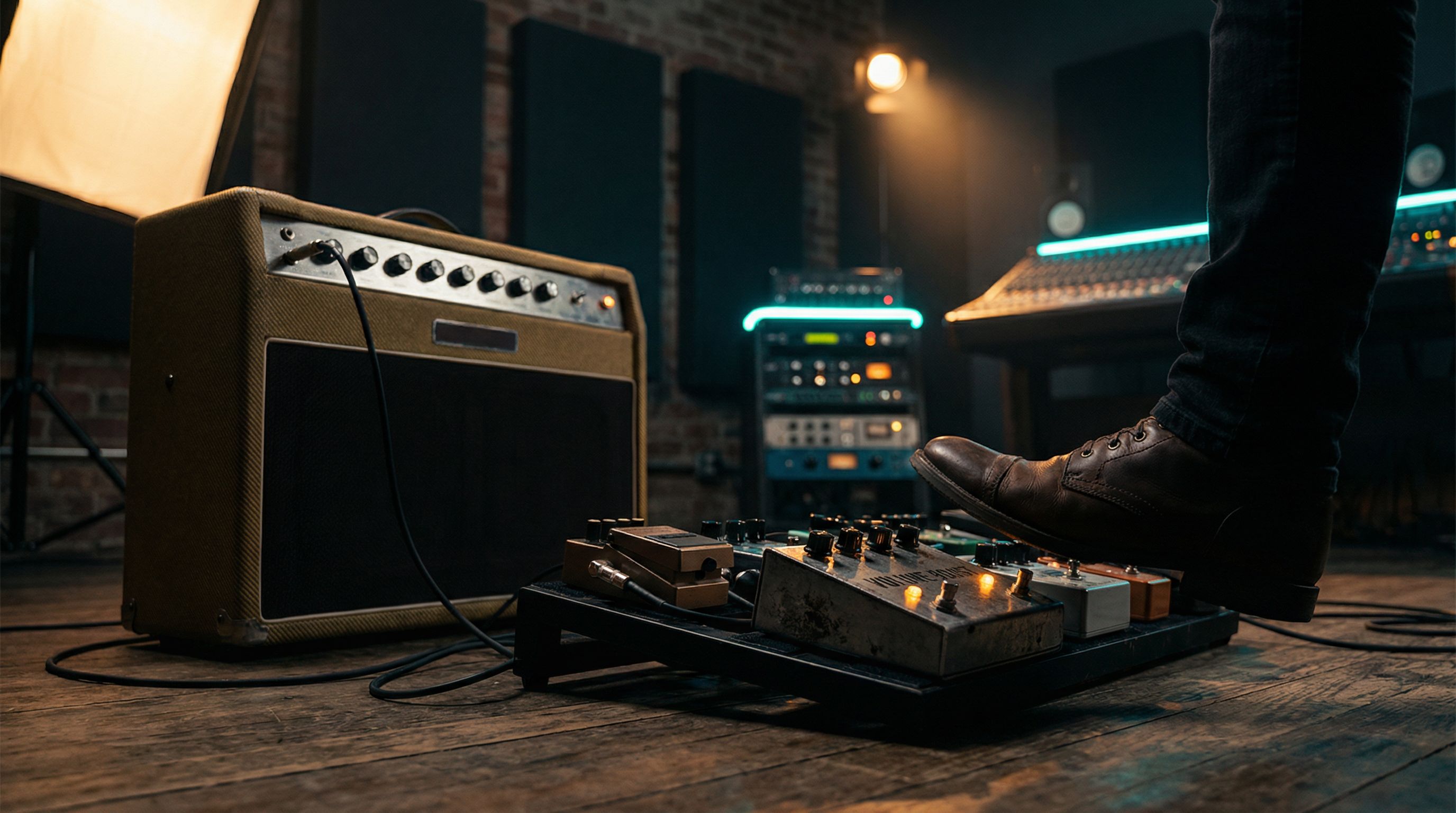
Don't rely on gain to add volume. Use a dedicated level boost at the end of your chain.
| Platform | Where to Add Level | How Much |
|---|---|---|
| Helix | Output block > Level parameter, or a Gain block at the end | +2 to +4 dB |
| Quad Cortex | Output block level per Scene, or a Utility > Volume block | +2 to +4 dB |
| Pedalboard | A clean boost pedal (like a TC Spark or MXR Micro Amp) in the effects loop | Set by ear; match at band volume |
| Boss Katana | Use the Solo Boost feature (50 EX and above) | Adjust in Boss Tone Studio |
On the Helix, you can assign the Output Level to a snapshot parameter so your lead snapshot is 3 dB hotter than your rhythm. On the Quad Cortex, Scenes handle this natively; set a higher output level in your Lead Scene. The gain staging guide explains why gain and volume behave differently and how to think about them as separate controls.
Cause 2: Your Solo Tone Is Mid-Scooped
A scooped midrange sounds massive when you're playing alone. The exaggerated bass and treble feel powerful and wide. But in a band context, vocals live in the midrange. Drums have strong midrange presence. The bass guitar's upper harmonics sit there too. When you scoop your mids, you're cutting the exact frequency range where guitars are most audible in a mix.
The Fix
Add a midrange bump to your solo patch. You don't need much: a 2-3 dB boost centered around 800Hz to 1.5kHz will make your lead tone cut without sounding nasal when you play alone.
| Platform | How to Add the Mid Boost |
|---|---|
| Helix | Add a Parametric EQ block after the amp. Band 2: 1kHz, +2.5 dB, Q of 1.0 |
| Quad Cortex | Same approach: a Parametric EQ after the cab block |
| Pedalboard | An EQ pedal in the loop, or a Tube Screamer-style drive with Drive at minimum and Level up (the TS circuit has a natural mid hump around 720Hz) |
This is the same reason a Tube Screamer into a Marshall works so well for leads. The TS circuit boosts the midrange naturally, not because of its drive character, but because of its EQ shape.
Cause 3: Your Compressor Is Leveling Your Solo Dynamics
If you run a compressor in your signal chain (common for worship, country, and clean-heavy setups), it may be actively working against your solo volume. A compressor's job is to reduce dynamic range; it pulls down loud peaks and brings up quiet moments. That's great for rhythm playing. It's terrible for solos.
The Fix
Either bypass the compressor on your lead patch/scene, or reduce the ratio and raise the threshold so it's barely engaging during solos.
| Setting | Rhythm Patch | Solo Patch |
|---|---|---|
| Ratio | 4:1 | 2:1 (or bypass entirely) |
| Threshold | -20 dB | -10 dB (higher = less compression) |
| Attack | Fast (10-20ms) | Slow (30-50ms) to let transients through |
| Level | Unity | +2 dB to compensate |
On the Helix, you can use snapshots to change compressor settings between rhythm and lead. On the Quad Cortex, set different compressor parameters per Scene. On a pedalboard, consider placing your compressor on a bypass loop so you can stomp it off for solos.
The Volume Check Workflow
Before your next gig, run this checklist at rehearsal volume (not bedroom volume):
- Set your rhythm tone at gigging volume
- Switch to your solo tone and play a melody line
- Ask: does it sit above the rhythm level, or does it just sound different?
- If it's the same level or quieter, add +3 dB at the output
- Check your midrange: solo a 1kHz band on your EQ and listen for whether it's scooped
- If you run a compressor, bypass it on the lead patch and listen for the difference
Do this at rehearsal volume, not bedroom volume. The Fletcher-Munson curve means your ears perceive frequencies differently at different SPLs. What sounds balanced at low volume will not translate to stage volume.
Once the level is genuinely matched, then you can decide how much attitude you want on the lead — a clean boost, an overdrive, or a transparent volume bump each do something different, and the clean boost vs. overdrive vs. volume pedal breakdown sorts out which to grab. But fix the volume drop first. No amount of boost-tool choice helps if the underlying patch is losing 3 dB to compression you didn't know was there.