The short version: Pick the amp character first, set Gain and the EQ second, and set Power Control to match the volume you will actually be playing at — that last one is the step everybody skips and it is the reason bedroom presets fall apart on stage. Genre-by-genre starting settings are below. Every one of them assumes you dial at playing volume, because a Katana at half a watt and a Katana at fifty watts are not the same amp.
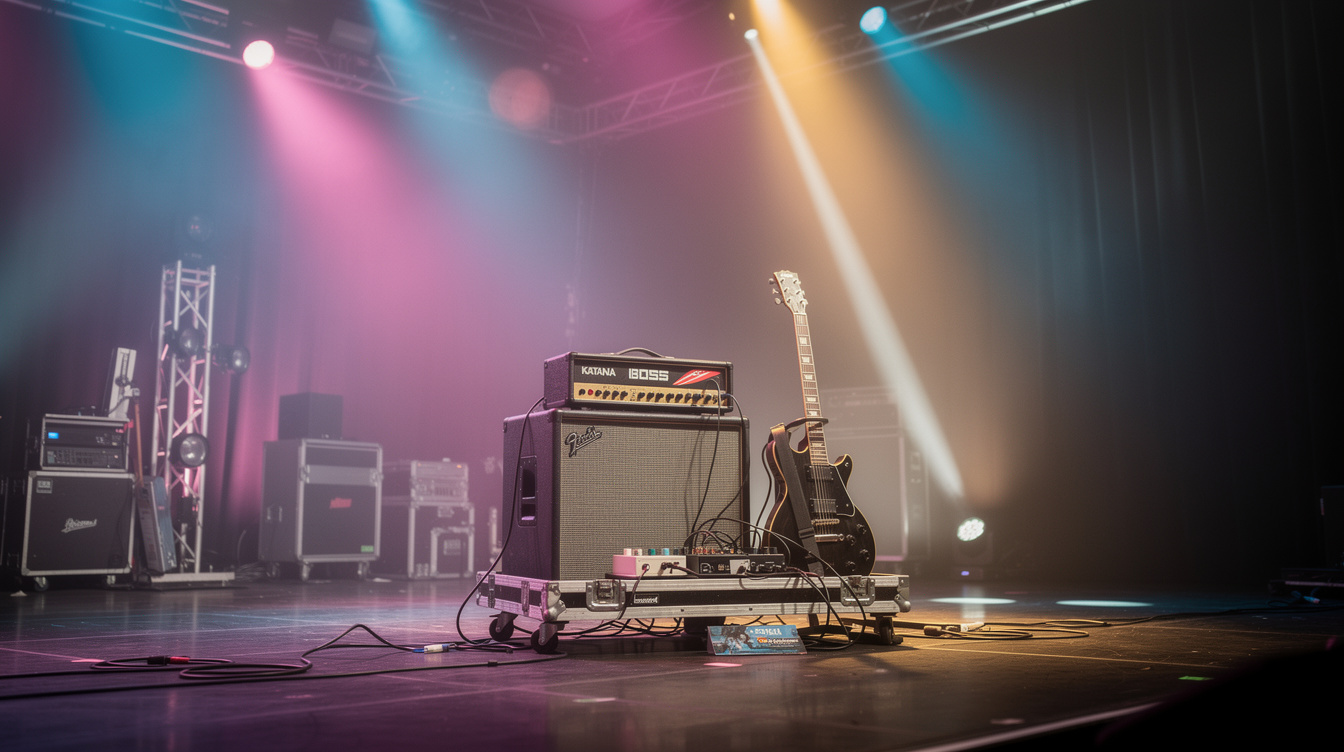
The Katana turns up on more small stages than any other amp, and here is the strange part: the ones that sound great and the ones that sound terrible are running nearly identical settings. Same character, same gain, same EQ, wildly different results.
The difference is almost never the amp character. It is Presence, it is Power Control, and it is that the player dialed the sound in a bedroom and then turned it up.
Here is the whole thing — every character, every genre, and the handful of controls that actually decide the outcome.
First: Which Katana Do You Have?
This matters more than it used to, because settings written for one generation do not translate cleanly to another.
| Generation | Year | Amp characters | Notes |
|---|---|---|---|
| Katana MkI | 2016 | 5 (Acoustic, Clean, Crunch, Lead, Brown) | The original. Still perfectly good. |
| Katana MkII | 2019 | 5, each with a variation | Added variations and a second effect chain |
| Katana Gen 3 | 2024 | 6, each with a variation (12 voices) | Revised Tube Logic engine; adds Pushed |
Gen 3's new character is Pushed, which sits between Clean and Crunch — an amp on the edge of breakup rather than one or the other. If you are on MkI or MkII and a Gen 3 setting calls for Pushed, use Crunch with the Gain backed off to about 2 to 3 and you will be close.
Good news for anyone upgrading: Gen 3 reads MkI and MkII patches and livesets, so saved sounds carry forward.
Tone memory counts differ by model, and this is the spec people most often get wrong. The Katana-50 Gen 3 has four. The Katana Head Gen 3 has eight, plus four more addressable with a GA-FC footswitch connected. Check yours.
The Two Controls That Fix Most Complaints
Before any genre settings, these two. They account for most of what I hear go wrong.
Power Control is a tone control
This is the one that surprised me, and I had it backwards for years.
I assumed Power Control was a volume feature — a way to get the same sound quieter, which is how it gets described in most reviews. So I dialed a preset at home in the 0.5-watt setting, liked it a lot, and brought it to a gig.
At full power it was a different amp. Not louder. Different. The thing I liked at half a watt was power-amp compression, which is exactly what a low power setting manufactures and exactly what disappears when you turn it up. The preset that felt springy and forgiving at home was stiff and brittle on stage, and I spent the first two songs wondering what broke.
So: dial at the power setting and the volume you will actually play at. If you practice at 0.5 watts and gig at 50, you need two presets, not one. That is what the tone memories are for.
Presence is the harshness knob
Almost every "my Katana sounds harsh" report I have chased down was Presence. It has more range on this amp than most players expect, and the top of its travel is genuinely sharp.
Start at 3 or 4. Not noon. If you want more air after everything else is dialed, come up from there.
Treble is the second suspect and Gain is the third. In that order.
The Amp Characters, and What Each One Is For
| Character | What it is | Best for | Takes drive pedals? |
|---|---|---|---|
| Acoustic | Voiced for piezo and acoustic-electric | Acoustic guitar, clean arpeggios | No |
| Clean | Full-range clean, stays clean | Funk, pop, pedal platform | Yes, best choice |
| Pushed (Gen 3) | Edge of breakup | Blues, indie, roots | Yes |
| Crunch | Classic driven amp | Rock rhythm, punk, pedal platform | Yes |
| Lead | Higher gain, mid-forward | Solos, hard rock | Some |
| Brown | Highest gain, tight low end | Metal, modern hard rock | Only a tightening boost |
The two most useful for most players are Clean and Crunch, and both for the same reason: they respond well to pedals in front. If you own dirt pedals you like, the Katana is a better pedal platform than it gets credit for, and Clean or Crunch is where you plug them in.
Brown does not want a fuzz in front of it. Nothing wants a fuzz in front of Brown.
Genre Settings
Every setting below is a starting point on a 0 to 10 scale, dialed at playing volume. Adjust Presence first if it is harsh, Middle second if it disappears in a band.
Clean and Funk
Low gain, treble slightly up, Presence low. Add the Booster section set to a compressor if you want the funk chank to even out. This is also your pedal-platform starting point.
Blues
Mids up. This is the setting where rolling your guitar volume back actually does something, which is most of what blues tone is. If it does not clean up when you roll back to 6, your Gain is too high.
Classic Rock
Crunch character. Gain 5, Bass 5, Middle 6, Treble 5.5, Presence 4. The Katana's Crunch does not need help getting to classic rock — resist adding a drive pedal until you have tried it alone.
Punk and Pop-Punk
Do not scoop the mids. I know. Every punk tone tutorial tells you to scoop the mids and every punk band that sounds good live is running mids at or above noon. Scooped guitar vanishes the second the bass player starts, and then you turn up, and then everyone is miserable.
Gain at 6 sounds low if you are used to a distortion pedal. Play a full open chord and listen to whether the individual strings are still there. If they are mush, come down.
Indie and Alternative
Pushed (or Crunch at Gain 3). Bass 4.5, Middle 6, Treble 5.5, Presence 3.5. Lower bass than you expect — indie guitar tone usually leaves room for the bass and the kick rather than competing.
Metal and Hard Rock
Gain at 7, not 10. The Brown character has plenty and the last three points cost you palm-mute definition without adding perceived heaviness. If you want tighter, put a Tube Screamer-style boost in front with the drive near zero and the level up — that is a tightening tool, not a gain tool.
Middle at 5 is not scooped. Do not go below 4 unless you are recording and something else is holding the mids.
Worship and Ambient
Clean character, Gain 2.5, Bass 5, Middle 5.5, Treble 5.5, Presence 3.5, with delay and reverb doing the work. We have a full worship tone on Boss Katana walkthrough for the delay timing and the swell approach.
Acoustic-Electric
Acoustic character, Gain 2, Bass 4.5, Middle 5, Treble 5.5, Presence 3. Bass lower than feels right — piezo pickups over-deliver in the low mids and pulling Bass back is most of what makes them sound less like a quacking duck.
The Effects Sections and the Tone Studio Unlock
Five effect sections: Booster, Mod, FX, Delay, Reverb. The front panel gives you three choices per section. That is not all of them — that is three of them, and there are 60-plus effect types across the five sections available through BOSS Tone Studio.
Tone Studio is free. It gets you:
- The full effect type list, assignable to the three panel positions
- Deeper parameters for each effect than the single knob exposes
- A global EQ
- Cab resonance settings, which change how the speaker behaves and are genuinely worth a listen
- Liveset (
.tsl) import and export
That last one is the part I would push hardest. Livesets are shareable files, which means a Katana tone is a thing you can download rather than a set of numbers you have to dial by hand and hope. Settings tables like the ones above are always approximations — a .tsl is the actual sound.
Troubleshooting
| Symptom | Most likely cause | Fix |
|---|---|---|
| Harsh, brittle, fatiguing | Presence too high | Down to 3-4 |
| Sounded great at home, bad at the gig | Dialed at a different Power Control setting | Re-dial at playing volume; save a second memory |
| Disappears when the band starts | Scooped mids | Middle to 5.5-6.5 |
| Mushy palm mutes | Gain too high | Down to 6-7 on Brown, add a boost in front instead |
| Fizzy top end on high gain | Presence plus Treble stacking | Presence 3, then Treble |
| Muddy cleans | Bass too high for the room | Bass 4-4.5; small rooms need less |
| Boomy in a corner | Room, not amp | Move the amp off the wall before you touch a knob |
| Acoustic sounds quacky | Piezo low mids | Bass down, Middle down slightly |
Where the Katana Sits
The honest positioning: a Katana is not trying to be a modeler and comparing it to one misses the point. A Helix gives you far more control and asks for far more setup time. The Katana gives you six characters, five effect sections, and a front panel you can fix mid-song without menu diving.
For a lot of players, especially anyone whose playing time is limited, fewer decisions is a feature and not a compromise. Fewer knobs means fewer ways to be wrong.
If you are weighing it against a modeler for a small gigging rig, the deciding question is whether you want to carry a speaker. Katana means you carry a combo and plug in. A modeler means you either carry a full-range speaker or trust the venue's PA. Neither is better. They are different nights.
More Katana specifics live in Boss Katana hidden settings and the best Katana settings for a tube-amp feel. For the smallest end of the range, Katana Mini vs. Vox amPlug 4 covers headphone practice.
The One Thing
Dial it at the volume you play at. Everything else on this page is a starting point you will adjust, but that one is not negotiable, and it is the difference between an amp that works on stage and an amp that only ever worked in your bedroom.