Look at the back panel of a tube amp built before the mid-1980s and you'll often find two jacks that don't appear on anything modern: Preamp Out and Power Amp In. Sometimes they're labeled Slave Out and Power Amp In, sometimes Pre Out and Main In, and players walk right past them assuming they're an old-fashioned effects loop. They're related, but they aren't the same thing, and the difference matters the moment you try to slave one amp into another or drive a power section with a modeler. Here's what each jack actually taps, why one of them silences your preamp the instant you touch it, and how the whole idea survives — under different names — in the rig sitting on your floor right now.
The Short Answer
| Jack | Where it taps | Signal level | What it's for |
|---|---|---|---|
| Preamp Out / Slave Out | After the preamp + tone stack | Line level | Feeding another power amp or recorder |
| Power Amp In / Main In | Straight into the power amp | Line level | Driving the power tubes from an outside source |
| FX Send | After the preamp + tone stack | Line or instrument | Sending to effects |
| FX Return | Straight into the power amp | Line or instrument | Returning effects to the power amp |
Read that table top to bottom and the punchline is sitting right there: Preamp Out and FX Send tap the same point. Power Amp In and FX Return tap the same point. A dedicated set of jacks and an effects loop are two ways of bringing out the seam between the preamp and the power amp. The loop wraps that seam in a send-and-return convenience. The old jacks just hand you the two ends and let you decide what to do with them.
What Preamp Out Actually Gives You
The preamp is where the voicing lives — the gain stages that set how much grind you've got, and the tone stack that shapes it. Preamp Out (or Slave Out) is a tap after all of that. Whatever you've dialed in on the front panel — clean, edge-of-breakup, full snarl — is what shows up at that jack, at line level, ready to drive something downstream.
On a lot of older amps the Slave Out even has its own little level knob, because the whole reason it existed was to feed a second power amp without overdriving its input. That's a tell about the era. These jacks were born in a world where a working player's answer to "I need to be louder and keep my sound" wasn't a bigger combo — it was a second amp, slaved off the first.
What you don't get from Preamp Out is any power-amp character. No power-tube compression, no output-transformer thump, no speaker. It's the preamp's opinion and nothing else. That's a feature when you want to send a consistent, repeatable voice to a recorder or a front-of-house desk, and it's a limitation when you mistake it for the whole amp.
What Power Amp In Does — and the Part That Surprises People
Power Amp In is the other end of that seam: it drops your signal straight onto the front of the power amp, bypassing the preamp entirely. Feed it a line-level source and the power tubes, the output transformer, and the speaker do their work on your signal instead of the amp's own preamp.
Here's the part that catches people out. I always assumed Power Amp In behaved like any insert point — that the amp's own preamp would keep running and I'd just be adding a second source on top of it. The first time I slaved a Bassman preamp into the Power Amp In of a blackface Bandmaster, I expected a muddy pileup of two front ends fighting each other. What I got instead was dead silence from the Bandmaster's own channel the second the plug seated, and only the Bassman's voice coming through. That jack is normalled — it's a switching jack, and inserting a plug mechanically breaks the internal link from the Bandmaster's preamp to its power tubes. The power section was hearing the Bassman and nothing else.
That switching behavior is the single most useful thing to understand about these jacks, because it's also where they part ways with a modern loop. A series effects loop Return usually does the same disconnect. A parallel loop Return does not — it blends your return signal back in alongside the amp's dry preamp signal, which is wonderful for time effects and useless for replacing a preamp. If you've ever wondered why a pedal in a parallel loop never fully takes over, that's the reason; the series vs. parallel effects loop breakdown walks through the blend in detail. The dedicated Power Amp In jack skips the ambiguity. Plug in, the preamp's gone, the power amp is yours.
Slaving One Amp Into Another
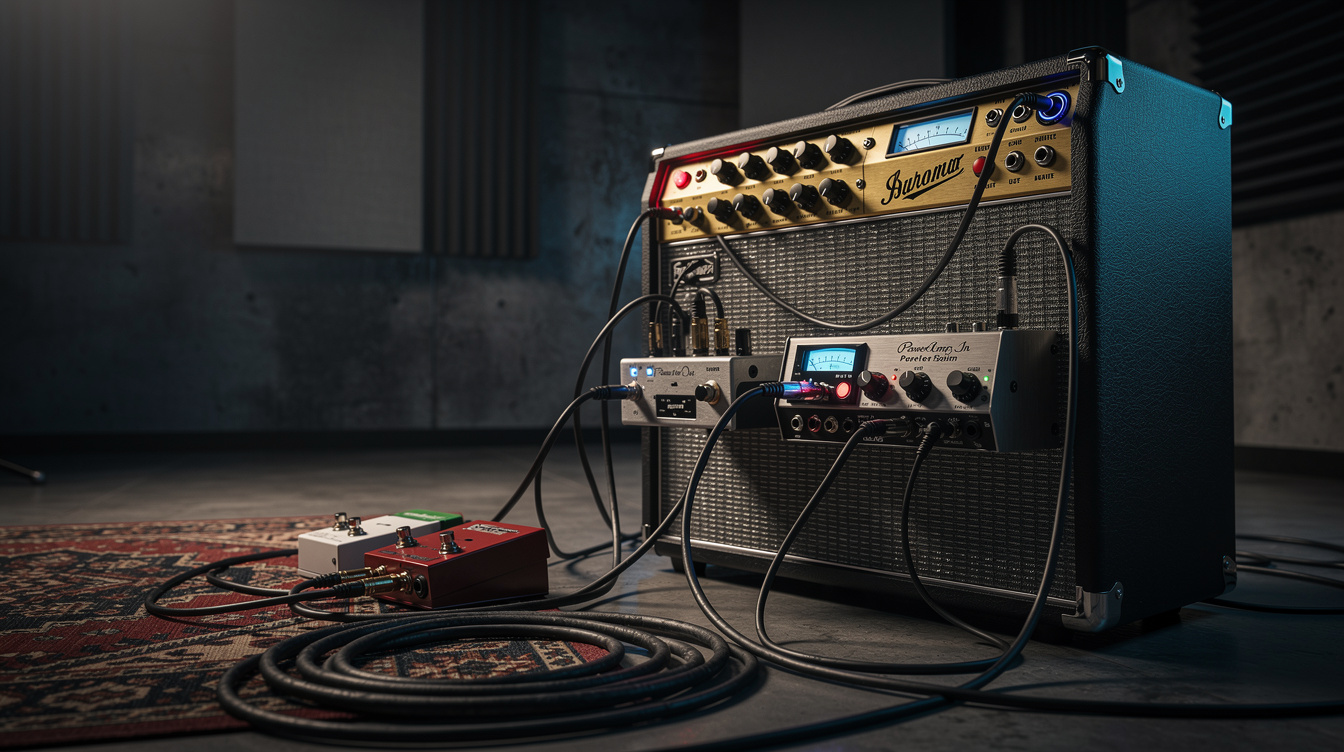
Now the two jacks together make sense. Run Preamp Out of amp A into Power Amp In of amp B and you've slaved them: amp A's preamp voicing, amp B's power section and cab. For 30 years that was how you kept your sound and changed your volume, your speaker, or your room.
The surprise in slaving isn't the wiring — it's how much of the tone the receiving amp keeps. Slaving that Bassman preamp into the Bandmaster, I lost the spongy, sagging give of the Bassman's own power section and picked up the Bandmaster's tighter, more immediate response. The grind was unmistakably Bassman in its midrange and its breakup curve, but the feel under the fingers had gone firmer and more recorded-sounding, less like a room and more like a record. The lesson the back panel teaches you, if you let it, is that the power amp and the speaker aren't passive — they're the second half of the instrument, and they get a vote.
A few practical notes for actually doing it:
- Mind the level. Both jacks are line level. A Slave Out with a level knob is your friend; start it low and bring it up. If your Preamp Out is fixed, you may need the receiving amp's input padded.
- One amp makes the noise. With the preamp disconnected in amp B, you're trusting amp A's front panel for all your gain and EQ. Set the tone there.
- Watch the ground. Two amps tied together through a signal cable is a classic ground-loop recipe; if you get hum, a transformer-isolated connection or a single lifted ground sorts it out.
The Line-Level Trap
The most common disappointment with Power Amp In has nothing to do with tone and everything to do with level. Plug a guitar — or an ordinary stompbox — straight into Power Amp In and it'll be feeble and lifeless, because that jack is waiting for a line-level signal and a guitar delivers a fraction of that. You're hearing the power amp with almost nothing to amplify.
The fix is to give it a real preamp ahead of it: another amp's Preamp Out, a preamp pedal, or a modeler. This same level mismatch is why drive pedals misbehave in hot effects loops; the line-level vs. instrument-level loop guide covers how to spot and match it, and the preamp pedals vs. overdrive pedals breakdown explains why a preamp pedal is built to drive a return or a power-amp input where an overdrive isn't.
On a Modeler
The whole idea is alive and well in digital gear — it just wears the labels "FX loop block" and "4-cable method." A modeler has no physical preamp to disconnect, but the principle transfers cleanly: turn the cab block off, run the modeler into your amp's Power Amp In, and you're using the real power tubes and the real speaker instead of a modeled cab. That's the same slave-into-the-power-section move, with the modeler standing in for amp A's preamp.
Two things to get right:
- Kill the cab sim. Power Amp In leads to a real speaker, so a cab block stacks a modeled cab on top of a physical one — boxy and dull. Bypass it. The disable-the-cab-block walkthrough covers rebuilding a patch for a real speaker rather than FRFR.
- Match the level. A modeler's main outs can usually swing to line level; feed Power Amp In, not the front input, and set the output so you're driving the power amp without slamming it.
If you'd rather keep the amp's own preamp and weave the modeler's effects around it, that's the four-cable method, which uses the front input and the effects loop together instead of replacing the preamp wholesale. And if your goal is to capture that line-level preamp tap for re-amping later, the reamping through the effects loop piece is the same Preamp Out idea aimed at a DAW.
Which Jack, When
If you want to replace the preamp — slave another front end in, drive the power section with a modeler, reamp through it — reach for Power Amp In (or a series loop Return), because the switching jack hands the power amp entirely to your source. If you want to capture or send your dialed-in voice — to a recorder, a second rig, a desk — reach for Preamp Out, because it's the clean line-level tap of everything your front panel is doing. The effects loop is those same two jacks bundled for convenience, with the one wrinkle that a parallel return won't disconnect the preamp the way a dedicated Power Amp In will. Once you can read those four jacks as two points on one seam, the back panel of an old amp stops being a mystery and starts being a patch bay — which is exactly what its builders meant it to be. For why the preamp and power amp sound like two different instruments in the first place, the preamp vs. power-amp distortion guide is where to go next.