Play a chromatic run up the low strings in a small room and listen to the volume, not the notes. One note will jump out like you stomped a boost. A note or two higher, the level collapses and the string sounds like it's apologizing. You didn't change your picking. The amp didn't change. The room did. Those are room modes, and they are the single most misdiagnosed problem in a bedroom rig — players spend weeks EQ'ing an amp to fix something that is a property of the distance between their walls.
What a Room Mode Is
Sound bounces between any two parallel surfaces — the front and back walls, the two side walls, the floor and ceiling. At most frequencies the reflections arrive at random phase and average out to nothing. But at the specific frequency whose half-wavelength fits exactly between two walls, the reflected wave lines up with the outgoing wave and they reinforce into a standing wave: a fixed pattern of loud and quiet that just sits in the room. That frequency, and its whole-number multiples, are a room mode.
The defining feature of a standing wave is that it doesn't move. It has pressure peaks pinned at the walls and nulls at fixed points in between. At a peak, that frequency is dramatically louder. At a null, the outgoing and reflected waves cancel and the frequency nearly disappears. Same note, same amp, two positions three feet apart — one booms, one is dead. Nothing about the signal changed. The room is holding a resonance and you're moving through its shape.
This only happens in the bass. Above a few hundred hertz the wavelengths get short enough that a room has so many overlapping modes they smear into a smooth average — the Schroeder frequency is the rough line where that transition happens, and in a bedroom it sits somewhere around 200 to 300 Hz. Below it, modes are sparse and individually audible. That's why the problem band is exactly where your low strings live.
The Math, Because It's Not Optional
You can calculate your room's worst frequencies in about ninety seconds. For any pair of parallel surfaces, the first axial mode is:
f = 565 / L (L in feet) — or f = 172 / L (L in meters)
The harmonics stack on top at 2×, 3×, 4× that fundamental. Do it for all three dimensions. Here's the data for some common bedroom sizes:
| Room dimension | 1st mode | 2nd | 3rd | 4th |
|---|---|---|---|---|
| 10 ft | 57 Hz | 113 Hz | 170 Hz | 226 Hz |
| 11 ft | 51 Hz | 103 Hz | 154 Hz | 205 Hz |
| 12 ft | 47 Hz | 94 Hz | 141 Hz | 188 Hz |
| 8 ft ceiling | 71 Hz | 141 Hz | 212 Hz | 283 Hz |
Two things fall out of this table immediately. First, an 8-foot ceiling and a 12-foot wall both put a mode at 141 Hz — when two dimensions land on the same frequency, that mode is reinforced twice and becomes a problem you can't miss. Second, every one of these frequencies is a real note. 47 Hz is down in drop-tuned 7- and 8-string territory; 82 Hz is your open low E; the band from 80 to 200 Hz is wall-to-wall with the fundamentals of riffs. The room is not boosting "bass." It's boosting specific pitches and gutting others.
Why You Can't EQ It Out
The instinct is to find the boomy note, pull that frequency down on the amp or the modeler's global EQ, and move on. It doesn't work, and the reason is the whole point of this post.
EQ changes the level everywhere in the room at the same time. A room mode is loud in one place and quiet in another. If you cut 94 Hz to tame the boom at your couch, you've also cut 94 Hz at the spot near the wall where it was already too loud and at the null three feet away where that note was already dead. You fix one location and make another worse, and the moment you stand up your "fix" is wrong again. EQ is a global tool aimed at a local problem. It can shave a broad boundary-loading tilt, but it can't fix a peak-and-null pattern that depends on where your head is.
The corollary, which is the useful part: if the problem is position, the fix is position.
Finding and Beating Your Modes
The workflow is mechanical. Run it in order.
- Calculate the candidates. Use the formula above on all three dimensions. Now you know which frequencies to suspect.
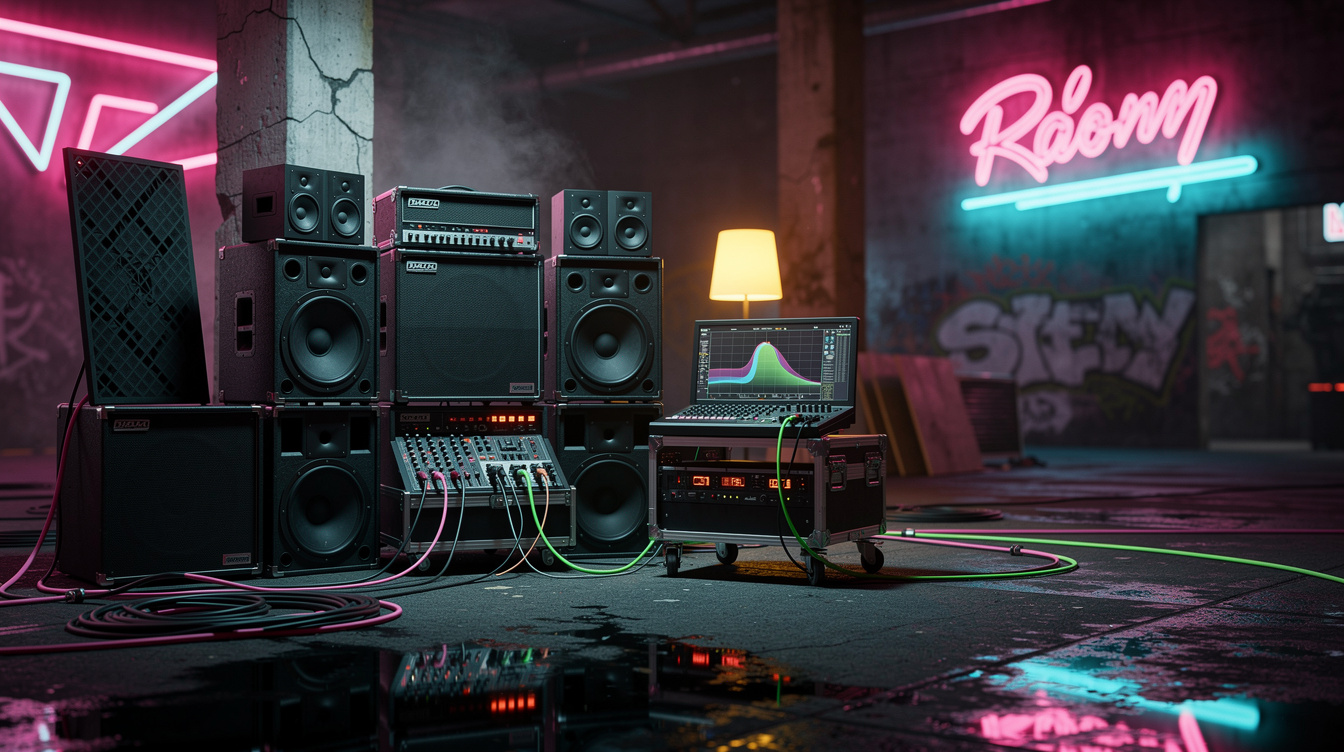
- Measure, don't guess. Put a calibrated USB mic at your listening position, run a sweep in Room EQ Wizard (REW — free measurement software), and look at the response below 200 Hz. The sharp spikes and deep dips are your modes, and they'll line up with the math.
- Move the mic and measure again. This is the step that proves the diagnosis. Slide the mic two or three feet and the peaks and dips move. A problem that moves when you move is a room problem, full stop — no amp setting does that.
- Reposition the cab and the chair. The strongest modal pressure is at the walls and especially the corners, so the classic mistake is a cab in the corner and a player against the back wall — both of you sitting in maximum boom. Pull the cab out, and get your listening position off the exact center and off the back wall, where the worst nulls and peaks live. You're hunting for the flattest spot, and you'll feel the low strings even out when you find it.
- Trap the corners. Every axial mode peaks in the corners, which makes corner bass trapping the single most efficient absorption you can add. This is where a DIY bass trap earns its volume, and where the cheap-treatment guide starts for a reason.
The Note I Was Sure Was the Amp
I had a boom on a single note — a low G, around 98 Hz — that I was convinced was a cab problem. It only showed up in my apartment, never on headphones, so I did what an engineer does and started swapping variables: different cab IR, global EQ cut at 100 Hz, even a different speaker IR pairing because I half-suspected a resonance in the cab itself. The cut helped at my desk. Then I tracked a part standing up, two feet to the left of where I'd measured, and the G was gone — not quieter, gone, a dead note in the middle of a riff, because now my 100 Hz cut was stacking on top of a modal null instead of a peak.
That was the moment it clicked that I'd been measuring the wrong thing the entire time. I pulled out REW, ran a sweep at the desk and a second one two feet left, and the plots told the whole story: a +9 dB peak at 98 Hz in one position became a −11 dB notch in the other. Twenty decibels of swing on one note across two feet of floor. No EQ move survives that, because the target isn't a frequency, it's a place. I deleted the global EQ cut, moved my chair eighteen inches off the back wall to a spot where the sweep was flattest, and put rockwool in the two rear corners. The G sat down where it belonged and stayed there whether I was sitting or standing. The amp had been innocent the whole time. I'd been blaming the instrument for the behavior of the box it was playing in.
Where This Sits Next to Boundary Loading
Room modes get confused with boundary loading, and they're related but distinct. Boundary loading is the broad, smooth bass boost a speaker gets from proximity to a wall or corner — more surfaces, more low end, no sharp peaks. Room modes are specific resonant frequencies set by the room's dimensions, with narrow peaks and deep nulls that move as you move. One is a wide tilt; the other is a comb of spikes and holes. They happen simultaneously, and a corner is the worst case for both at once — which is exactly why "cab in the corner, player against the wall" is the most common bad setup and the easiest one to fix.
If you take one thing from this: a bass problem that changes when you move is the room, and the room answers to a tape measure and a microphone, not a tone knob. Calculate your modes, measure them, move the speaker and yourself out of the peaks, and trap the corners. The notes that were jumping out and dropping dead will line up — and you'll stop spending tone-shaping moves trying to fix acoustics with EQ. The room your monitors and IRs live in is part of your signal chain whether you measure it or not. Measure it.